
Foreword
Over the past five years, e-commerce has experienced a level of dynamism unlike that of almost any other industry. Companies have had to constantly adapt—whether to new technologies, changing market conditions, or unexpected global events. From the introduction of legal regulations such as the GDPR, the Omnibus Directive, and the Accessibility Directive, to profound social and economic upheavals: E-commerce has been and continues to be a mirror of our times.
The pandemic has acted as a catalyst for digitalization, fundamentally changing consumer buying behavior and increasing pressure on retailers to invest in digital channels. At the same time, supply chains have been severely disrupted, further exacerbating the challenges facing e-commerce owners. The war in Ukraine, inflation, and the so-called e-commerce crisis have presented the industry with new challenges: retailers must restructure, streamline processes, and simultaneously respond flexibly to market dynamics.
Technological innovations are opening up new opportunities. Microservices, headless commerce, and composable commerce have emerged as key architectures, while artificial intelligence (AI) serves as another driver of technological progress—whether in the areas of personalization, process automation, or data analysis.
There have never been so many opportunities in e-commerce, but at the same time, the events mentioned above are forcing companies to rethink their strategies. Replatforming—that is, switching to a new e-commerce platform—is often unavoidable in this context. But when does such a switch make sense? What should you consider, and what alternatives are available?
This book is intended for e-commerce owners—that is, those who control the e-commerce platform—as well as managers, developers, and agencies. It serves as a guide, a toolkit, and a source of inspiration for addressing the following questions:
- When does it make sense to switch platforms, and what alternatives are available?
- How do you choose the right e-commerce platform and the right partner?
- What preparatory work is needed to ensure a successful replatforming?
- What should be taken into account during the design and implementation phases?
- How can you best prepare for the go-live?
The aim of this book is not only to provide a guide, but also to explain the background and context of the most important decisions. The success of the project depends not only on choosing the right technology, but also on a well-thought-out strategy and clear implementation.
I wish you every success on your journey toward a new and future-proof e-commerce system!
Karol Schoensee
Decision-Making Phase
The decision-making phase is one of the most critical stages in the e-commerce replatforming process. It lays the foundation for the project’s success, as this is where strategic and operational decisions are made that will shape the entire course of the project going forward. The first step is to identify clear indicators for a replatforming and determine whether optimizations to the existing store are sufficient or whether a complete switch makes more sense.
A key component of the decision-making phase is defining the goals and expectations for the new platform. This forms the basis for developing the functional requirements, which ensure that the new system aligns optimally with business processes. This phase also establishes the technological foundation—for example, whether the new platform should be a monolithic system, headless, or a SaaS solution.
In addition, careful consideration must be given to which e-commerce platform is the best fit for the company’s specific needs. Criteria such as functionality, flexibility, cost, and the ecosystem play a decisive role here. Another question that arises is whether the technical implementation should be carried out by an external agency or an in-house team—a decision that significantly influences not only the budget but also the course of the project.
The decision-making phase is supported by the development of a business case that demonstrates the project’s economic viability. Finally, a summary highlights the do’s and don’ts to help avoid mistakes and lay the groundwork for a successful project launch.
2.1Signs of a Replatforming
The following section describes signs that may indicate that your online store needs to be migrated to a new platform.
Complaints from customers and users of the online store are a particularly clear indication that improvements are needed. These often relate to issues such as slow loading times, technical errors, or the lack of modern features. Today, online store users expect basic features as standard—from a fast and intuitive product search, through filtering and sorting options, to a seamless checkout with a variety of payment and shipping options. Features such as the storage of credit card data (in compliance with PCI-DSS) are now taken for granted. If these expectations are not met, dissatisfied users will leave the store without making a purchase. While some customers voice their frustration, for example via email or in the support chat, many decide to quietly switch to the competition. Complaints should therefore always be taken seriously, as they are often just the tip of the iceberg.
On the cost side as well, employee complaints can provide important signals that action is needed. Content managers often complain about time-consuming processes for maintaining or creating content, especially when this requires developer skills or even deployments. They expect easy handling of reusable content modules and seamless internationalization that does not require manual work.
Product data managers need effective tools to update catalogs efficiently—especially for online stores with several thousand items (SKUs) and multilingual descriptions. Bulk attribute updates, such as simultaneously updating material specifications for many products, are essential in this context. A lack of automation in this area not only causes unnecessary costs but can also lead to incorrect or incomplete product information, which in turn means potential lost revenue.
For online marketers, flexibility and autonomy are essential. Campaigns and discounts, such as coupon codes, should be easy to set up in the admin panel without requiring developer intervention. In addition, tracking tools like Google Tag Manager must be easy to configure, and third-party pixels (e.g., for Facebook or Google Ads) must be able to be integrated quickly.
Employees in accounting and fulfillment also need well-coordinated processes. The automated import of order data into the ERP or accounting software must reliably include all relevant information, including billing and shipping addresses, item numbers, shipping and payment methods, as well as discounts and taxes.
In addition to the obvious signs, there are also subtle trends that could necessitate a replatforming. One example of this is a continuously rising TCO coupled with stagnating revenue. The TCO includes, among other things, hosting and licensing fees, as well as costs for in-house developers or agencies. If the store’s contribution margin declines as a result over an extended period, profitability may be at risk.
Other signs that action is needed include scalability issues or the use of outdated technologies. An online store that goes down during periods of heavy traffic, such as Black Friday, stands to lose a significant amount of revenue. It becomes similarly problematic when expanding into new countries or languages requires a great deal of effort.
Another critical indicator is the end of life (EOL) of software or libraries used in the online store. This can not only cause technical problems but also have legal consequences. Article 32 of the GDPR requires that technically adequate safeguards (“state of the art”) be implemented to ensure an appropriate level of security. If systems are not updated in a timely manner, there is a risk of data protection breaches and associated penalties.
- Complaints from external stakeholders (e.g., customers, suppliers, agencies, etc.) were noted. If isolated complaints were received, the external stakeholders were asked about any complaints, for example, through a survey.
- Complaints from internal stakeholders (employees) were noted. If isolated complaints were received, internal stakeholders were asked about any complaints, for example through a survey.
- The e-commerce owner evaluates the current platform for cost-effectiveness (e.g., the ratio of TCO to revenue) over a given period, as well as its scalability and any EOL deadlines.
2.2Define goals and expectations
Once signs of a potential replatforming have been identified, the e-commerce owner should carefully consider the goals and expectations for the new platform. These goals can be defined from various perspectives:
Cost Optimization
A key objective is often to reduce the TCO of the online store. This can be achieved by switching to software with lower licensing fees or even to an open-source system. Similarly, choosing a more cost-effective agency or using SaaS systems, which entail lower maintenance and hosting costs, can save money. However, switching costs, such as onboarding a new agency, should not be overlooked. Automation, for example through more efficient PIM or ERP integrations, can also reduce manual effort and potential errors, thereby lowering operating costs in the long term.
Scalability and flexibility
An e-commerce platform should support growth and allow for the integration of new markets or features with manageable effort. Can the system launch new products, shipping destinations, or languages without extensive development work? Can the platform handle unexpectedly high traffic, such as that generated by marketing campaigns? Does it have a marketplace for extensions and offer a wide range of developers and agencies? These questions should be clearly answered. A new system must be able to address customer and employee complaints through improved features while ensuring scalability.
Increase in revenue
Another common goal of replatforming is to increase revenue. This can be achieved through faster loading times, improved usability, or SEO optimizations—such as adding more indexed elements and optimizing meta tags. A higher conversion rate—especially on mobile devices—also contributes to this. Technologies such as PWA can help create a mobile app-like experience, with features such as offline mode, push notifications, and fast page loading.
Setting SMART Goals
It is important to clearly define expectations for the new platform. The concept of SMART goals can help with this:
- Specific: The goal should be clearly and unambiguously defined. Example: Reducing monthly license fees.
- Measurable: Progress toward achieving goals should be trackable using specific metrics (KPI), such as Google Analytics or analytics data from the e-commerce admin panel.
- Appealing: The goal should be motivating, for example by solving problems faced by customers or employees.
- Relevant: It must be consistent with the company’s strategy, such as supporting a planned market expansion.
- Time-bound: The goal should be tied to a clear timeframe.
The following are some SMART goals that are often mentioned in the context of a replatforming initiative:
- Cost optimization:
- Monthly TCO, including hosting, software licenses, and agency fees, is on average 20% lower within six months of the replatforming
- Scalability and flexibility
- The number of email customer support inquiries has decreased by 40% since the platform migration
- After the replatforming, it takes 20 minutes less to create a new blog post
- Launching a new product takes 10 minutes less
- Increase in revenue
- The conversion rate in Google Analytics improved by 20 percentage points within six months of the platform migration
- The visibility index in the SEO Crawling Tool has improved by 10 percentage points within six months of the platform migration
Before defining SMART goals, it is important to first identify the relevant KPIs for measurement. The following section lists several KPIs that are frequently used in practice.
Financial KPIs (measuring revenue, profitability, and growth)
| KPIs | DESCRIPTION | SOURCE |
|---|---|---|
| Conversion Rate | Percentage of visitors who make a purchase | Analytics |
| Average Order Value (AOV) | Average cart value | Analytics |
| Customer Lifetime Value (CLV) | Lifetime value of a customer | ERP, CRM, BI |
| Customer Acquisition Cost (CAC) | Cost of acquiring a new customer | Marketing Tools0 |
| High Margin | Difference between sales and cost of goods sold | ERP or BI |
| Revenue | Total revenue (breakdown by region/channel) | Analytics, ERP, BI |
| Shopping Cart Abandonment Rate | Percentage of abandoned purchases | Analytics |
Technical KPIs (measuring technical stability, performance, and user experience)
| KPIs | DESCRIPTION | SOURCE |
|---|---|---|
| Page Load Time | Time it takes for a page to load completely | Website Performance Monitoring1 |
| Time to First Byte (TTFB) | Server response time | Website Uptime Monitoring2 |
| Server Uptime | Store Hours | Website Uptime Monitoring |
| Error Rate | Percentage of technical errors (e.g., JavaScript errors) | Error Monitoring3 |
| Mobile Performance Score | Mobile load time / UX | Website Performance Monitoring |
| API Response Time | API Response Time | Website Uptime Monitoring |
| SEO Page Speed Score (e.g., Lighthouse) | Technical SEO Score | SEO Crawling 4 |
User-centric KPIs (measuring user experience)
| KPIs | DESCRIPTION | SOURCE |
|---|---|---|
| Net Promoter Score (NPS) | Recommendations from customers | Survey Tool5 |
| Bounce Rate | Visitors who leave after viewing just one page | Analytics |
| Pages per Session | Most-visited pages | Analytics |
| Average Session Duration | Time spent on the page | Analytics |
| Repeat Purchase Rate | Percentage of repeat customers | CRM, BI |
| Support Tickets / Complaints | Inquiries & Complaints | Survey Tool |
Process-related KPIs (measuring the performance of logistics processes)
| KPIs | DESCRIPTION | SOURCE |
|---|---|---|
| Order Fulfillment Time | Time from order to shipment | ERP |
| Return rate | Return Rate | ERP |
Strategic KPIs (Measuring the Quality of E-commerce Software)
| KPIs | DESCRIPTION | SOURCE |
|---|---|---|
| Time to market for new features | Development time for new releases | Project Management Tool 6 |
| Development effort (velocity, story points) | Hours or budget required to deliver features | Project Management Tool |
| Number of bugs by release | Stability of the new platform | Project Management Tool, Error Monitoring |
- The aspects of revenue growth, cost optimization, and scalability and flexibility were examined in order to define objectives.
- Relevant KPIs for defining goals were identified in the respective source systems.
- The goals were defined using the SMART method.
2.3Alternatives to Replatforming
Depending on the goals to be achieved and the issues that need to be addressed, replatforming isn't always the only solution. Today's e-commerce landscape offers a wide range of partners and software solutions tailored to specific challenges.
For example, a new theme or a redesigned storefront can help reduce loading times, improve SEO performance, and provide users with a more enjoyable UX. Many popular e-commerce platforms have app stores or marketplaces for extensions where ready-made themes are available. These can often be adapted to the corporate identity without significant development effort. For niche e-commerce systems or custom-built solutions, however, individual solutions are often required, which must be implemented by external service providers or internal developers. Such measures, however, merely constitute a front-end relaunch and do not represent a complete replatforming, as the back-end remains unchanged.
There are also numerous approaches to performance optimization. A Content Delivery Network (CDN) can help deliver static content such as HTML, CSS, JavaScript, product images, or videos more quickly by distributing it across a global network. Users then receive the content from geographically nearby servers, which shortens load times and improves SEO performance. In addition, caching services can be used to cache frequently accessed content on a server. This reduces server requests, speeds up loading times, and lowers costs through more efficient resource utilization.
Some providers, such as Cloudflare7, combine CDN and caching solutions with additional features. These include the automatic conversion of images to modern formats such as WEBP or AVIF, as well as measures to protect against DDoS attacks.
There are numerous tools available to improve conversion rates (CRO) and UX. A chatbot can help users with their questions quickly and easily. With the help of artificial intelligence, many inquiries can be handled automatically. However, for more complex issues or legal requirements—such as those involving the sale of pharmaceuticals—it makes sense to rely on human staff. Another useful tool is an external search engine that delivers better results than a store’s standard search. This can, for example, account for synonyms and typos or offer relevant search suggestions.
In addition, recommendation engines can be used to generate personalized product recommendations. These analyze user behavior and suggest relevant products—for example, the “other customers also bought” section in the shopping cart. A personalization engine takes it a step further by tailoring content and offers based on user data. For example, a pet food store could display personalized content for dog or cat owners on its homepage. Chatbots, recommendation, search, and personalization engines can often be easily embedded into the storefront using JavaScript.
There is also room for improvement at checkout. Express checkout solutions like Amazon Pay or PayPal Express streamline the ordering process by automatically filling in payment and address information. Wallet solutions like Apple Pay or Google Pay offer similar benefits.
When it comes to customer retention, tools such as marketing automation tools can be used to send personalized emails, text messages, or push notifications. For example, newsletters featuring relevant promotions can be created automatically. Rewards programs and loyalty point systems can also be used to encourage users to make repeat purchases and build long-term loyalty to the store.
An external CMS can also be a valuable addition—especially as requirements for content organization and editorial processes grow. Especially for internationally oriented online stores, a dedicated CMS allows content to be organized and delivered specifically by language, region, or target audience. For large teams with multiple editors, a CMS also offers clear advantages: content can be managed on a role-based basis, for example with separate responsibilities for editing, review, and approval. Through defined workflows, one editor can prepare content, another can review it, and finally publish it—supported by preview functions and scheduled publishing, for example as part of planned marketing campaigns. Modern headless CMSs can be flexibly integrated into existing shop infrastructures via API without requiring deep backend modifications. A good CMS is also intuitive to use and allows content creation without programming knowledge, sometimes even with predefined templates.
Finally, PIM (Product Information Management) software offers comprehensive support for managing and maintaining product data. It enables efficient bulk updates, supports internationalization, and optimizes data delivery to various sales channels. This helps reduce costs and shorten time-to-market.
These alternatives to replatforming demonstrate that it is often possible to address specific issues in a targeted manner without completely overhauling the entire store. Which solution is ultimately the right one depends on the individual requirements and goals of the e-commerce owner.
- We assessed whether SEO performance, user experience, or load times could be improved by implementing a new storefront (or theme).
- We evaluated whether loading times could be improved by implementing a CDN or caching server.
- We evaluated whether a chatbot or a search, recommendation, or personalization engine could improve the conversion rate and user experience.
- We evaluated whether an express checkout provider could improve the conversion rate at checkout.
- We evaluated whether customer loyalty could be improved using a marketing automation tool.
- We examined whether an external CMS could facilitate faster content publication and support internationalization,
- An assessment was conducted to determine whether a PIM could improve product data quality.
2.4Define functional requirements
Defining functional requirements is one of the most strategically important steps in a replatforming project. They serve as the central starting point for planning and executing the project and play a decisive role in its success. If the functional requirements are formulated incorrectly or incompletely, the project can fail before it has even truly begun. This results in the inefficient use of resources such as time, budget, and manpower. It is therefore essential to focus specifically on drafting precise and well-thought-out requirements.
If the company lacks sufficient experience or resources for this process, an external consultant can be brought in. Experts with experience in e-commerce can not only help structure the process but also contribute valuable insights from other projects.
The first step in defining functional requirements is to work closely with the project’s stakeholders and partners. These stakeholders have already made their presence felt in the previous chapter and signaled the need for replatforming. These discussions should include all relevant stakeholders, including:
- External partners: Current agencies, marketing service providers, ERP partners, or suppliers.
- Internal teams: Store administrators, product data managers, content managers, and other employees who regularly use the platform.
- Customers: Feedback, surveys, and reviews can provide valuable insights into the weaknesses of the current system.
It is extremely helpful at this stage to compare the findings with the current state analysis of the existing system. By analyzing the current platform and consulting with relevant stakeholders, one can determine,
- which features are already frequently used and are therefore important for the new e-commerce platform
- which features are less useful and therefore should not be included in the functional requirements, and finally
- which features are still missing.
In any case, the objectives defined in the previous chapter should be incorporated into the requirements. Essentially, the functional requirements are derived from discussions with stakeholders, the defined objectives, and the current state analysis of the existing system.
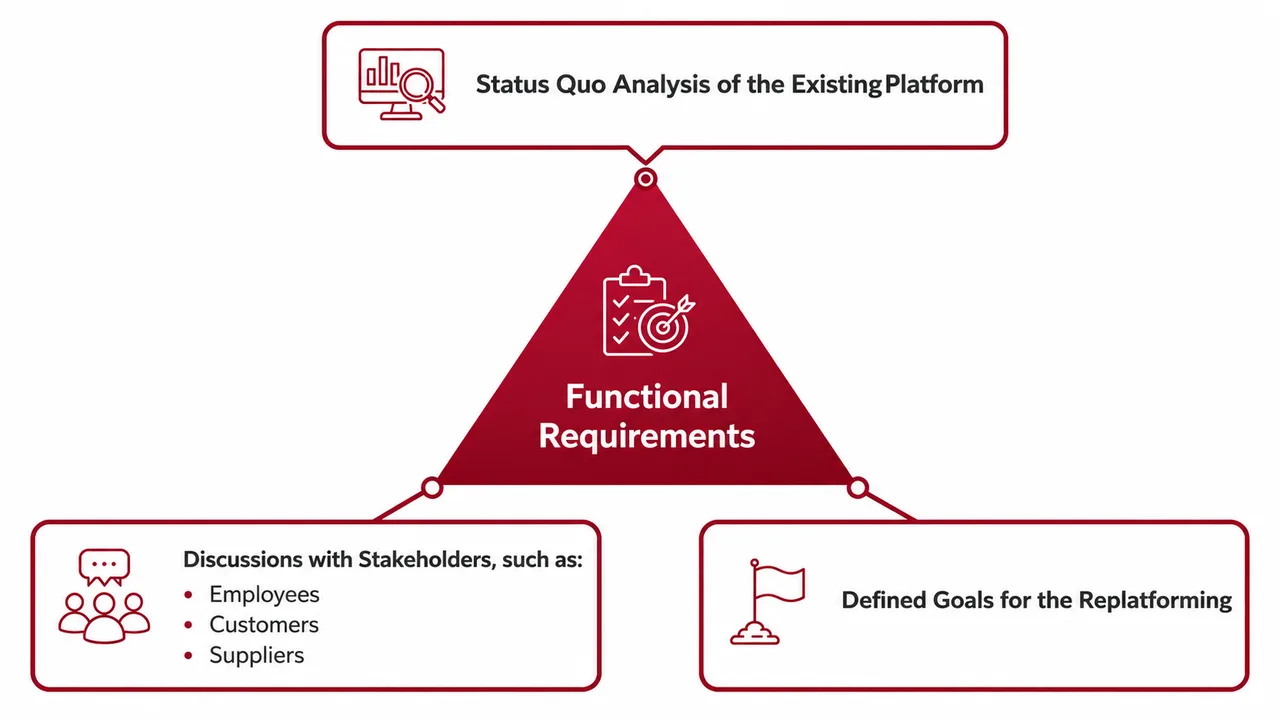
In addition, the author of the functional requirements should draw on the target audience analyses, the Business Model Canvas, and the competitive analyses presented in the following chapters. Inspiration can also be gained by using AI tools, which can serve as a sounding board for new ideas or for validating requirements.
In addition to defining the right requirements, it is equally important to formulate them correctly. These should be written in a standardized format, meaning that requirements should be recorded in a consistent and systematic manner, such as in tabular or structured text form. Grouping them by functional areas—such as product data management, CMS, pricing and discounts, administration, or integrations—provides additional clarity.
It can also be helpful to use user stories at this stage. This is a practical method for formulating requirements: Example: “As a customer, I want to be able to filter products by price, color, and brand so I can find the items that are relevant to me more quickly.” More on this in later chapters regarding the Product Backlog.
It is important here to categorize requirements into "must-haves" and "nice-to-haves": Must-haves are essential for the project's operation, while nice-to-haves describe desirable but not strictly necessary features. Must-haves must therefore be an integral part of every component of the first release. The concept of the “Minimum Viable Product” (MVP) is a useful framework here: An MVP for an e-commerce replatforming project includes the core functions needed to launch the platform and ensure the shop’s basic operations. It is a lean version of the platform that covers the most important “must-have” requirements but omits less urgent or complex features, which will be delivered in future releases. The concepts of MVP, as well as must-haves and nice-to-haves, are described in more detail in the section on the product backlog.
Finally, the requirements should be written clearly, unambiguously, and precisely to avoid misunderstandings.
A bad example: The product detail page should be SEO-friendly
A good example: The product detail page includes self-referencing canonical tags, hreflang tags, structured data in schema.org markup (including all standard fields such as SKU, name, price, availability, etc.), alt tags for images, open graph tags, and meta descriptions and titles.
Another bad example: There is an intuitive search
Here’s another good example: The header section includes a search bar that displays a dropdown menu with products and categories as results. Based on the search term, the system displays products (including price, name, and image), categories, related search terms, and content pages. Pressing the Enter key takes the user to a search results page with sorting and filtering options.
The author of the functional requirements should understand that this is not a one-time task, but an iterative process. They should be regularly reviewed and expanded throughout the project to ensure that they align with current insights and needs. This iterative approach allows for strategic adjustments to be made without jeopardizing project progress.
- Requirements were gathered from all relevant stakeholders (internal, external, and customers).
- A comparison was conducted with the current e-commerce platform, and a critical assessment was made of which features are missing, which features will be adopted, and which features can be phased out.
- The functional requirements support the achievement of the defined objectives and take into account insights gained from stakeholder, competitive, and target audience analyses.
- The requirements are formulated precisely and unambiguously, and ideally categorized into "must-haves" and "nice-to-haves."
2.5Choosing the new e-commerce platform
Once an e-commerce owner has decided to replatform and defined their requirements, they can begin to consider which e-commerce platform to choose. Before selecting a technology or e-commerce system, the foundation—in the form of the infrastructure and architecture—should be defined. The following section describes the common architectural approaches as well as their advantages and disadvantages.
The right technical foundation
Front-end architecture: Coupled or headless?
In a headless approach, the storefront is decoupled from the backend (the e-commerce business logic). Communication between the two takes place via APIs. Any user interaction in the frontend—such as adding a product to the cart, logging into the customer account, proceeding to checkout, etc.—triggers communication with the backend via API. An e-commerce system that uses, for example, Magento 2 as its backend could use a completely different storefront (e.g., based on React or Vue.js) that retrieves data via the Magento API.
This approach offers several advantages. The front end can be developed independently of the back end, meaning that deployments to update the front end can be performed separately from back-end deployments. This accelerates innovation, as design changes or new features can be implemented in the front end without requiring back-end deployments. Additionally, the e-commerce backend can provide content for various channels via API (e.g., website, mobile app, IoT), allowing the e-commerce owner to respond more flexibly to customer and market needs.
However, a headless storefront also carries certain risks and has some drawbacks. For one thing, the development effort is generally higher, as two separate systems must be managed and maintained. The additional resources and expertise required for API development and front-end technologies lead to higher costs. Furthermore, the close API communication between the frontend and backend increases technical complexity. Inefficient API integration can prolong loading times and negatively impact SEO performance.
In a coupled approach, the frontend is closely integrated with the backend, typically via PHP functions, JavaScript, and AJAX calls. Changes to the frontend often require adjustments to the backend as well, and there is usually a shared deployment. This is also the classic Magento 2 approach, in which the standard frontend is directly connected to the Magento backend (e.g., for product display).
In the classic coupled approach, there are often out-of-the-box solutions (such as extensions) available for common e-commerce systems, in which the frontend and backend work together seamlessly. Compared to headless solutions, implementation is faster and technical requirements are lower. As a result, project costs are generally lower.
However, the coupled frontend offers less flexibility, as changes to the frontend are heavily dependent on the backend. In addition, modern frontend technologies, such as modern JavaScript libraries, are more difficult to integrate into a coupled frontend, and due to the backend dependency, scalability can reach its limits as the business grows.
In summary, both coupled and headless front-end architectures have their place, and the choice of which approach is better depends entirely on the e-commerce owner’s business model. Larger and more complex (omnichannel) business models with multiple channels (e.g., e-commerce storefront as a website, iOS app, Android app, etc.) and larger project budgets will tend to favor a headless approach. In contrast, smaller retailers with a less complex business model are generally very well and cost-effectively served by a coupled approach.
Backend Architecture: A Monolith, Microservices, or Something in Between (Composable Commerce)?
In the microservices approach, the e-commerce application is divided into smaller, independent services, each of which handles a specific task, such as the product catalog, inventory management, or payment processing. Communication between these microservices and the rest of the e-commerce applications typically takes place via APIs. An example in the context of Magento 2 would be to develop a standalone microservice application for checkout that is connected to the Magento system via API.
The biggest advantage of this approach is its high scalability: each service can be further developed or customized independently. This also provides tremendous flexibility, as new services can be added easily without disrupting existing components. Furthermore, the separate services ensure greater reliability, as a failure in one service does not affect the entire system.
However, the microservices approach also has its drawbacks. It often involves higher costs, as it requires additional resources for development, infrastructure, monitoring, and debugging. Complexity also increases, as coordinating API communication between services is challenging. Finally, hosting and infrastructure costs can be significantly higher due to the large number of services.
A monolithic system, on the other hand, integrates all functions—from the front end and back end to the database—into a tightly coupled codebase. In a standard Magento 2 installation, for example, core functions such as search, filtering, product management, and checkout are combined into a single system.
The monolith is characterized by ease of development and management, as only a single codebase needs to be maintained. Extensions and customizations can often be integrated with relatively little effort, enabling a faster time-to-market. Monolithic systems are less resource-intensive and incur lower hosting and infrastructure costs than microservices.
However, the monolithic architecture also has its weaknesses: flexibility is limited, which makes major customizations and expansions time-consuming and expensive. As traffic increases or requirements expand, scalability can quickly reach its limits. Additionally, the accumulation of technical debt—especially with extensive customizations—leads to higher maintenance and update costs.
A composable commerce approach strikes a balance between microservices and monolithic architectures. It involves combining specialized systems in a modular way to create a customized solution. For example, in Magento 2, product management could be supplemented by a PIM system such as Akeneo, content management could be handled by a CMS such as Storyblok, and the native search could be replaced by a search tool such as Algolia.
The advantage of this approach lies in the "best-of-breed" principle, which maximizes the performance of each function by integrating specialized systems. This offers greater flexibility and future-proofing, as individual components can be replaced as needed without affecting the entire system.
However, composable commerce introduces increased complexity, as integrating and coordinating the various systems is challenging. Added to this are higher costs, both from initial investments in development and licensing and from ongoing maintenance and upkeep of the integrations. Additionally, administrative overhead arises from working with different vendors. From a technical standpoint, dependencies and compatibilities between the systems must be carefully considered.
The choice of backend architecture therefore depends on the project’s requirements. While a monolithic architecture offers manageable complexity and lower costs, its flexibility and scalability are limited. Microservices allow for high adaptability and scalability, but come with higher costs and greater coordination efforts. Composable Commerce offers a balanced approach by combining the advantages of a monolith with specialized systems, but it is more complex and often more costly. Choosing the right architecture ultimately comes down to balancing flexibility, cost, and technical feasibility.
The deployment model: SaaS or on-premises, or perhaps something in between (PaaS)?
In the SaaS model, the e-commerce software is provided and fully hosted by an external provider. The provider supplies the entire infrastructure, including regular software updates. Access is granted in exchange for a monthly or annual fee. A prominent example of a SaaS e-commerce solution is Shopify. Here, the e-commerce owner has the option to customize the provided features, though without direct access to the source code. Customizations to the business logic require either the use of extensions or an external application that is integrated as a microservice via API.
The main advantage of SaaS is its low technical complexity. E-commerce owners do not have to worry about hosting, server management, or updates, as these tasks are handled entirely by the provider. As a result, implementation is quick, and usage costs can be calculated transparently, enabling clear cost control.
However, SaaS offers only limited flexibility, as the e-commerce owner cannot make direct changes to the code. There is also a dependency on the provider, since new features and updates are made available only by the provider. Data sovereignty also remains an issue, as all data is stored on the provider’s servers.
With an on-premises solution, the e-commerce software is hosted on the business’s own servers or with a cloud provider such as Amazon Web Services, Google Cloud, or Azure. In this case, the e-commerce business owner bears full responsibility for configuring, managing, and maintaining the infrastructure, including updates, backups, and data security. Well-known examples of on-premise solutions include the open-source versions of Shopware 6 and Magento 2.
The main advantage of on-premises solutions is the complete control over the infrastructure. Customizations can be made on an individual basis, and there is no reliance on an external provider. This allows for maximum flexibility, especially for e-commerce systems with specific requirements.
However, a drawback is the high initial cost of purchasing and setting up servers, as well as the ongoing costs of operation and maintenance. On-premises solutions also require specialized IT staff to manage the infrastructure. With cloud providers offering pay-as-you-go models, hosting costs can be difficult to calculate. Managing traffic spikes—such as those during seasonal peaks like Black Friday—can also be challenging if automatic scaling isn’t in place.
The Paas model offers a middle ground between SaaS and on-premise solutions. Here, the provider offers a platform on which the e-commerce owner can install and manage their own software. The underlying technical infrastructure—including servers, databases, and caching—is provided by the provider. However, the e-commerce owner has access to the source code and can customize the business logic as needed. A well-known example of PaaS is Adobe Commerce Cloud, the licensed version of Magento 2.
PaaS offers more flexibility than SaaS, as e-commerce owners can customize the business logic. At the same time, it eliminates the need to set up and manage the infrastructure, which reduces the technical overhead compared to on-premises solutions.
However, the costs associated with PaaS are generally higher than those for SaaS, primarily due to licensing fees and the potential need for developer resources to handle customizations. In addition, a certain degree of dependency on the provider may arise, particularly when scaling the infrastructure.
In summary, SaaS offers low administrative overhead and a fast time-to-market, but is less flexible. On-premise solutions, on the other hand, offer maximum control and flexibility but require significant investment and specialized IT expertise. PaaS combines elements of both models, striking a good balance between flexibility and reduced infrastructure costs, albeit at a higher price.
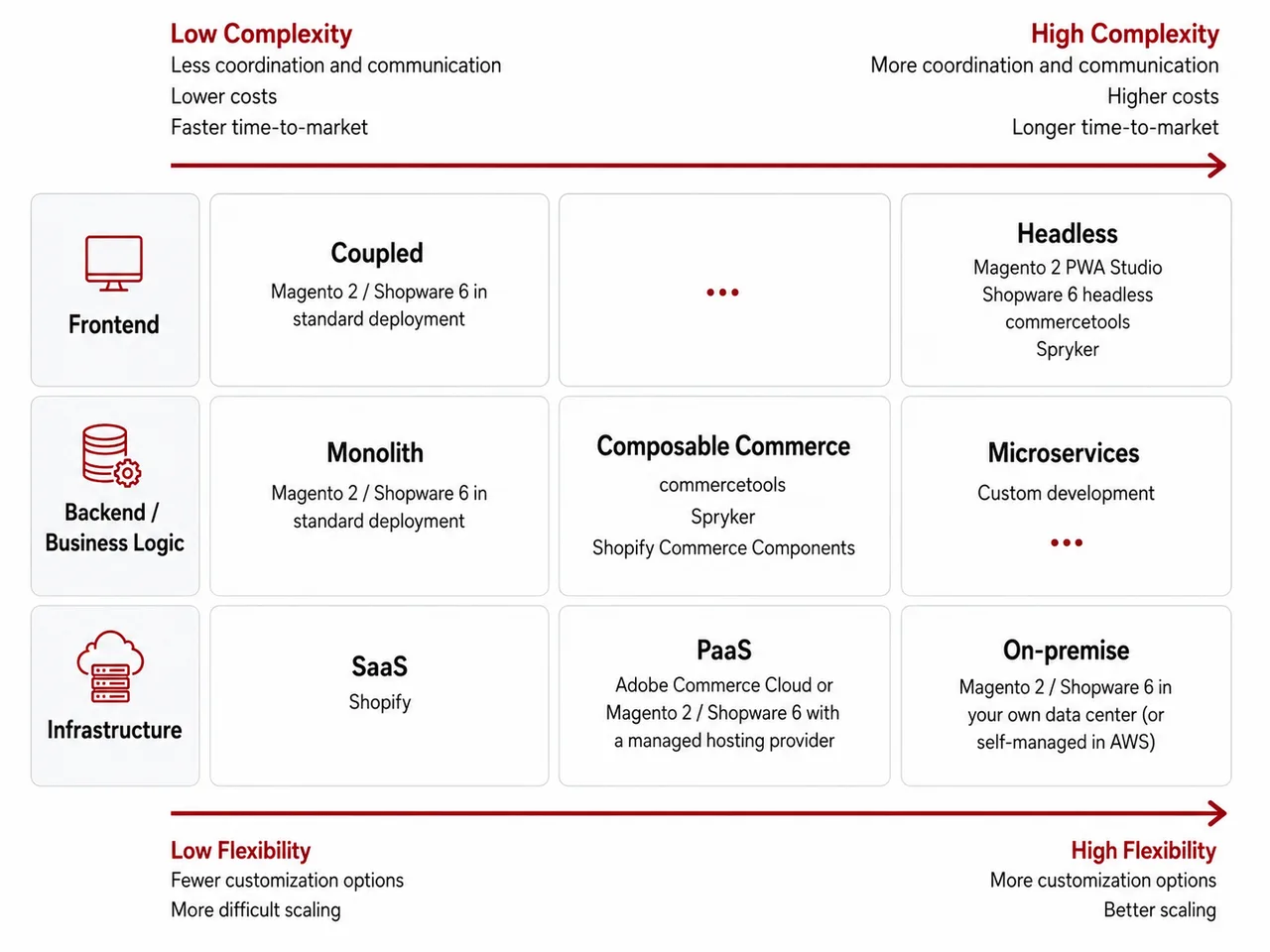
A SaaS solution, along with a coupled frontend and a monolithic architecture, is particularly well-suited for smaller projects. These are often characterized by a smaller budget, lower revenue, manageable requirements, and a simple business model—a typical scenario for startups. In contrast, larger retailers who are already economically successful and wish to scale or expand their business tend to favor a microservices or headless architecture. Such approaches offer the necessary flexibility and scalability to handle complex requirements and a sophisticated business model.
The key question when choosing an architecture and deployment model is: Do I adapt my business to the software, or do I adapt the software to my business?
To make the right decision, it is essential to carefully analyze the specific requirements and goals of the project and compare them with the respective strengths and weaknesses of the various approaches. Only then can the technological foundation be selected that meets both the current needs and the long-term growth plans of the e-commerce owner. This is exactly what is described in the next section.
Criteria for Choosing the Right E-Commerce Platform
Choosing the right e-commerce system depends largely on which technological foundation best aligns with the e-commerce owner’s goals and requirements. It is important to determine whether a SaaS, on-premise, microservices, composable commerce, monolithic, coupled, or headless architecture best supports the strategic and operational requirements. The chosen architecture should align perfectly with the company’s planned IT strategy.
Another equally important factor is the system’s ability to meet your specific functional requirements. Platforms with extensive out-of-the-box features are often well-suited for business models with standardized requirements. For more complex or specific requirements, however, customizations or the use of third-party extensions are necessary to achieve the desired result.
In addition to technical considerations, other factors also play an important role. The availability of agencies and developers with experience in the respective platform is essential to ensure smooth implementation and maintenance. A broad network of partners ensures that the e-commerce owner can easily switch between agencies or bring in additional developers as needed. In addition, the maturity of the ecosystem—such as the number of extensions, discussion posts on Stack Overflow, or GitHub activity—provides an indication of how well the platform is supported. Platforms with an established community and a long-standing market presence typically offer faster solutions for bugs or the introduction of new features.
Another important consideration is the platform’s future-proofing. E-commerce owners should check whether the provider releases regular updates and communicates a clear roadmap for future development. The transparency and predictability of costs—such as license fees, fees for extensions, and ongoing operating costs—are also key decision-making criteria.
Finally, the company’s in-house expertise plays an important role. If the e-commerce owner has an internal IT team with experience in the technology stack of the new e-commerce platform, this can accelerate implementation and increase the system’s adaptability. This internal expertise also strengthens long-term independence from external service providers and ensures greater control over the project.
- The e-commerce owner and decision-makers are familiar with the architectural paradigms for frontend (coupled vs. headless), backend (monolithic, composable, microservices), and deployment (on-premises, Paas, and SaaS).
- The advantages and disadvantages of the various architectural paradigms were compared in terms of their ability to achieve the defined goals.
- We verified whether the new e-commerce platform met the functional requirements.
- “Soft” factors were evaluated, such as the platform’s long-term viability (are there major investors or companies behind the software?), the size and maturity of the ecosystem (number of extensions and available agencies), and in-house expertise.
2.6External Agency vs. In-House Team
The decision of whether to have an external agency or an internal development team handle the technical implementation of an e-commerce replatforming project is a strategically important step. Each option has advantages and disadvantages that affect project duration, costs, and long-term flexibility. In some cases, a hybrid approach may also be advisable to combine the best of both worlds.
Option 1: External agency
Working with a specialized agency offers many advantages. Agencies often have extensive experience with specific software solutions or modern architectures such as microservices, headless, or composable commerce. They typically offer a broader range of services that goes beyond pure development to cover areas such as testing, design, and online marketing, thereby creating synergies. Thanks to their resources, agencies can scale quickly and drive implementation forward at a rapid pace.
However, working with an agency also presents challenges. Communicating with external developers can be more difficult, and there is often less transparency throughout the project if the agency’s project management team is in charge. In addition, costs can be difficult to plan for in the long term: daily rates may be adjusted after a certain period, and cost overruns are not uncommon. Another risk is dependence on the agency. If the collaboration ends, valuable expertise that was not built up within your own team may be lost.
Option 2: In-house development
An in-house development team offers clear advantages, particularly when it comes to project oversight and management. In-house employees are more familiar with the company’s processes and goals and can seamlessly integrate them into the implementation. Communication is more direct, which is especially beneficial when urgent adjustments or problem-solving are required. Another advantage is long-term cost control, as only personnel costs are incurred and daily rates do not come into play. At the same time, the project builds valuable technical expertise internally, thereby avoiding future dependencies.
However, in-house development also presents challenges. The team may not be scalable in the short term, as new employees must be hired and trained. On the other hand, existing resources may be tied up by the project, which can hinder other initiatives within the company. In some cases, this can extend the development time, especially if the team has little experience with the new technology. Since the company lacks experience with the new e-commerce technology, it is difficult to accurately assess the capabilities of the in-house developers.
Option 3: Hybrid Model
The hybrid model combines the advantages of both approaches. Under this model, an agency handles the initial implementation through to go-live, while the internal team takes care of maintenance and further development. This model is particularly efficient when responsibilities are clearly defined. Workflows such as deployment processes, code reviews, and testing must be carefully coordinated to function smoothly. Knowledge transfer plays a central role here: The agency should provide documentation and train the internal team accordingly.
This model allows the company to leverage the agency’s expertise to ensure a rapid launch of the MVP, while also securing long-term independence by building internal expertise.
- The company assessed whether sufficient expertise and resources were available for the project (developers, designers, testers, system administrators, project managers, etc.).
- If an external agency is being considered for the project, the pros and cons of working together will be weighed.
- It was clarified whether the external agency would essentially carry out the project on its own or whether there would be collaboration, for example, at the developer level. Responsibilities were clearly defined.
2.7Choosing the Right Agency
Choosing the right agency is a crucial step, because it should not only handle the technical implementation but also serve as a long-term partner with the expertise and flexibility to support the project’s goals. Here are the key factors to consider when selecting the right agency:
Communication is a key factor in any project. A common language and, where applicable, geographical proximity can greatly facilitate meetings, coordination, and collaboration. A face-to-face meeting on-site can be particularly helpful during critical phases (e.g., the project go-live) or when dealing with complex requirements.
You should first verify whether the agency has solid experience with the desired platform (e.g., Magento 2, Shopware 6, Shopify, etc.) and the desired architectural approach (e.g., headless commerce, microservices, or on-premise). In addition, the agency should specialize in the relevant business model (B2B, B2C, D2C, dropshipping). Certifications or partnerships with the platform can serve as proof of their expertise.
References and reviews from past clients can be particularly helpful. They provide insight into the agency’s working methods, its reliability, and its ability to successfully complete projects. If the agency does good work, it will provide one or more client contacts so you can learn more about their collaboration. You should definitely take advantage of this opportunity. A live demo or a presentation of a similar project by the potential contractor can help build trust and determine the “gut feeling.”
You should also check the team size and the availability of specialized developers, perhaps by visiting the agency’s website. It is important to assess the developers’ expertise in various technologies to ensure that there are enough experts available for your platform and requirements.
Many agencies offer a wide range of services that go beyond mere development. These include design, SEO/marketing, UX consulting, testing, and A/B testing. Depending on the project requirements, it makes sense to choose an agency with a comprehensive range of services in order to leverage synergies.
The agency’s working methods and project management model should be a good fit for the company. Whether it’s SCRUM, Waterfall, or a hybrid approach—the agency should have clear processes in place. The choice of communication tools is also crucial: Will they use Slack, email, or joint sprint reviews? Does the client receive their own access to the project management tool (e.g., JIRA) to track the status? Transparency and regular updates are essential for the project’s success.
The agency’s pricing model should align with the client’s budget and spending policy. Common models include time-and-materials (T&M), fixed-price, or agile fixed-price. With fixed-price proposals, it is important to pay attention to the level of detail: Are all requirements (see the previous chapter on your own requirements) covered in detail, or are there unclear areas that could lead to additional billing? Comparing quotes and asking specific questions can help if individual items seem disproportionate.
The contract should clearly define responsibilities and deadlines. If the contract is disproportionately favorable to the contractor, it should be scrutinized. You should also examine how the agency plans to handle support and maintenance after the go-live. Are there multiple service packages and developer quotas? Does it offer support with Service Level Agreements (SLAs)? Is there roadmap consulting for future developments? It is also important to determine whether the original team will continue to provide support or if a new team will take over.
Personal chemistry plays a role that should not be underestimated, and it is extremely helpful to get to know the team—and especially the project manager—during the initial phase. A live demo or a presentation of another client project can help you assess the agency’s working methods and quality. Mutual rapport and trust foster productive collaboration.
- The agency has proven expertise and experience (e.g., in the form of client references) with the desired e-commerce platform.
- The agency has a sufficiently large team and offers additional services that will create synergies for the project (e.g., design, testing, online marketing, hosting, etc.).
- The pricing model and project management approach are fair and transparent. The proposal and contract reflect the assumptions made during the preliminary discussions. In particular, the proposal was reviewed in light of the defined functional requirements.
2.8Making a decision based on a business case
The previous sections described how to choose the right e-commerce platform. They also provide e-commerce owners with guidance on whether the project should be implemented in-house by their own team or by an external service provider. This section discusses whether the project should be carried out and whether it is cost-effective. Creating a business case can help answer this question. It typically includes a comparison of the expected benefits and the costs incurred by the project. It is helpful to develop multiple scenarios to cover conservative, realistic, and optimistic cases. Two examples of business cases are outlined below.
Business Case A: The e-commerce owner wants to work with an external agency on a project to improve the storefront’s loading times and UX. The potential partner and the e-commerce owner therefore expect an improvement in the conversion rate. In addition to the fixed price for implementing the project, there are annual license fees for the e-commerce software.
| KPI | CONSERVATIVE | REALISTIC | OPTIMISTIC |
|---|---|---|---|
| Current revenue | €10,000,000.00 | €10,000,000.00 | €10,000,000.00 |
| Number of orders | 35000 | 35000 | 35000 |
| Number of users | 1300000 | 1300000 | 1300000 |
| Current shopping cart total | €307.69 | €307.69 | €307.69 |
| Current Conversion Rate | 2.50% | 2.50% | 2.50% |
| Improvement in conversion rate (percentage points) | 5.00% | 10.00% | 15.00% |
| Improved conversion rate | 2.63% | 2.75% | 2.88% |
| Increased revenue in EUR | €10,500,000.00 | €11,000,000.00 | €11,500,000.00 |
| Increase in revenue in EUR | €500,000.00 | €1,000,000.00 | €1,500,000.00 |
| Project costs (fixed price) | €190,000.00 | €190,000.00 | €190,000.00 |
| Annual license fees | €10,000.00 | €10,000.00 | €10,000.00 |
| Return on Investment | 1,5 | 4 | 6,5 |
The e-commerce owner tracks the above KPIs in their analytics tool. For each of the three scenarios, conservative (5%), realistic (10%), and optimistic (15%) assumptions are made regarding the improvement in the conversion rate. The e-commerce owner calculates that revenue will increase by approximately €500,000.00, €1,000,000.00, and €1,500,000.00, respectively. Each scenario results in a positive return on investment, meaning the e-commerce replatforming should be profitable.
Business Case B: The owner of a B2B e-commerce store wants to implement a new e-commerce platform using their own developers and integrate it with a PIM, CRM, and CMS to automate processes and reduce manual effort. The e-commerce owner expects this to result in a reduction in personnel costs. The relevant employees—including content managers, marketers, product data managers, customer support staff, and field sales representatives—will be able to work faster and with fewer errors, allowing them to use their time for other tasks.
| KPI | CONSERVATIVE | REALISTIC | OPTIMISTIC |
|---|---|---|---|
| Current Labor Costs for E-Commerce | €1,500,000.00 | €1,500,000.00 | €1,500,000.00 |
| Reduction in personnel costs (%) | 10.00% | 20.00% | 30.00% |
| Reduced personnel costs in € | €150,000.00 | €300,000.00 | €450,000.00 |
| Project costs (personnel costs for in-house developers) | €250,000.00 | €250,000.00 | €250,000.00 |
| Return on Investment | -0,4 | 0,2 | 0,8 |
In the conservative scenario, the return on investment is negative, while in the realistic and optimistic scenarios, the return on investment is positive. There is therefore a risk that the project will not be worthwhile.
In the two examples above, it is important to note that only one-time and isolated project costs are taken into account. However, the e-commerce owner should instead consider the total cost of ownership (TCO), including hosting, maintenance, and support, over several years.
- There are plenty of KPIs and sources available for calculating a business case.
- The business case considers at least three scenarios: conservative (worst-case), realistic, and optimistic (best-case).
- The business case is based on realistic assumptions. These assumptions have been validated by external parties or third-party sources. The business case has not been “painted in a favorable light.”
2.9Dos and Don'ts During the Decision-Making Process
During the decision-making phase of a replatforming project, there are a few key dos and don’ts that can determine its success even before the project officially begins. E-commerce owners should not be blinded by trends like headless or microservices if they do not align with actual requirements and goals—technology should always be a means to an end. Many smaller retailers with a simple business model do not need complex architecture that incurs significant costs. Instead, one should carefully evaluate the platform and consider its maturity and scale. A strong community, numerous extensions, and a mature agency ecosystem—such as those found with Magento 2 or Shopware—can offer decisive advantages.
In addition, e-commerce owners should avoid choosing an agency based solely on the lowest bid or hourly rate. Quality comes at a price, and choosing the wrong agency can end up costing more in the long run or lead to additional budget allocations. Instead, you should focus on finding the right expertise and a solid team with clearly defined roles for your project. Tip: If the agency calculates a business case on its own, this demonstrates confidence in its own capabilities.
The various partners in the project should also be chosen carefully. Involving too many agencies or teams leads to increased coordination and communication, which in turn can quickly result in coordination issues and delayed decisions. A broad service portfolio from agencies will help avoid such challenges by creating synergies and reducing unnecessary meeting time.
Finally, e-commerce owners should not “dress up” the business case to justify the project—unrealistic assumptions can jeopardize profitability down the line. It is better to rely on transparency and data-driven insights from analytics tools to make a decision that is sustainable in the long term.
Analysis
The analysis phase often consumes the most resources in an e-commerce replatforming project. During this phase, the current state of the existing platform is thoroughly examined to identify opportunities and requirements. The focus is not only on the technological foundations but also on the functional aspects of the storefront, the admin area, and the entire system landscape. Only with a clear and detailed analysis can well-founded and fact-based decisions be made regarding the future platform.
A key focus of this phase is the analysis of business aspects. Revenue, conversion rates, and customer feedback provide valuable insights into the e-commerce system’s economic performance and help identify opportunities for optimization. In addition, a stakeholder analysis examines which internal and external stakeholders are affected by the platform and what interests and expectations they bring to the table.
It is also crucial to analyze competitors and target audiences in order to position the replatforming effort correctly. A detailed target audience analysis reveals customers’ needs and purchasing motivations, while a competitor analysis helps identify opportunities for differentiation and best practices.
In addition, the Business Model Canvas is used to gain a comprehensive understanding of the e-commerce business model and to develop concrete strategic approaches. The analysis phase concludes with an overview of the most important dos and don’ts to avoid common mistakes and ensure that the analysis delivers sound results that can serve as a solid foundation for the subsequent project phases.
3.1Analysis of the Current Situation
Analyzing the current state of the existing e-commerce system is one of the most important—and arguably most challenging—tasks in a replatforming project. This process should take both technological and business aspects into account and include a functional analysis of the storefront and the admin area. In addition, the system landscape should be described. Since the current state analysis requires both a very good, comprehensive understanding of the current e-commerce system and a solid basic understanding of e-commerce IT in general, this step consumes a significant amount of time and staff resources. At the same time, the analysis of the current state lays the foundation for defining the requirements for the new e-commerce system.
Technological aspects
When it comes to technological aspects, KPIs related to technical performance are tracked, such as load times, time-to-first-byte, First Contentful Paint, page file size, uptime, etc. In addition, the e-commerce owner should ask qualitative questions about the current technology, such as how often store updates are released, how the hosting works, and whether it is scalable as traffic, products, and languages grow. It should also be verified whether a certain level of security is guaranteed. This last point should also be examined from a GDPR perspective, as the e-commerce owner could face legal issues in the worst-case scenario. Furthermore, from an SEO perspective, “Web Vitals” (e.g., Cumulative Layout Shift, Largest Contentful Paint, First Input Delay) are becoming increasingly important.12
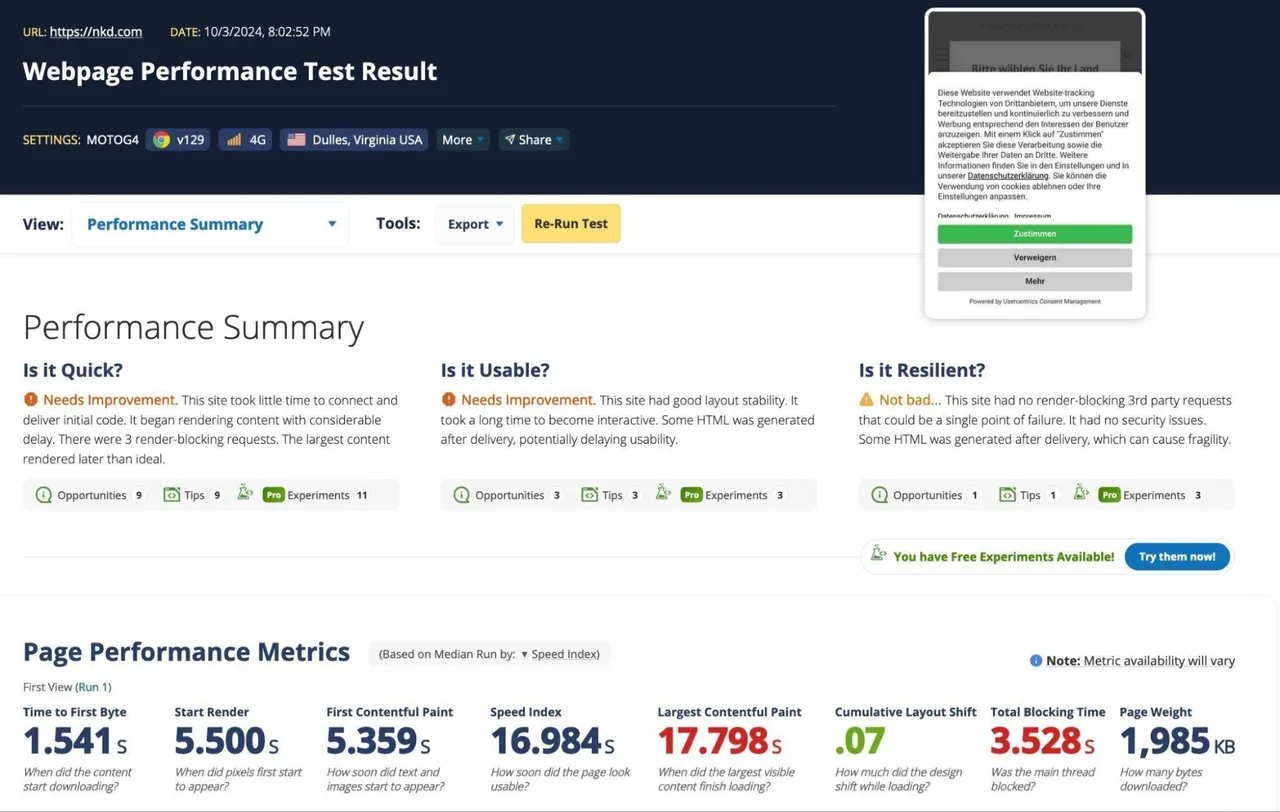
On the webpagetest.org website, you can run tests for page load times and Web Vitals
Functional Analysis of the Storefront and Emails
The functional analysis of the storefront and emails covers all features visible to the end user. It is important to describe all relevant devices (desktop, tablet, and mobile).
With regard to navigation and search in the storefront, the following features should be considered:
- How does the search function work? What types of entities are searched for based on a search term? Are they products, categories, brands, and related search terms? Are content pages, such as guides, FAQs, and blog posts, also searched? Is there any error tolerance, so that, for example, “shirt” returns the same search results as “shyrt”? In addition to the autosuggest flyout, is there a separate search results page with filters and sorting options?
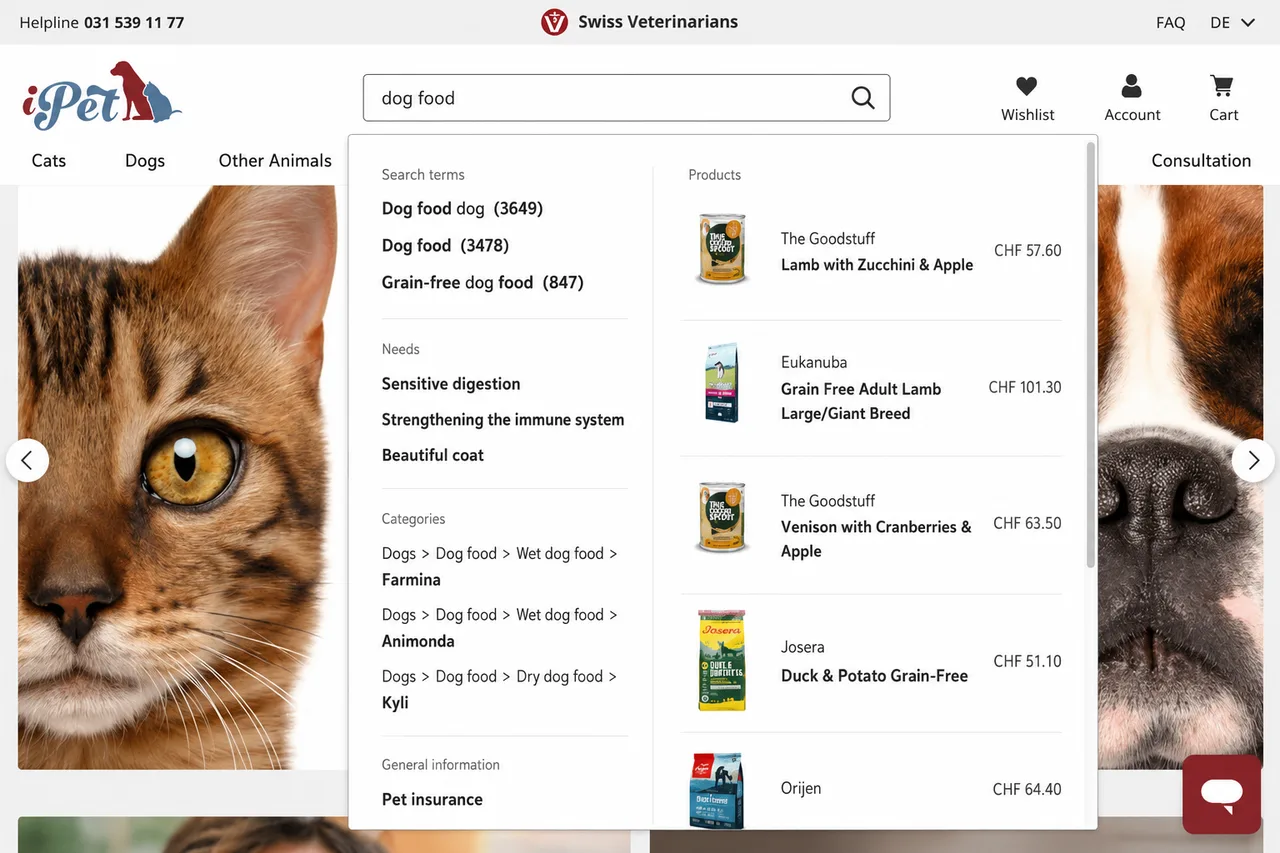
Autosuggest flyout on iPet.ch
- How does category navigation work in the header area? How many categories are displayed on the storefront? How many levels of subcategories are there? Is there a button that displays all categories? Are these only product categories, or are landing pages, other content pages, and external URLs also linked? What does the category navigation look like on mobile devices?
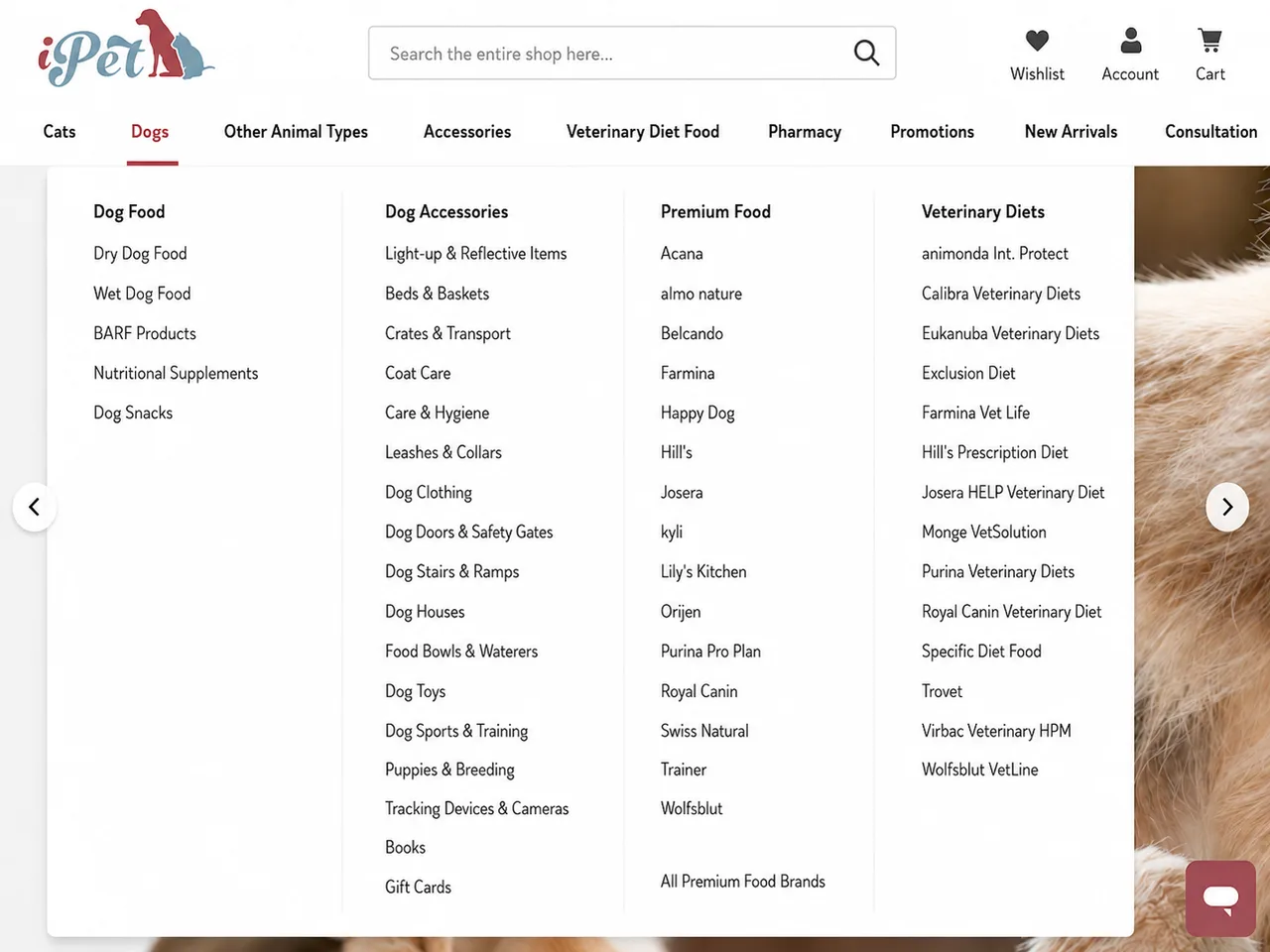
Category navigation on iPet.ch
- Is there a selector for different languages, shipping countries, or currencies? How does the URL or domain structure change after the switch? Are subfolders or subdomains used for the different languages? Is there a geolocation mechanism in the background that directs the user to a specific language based on their IP address or browser settings?

Country and language selector on lowa.com
- How does the footer navigation work? Does it use the same content as the category navigation, or is it a separate navigation menu? Are legal pages (e.g., Terms and Conditions or Legal Notice) and content pages (e.g., About Us) linked? Are links to social media included?
With regard to the homepage, landing pages, and content pages, the focus should be on describing the components used and their responsiveness. This includes, for example:
- Which teaser components (images) are used? Are they only large hero teasers (banners) that span the full width of the screen or the width of the container? Are there multiple images that rotate automatically over time or that the user must click on using arrows? Are there teaser components with two, three, or more images per row? Are there call-to-action (CTA) buttons and selectable text on the image?
- Are videos used in addition to images? Where do the videos come from? If the videos come from external sources (YouTube, Vimeo, etc.), are they embedded in a GDPR-compliant manner via user consent?
- Are there any text components? If so, what text formatting is visible (e.g., bold, italics, links)? Are there components that include both text and teasers in a single row? Are there text paragraphs that span multiple columns?
- Does the site include e-commerce components, such as a product carousel or product grid? What information is displayed in the product tiles? Does it include the product image, price, product name, stock availability, and reviews? Is there a hover effect that, for example, enlarges the image? Is there an “Add to Cart” button? How are additional products loaded in a carousel, e.g., via an arrow or by automatically rotating?
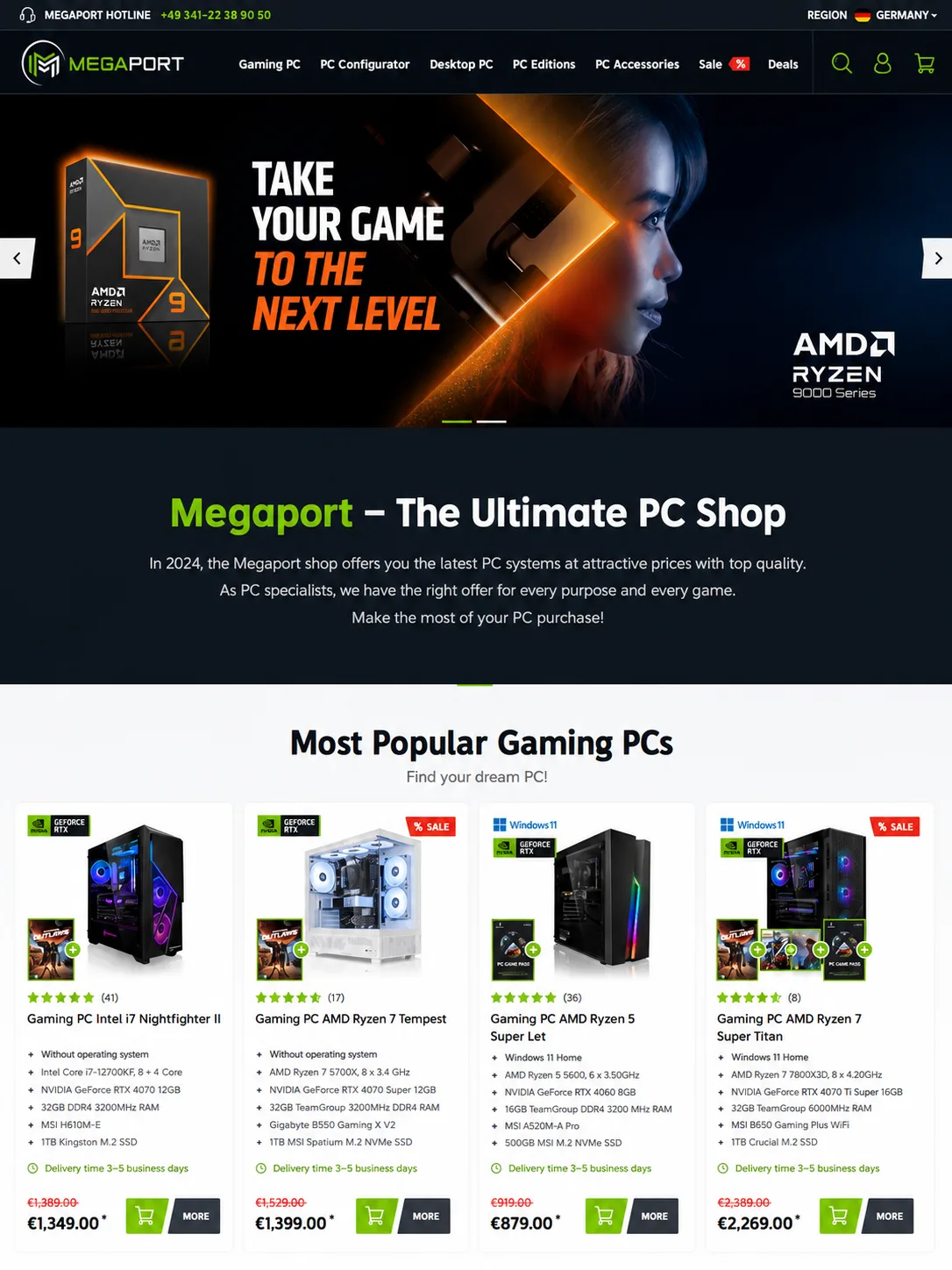
The top section of the homepage, featuring hero, text, and e-commerce components, on Megaport.de
- Are content pages categorized, or is there a submenu? Are there blog, FAQ, or guide features that allow users to search for, sort, or filter content pages?

The blog (Dog and Cat Guide) on iPet.ch
On a category page, users will be able to refine their product search using filters and sorting options. The following elements should be described:
- Where are the filters located—horizontally above the product results or vertically in the sidebar? Which attributes are used as filters (facet navigation)? How are the filter options used, e.g., with a slider (especially for the “Price” filter), via an input field, or via checkboxes? Can you search within the filter, e.g., for “brand names”? How are the filter options sorted—alphabetically or by the highest-ranked product results? Are subcategories displayed?
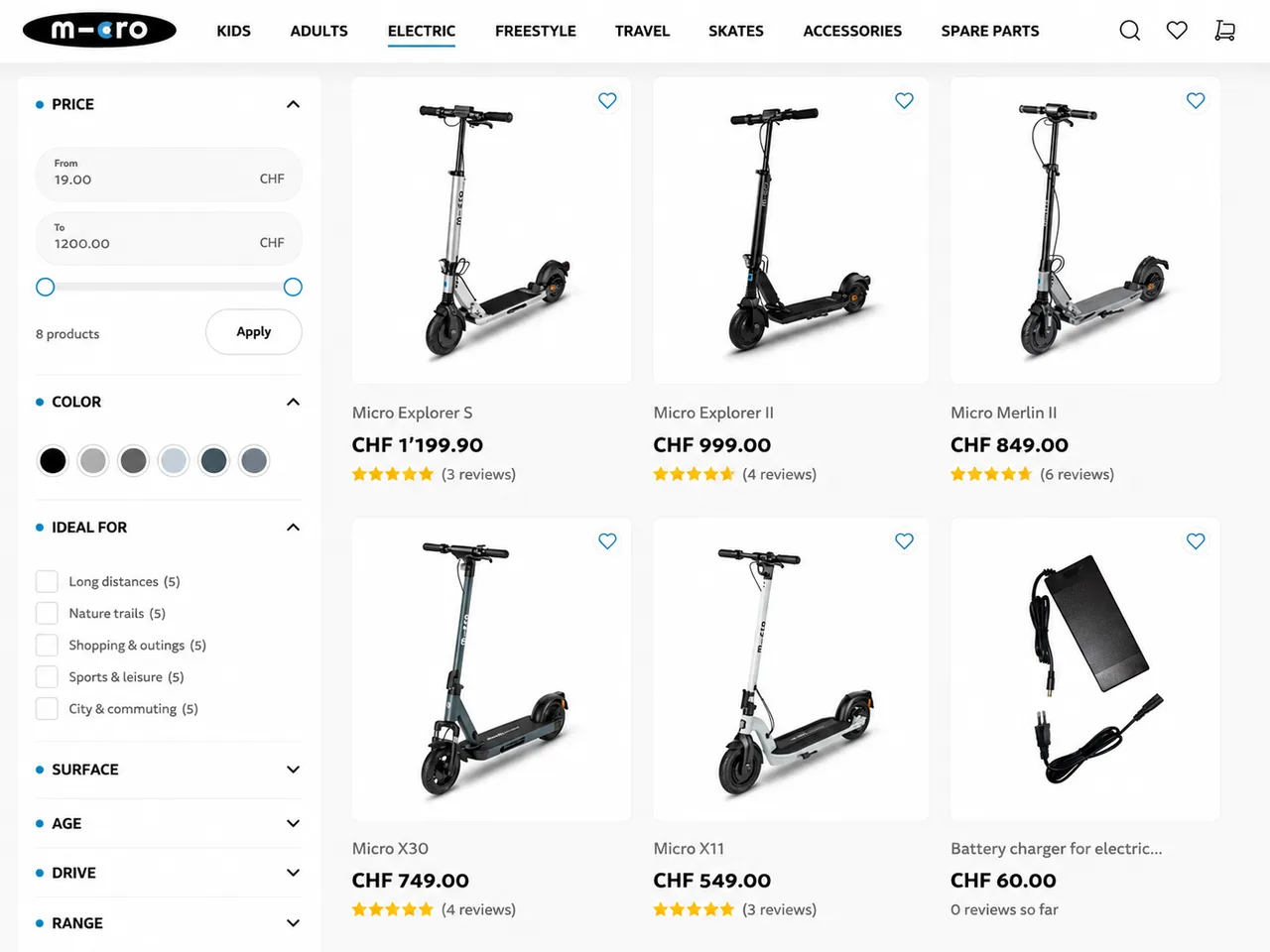
Category page, including filters in the vertical sidebar, on micro-scooter.com
- What sorting options are available? Are they limited to product name (alphabetical order) and price? Can you sort by bestsellers (based on the number of sales)? Are there other sorting options, such as customer reviews?
- Can you switch between different views, such as a grid (multiple product tiles per row) and a list view (one product per row)? Can you change the number of products per page?
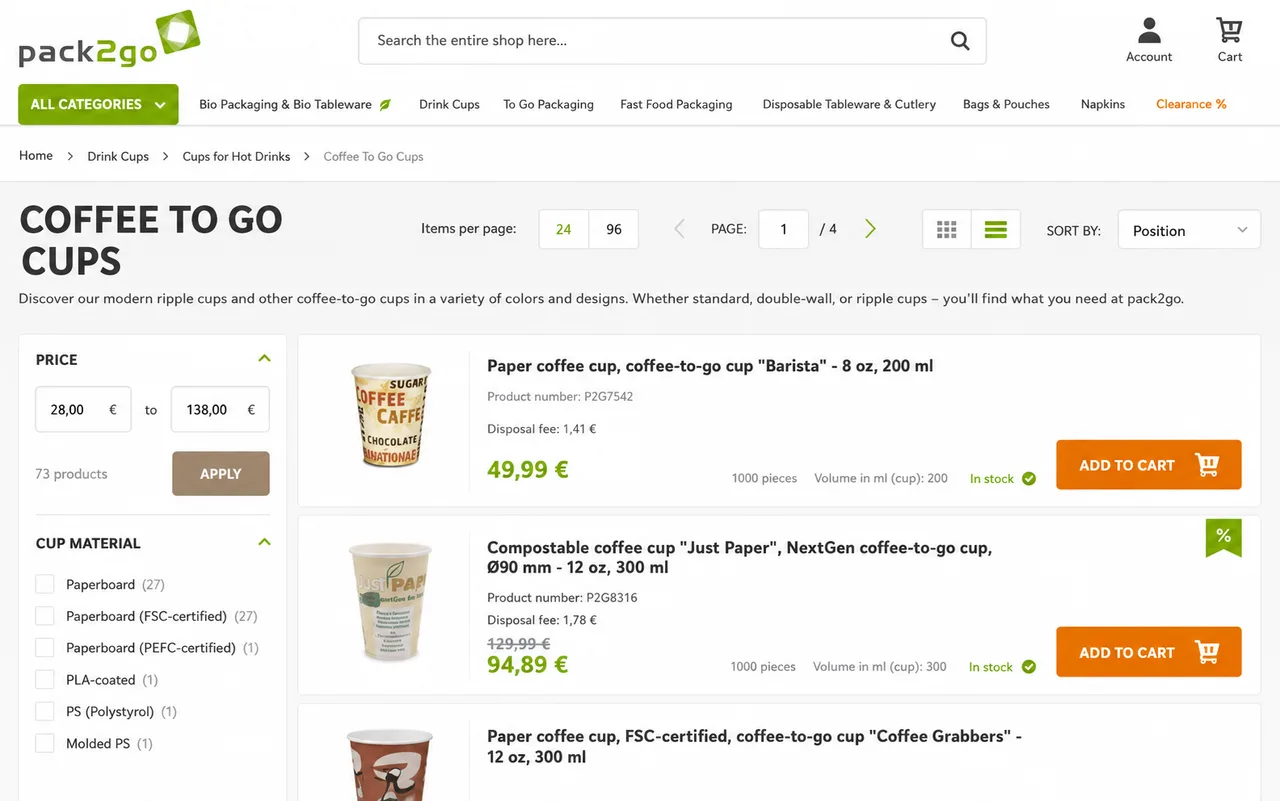
Customizing the category view (List/Grid View Switcher and adjusting the number of products per page) on pack2go.de
- How are additional pages loaded? Is there traditional pagination (Page 1, Page 2, etc.), a “Load More” button (more products load when clicked), or infinite scroll (additional products load as you scroll)? How do the filter links behave from an SEO perspective, and are the URLs of all filter combinations indexable by search engines?
- Is there a content section on the category page, such as images and (SEO-relevant) text?
On the product detail page, users will find much more information about the product. In particular, the following features should be highlighted:
- How are product images displayed? Is there a gallery with multiple images, and can users enlarge the product image using a zoom feature? Can videos be displayed instead of images?
- What information is included in the Buy Box (the section with the "Add to Cart" button and prices)? Is it the product name, category, and, if applicable, the brand? Is only a price listed, or are strike-through prices (or discounts), RRP, base price (e.g., price per kilogram), and the 30-day lowest price required by EU directive also listed? Are the prices listed as net or gross, including VAT? Can the products be configured, e.g., in terms of size and color, or even personalized, e.g., with a custom name on a jersey? Is there a quantity selector with numerical input or “+” and “-” buttons? Is there a wish list button or a comparison feature next to the Add to Cart button?
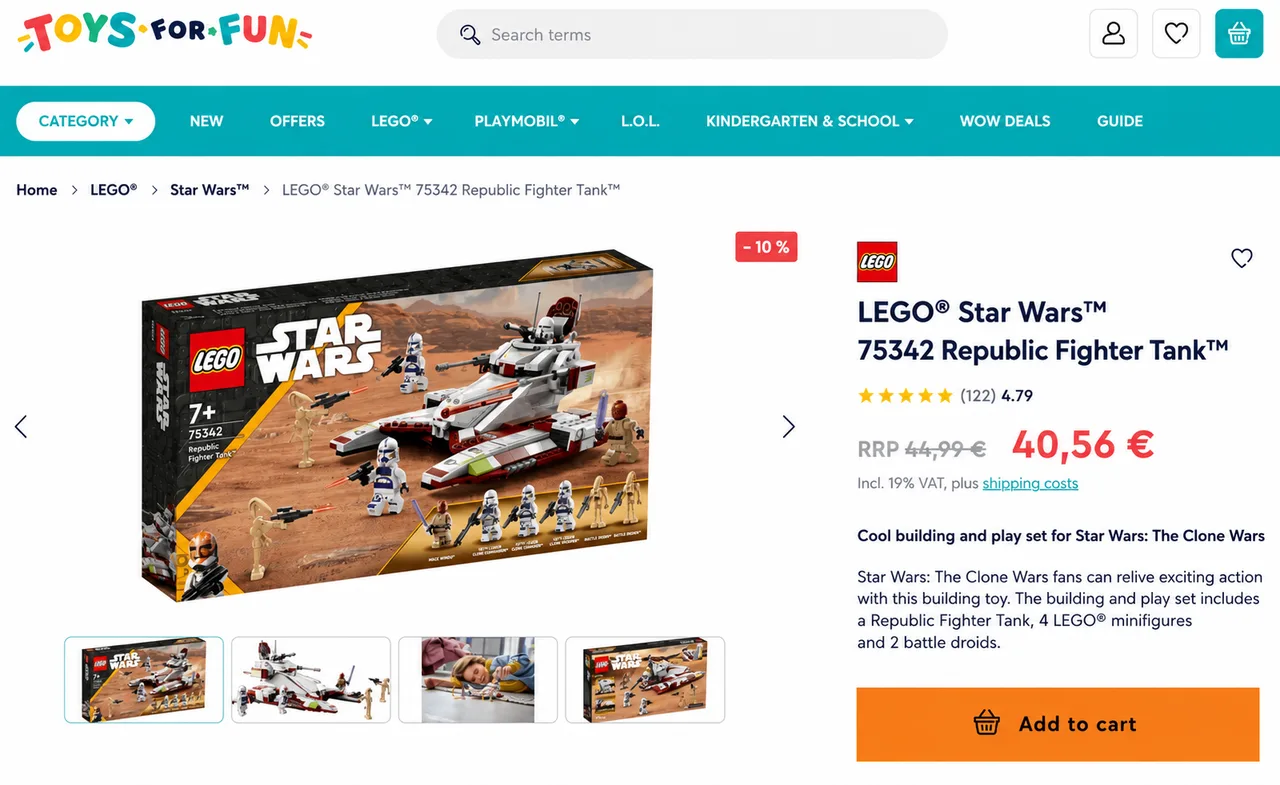
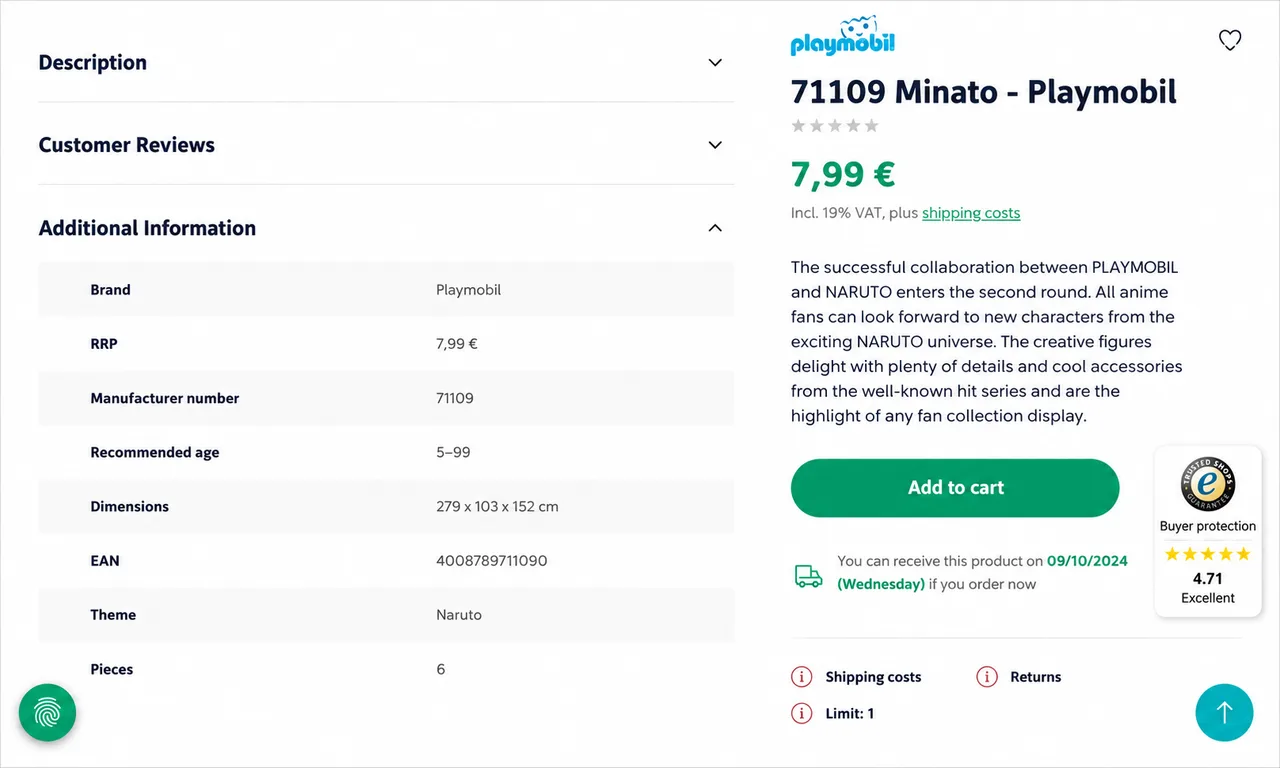
Product detail page, including product gallery and Buy Box, on Toys for Fun.com
Product description and details on toys-for-fun.com
- Does it include information about stock availability, delivery times, and shipping costs?
- Can I sign up for a backorder subscription if the product is out of stock?
- What information is included in the product description and details? Which product attributes (e.g., dimensions, weight, material, hazard symbols, etc.) are displayed?
- Are customer reviews visible? If so, what rating scale is used, and is there a summary or an average? Are the reviews summarized in writing? If the storefront is available in multiple languages, are the reviews translated? Can guests or logged-in customers write a review, or is this feature limited to verified buyers?
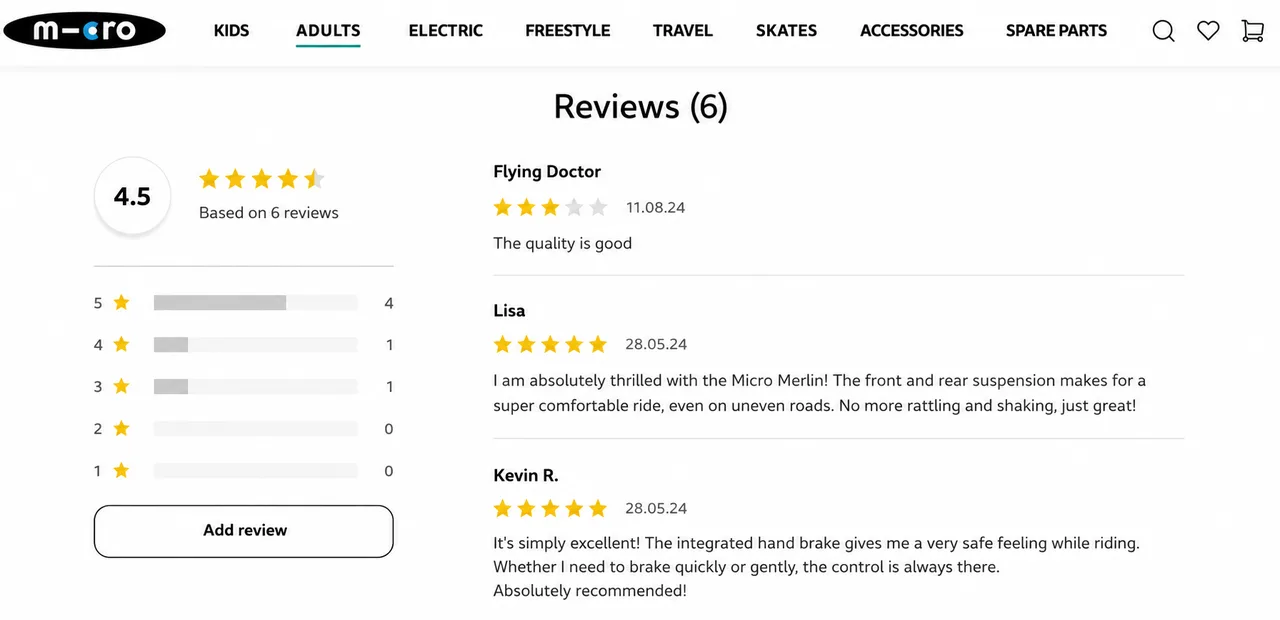
Product reviews on micro-scooter.com
- Is there a section with additional product recommendations, such as accessories (more technical products), "Complete the Look" (fashion), or "Customers also bought"?

More product recommendations at micro-scooter.com
After the user has added products to the shopping cart, the next step in the user journey takes them to the shopping cart. This section should cover the following points:
- Is there a shopping cart preview (mini-cart) that shows all products, including quantities and prices? When does the mini-cart open, and can users open it themselves using an icon in the header? Can you remove products or change the quantity here? Is there a summary of the total amount, including taxes and shipping costs? Is there an express checkout option here (e.g., Amazon Pay or PayPal Express) that bypasses the standard checkout process?

Minicart on haar-shop.ch
- What information is included in the shopping cart? Does the user see a table listing the products, including quantities and prices per item? Can the user change the quantity or remove products entirely here?
- What information is included in the order total summary? Does it include taxes and, if applicable, shipping costs?
- Is there an express checkout option in the shopping cart (e.g., Amazon Pay or PayPal Express) that bypasses the standard checkout process?
- Can the user enter a discount code or coupons? If so, where does the code appear, and how is the discount shown in absolute amounts (as a separate line item or in the summary)?
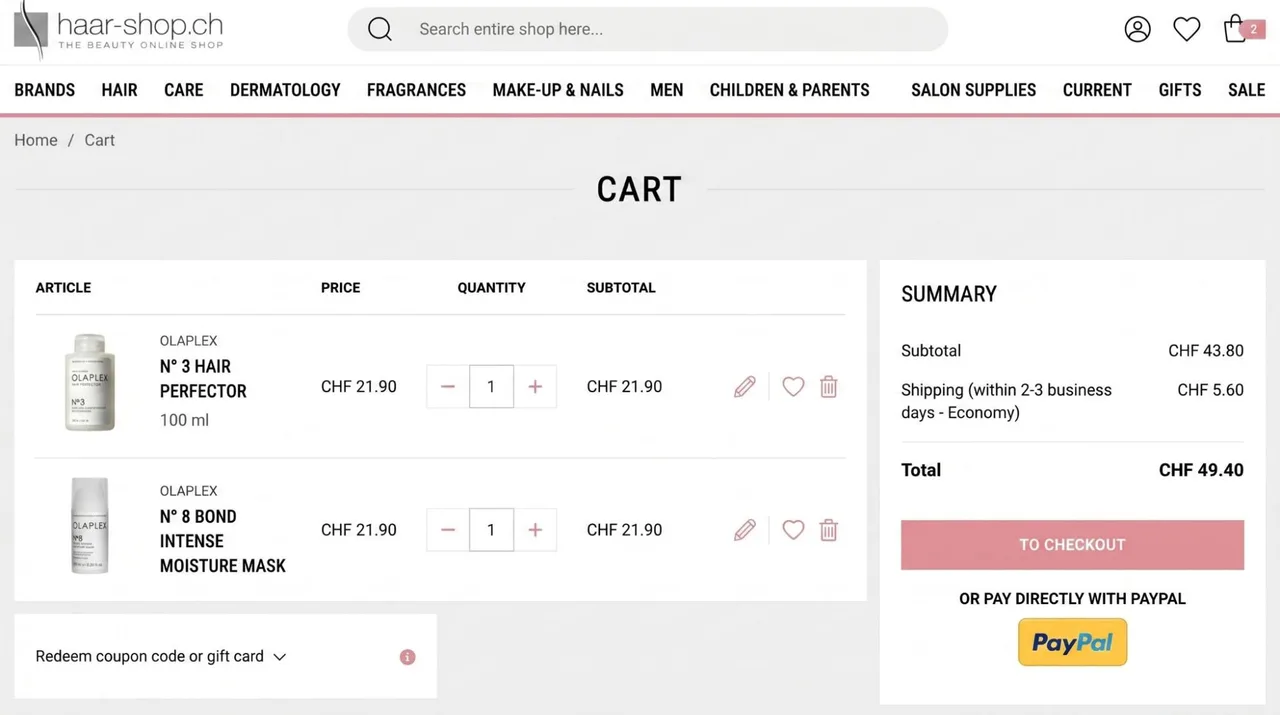
Shopping Cart View on haar-shop.ch
- Is there a product carousel with additional recommendations (“These products go well together”)?
After the shopping cart comes checkout, the most important part of the user journey. This section should describe:
- How many steps are involved in the checkout process? Is it a “one-step” checkout, or does it involve two or three steps?
- How can the user choose between guest checkout, logging in as a customer, and creating a customer account? Where does the user enter their email address? Is the email address validated? Is there a social login feature (logging in with a Facebook, Google, or Apple account)?
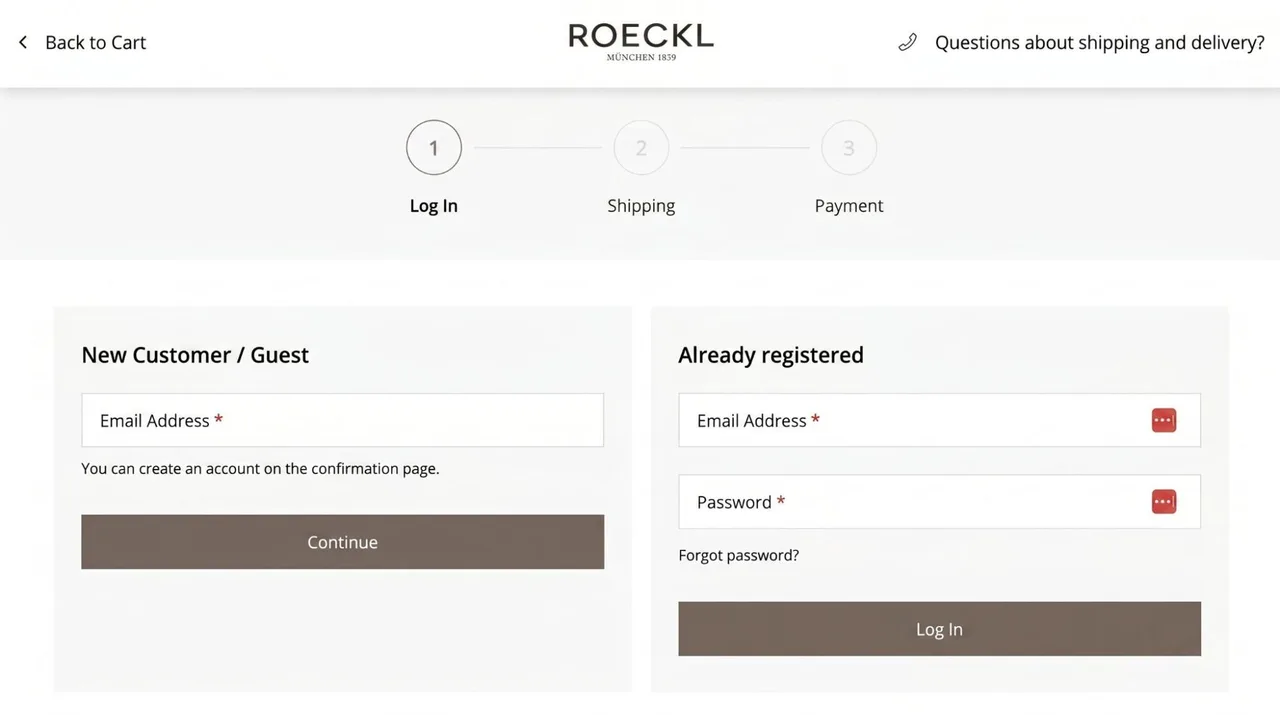
Checkout Step 1 (Login) on Roeckl.com
- If the user proceeds as a guest and enters their shipping address, which fields are included? Are the street and house number separated into two fields? Is there validation (or even autocomplete) for, e.g., street, house number, ZIP code, and city? Can the user use the browser’s autofill feature? Are there fields for “Company” and “VAT ID”? Which fields are optional and which are required?
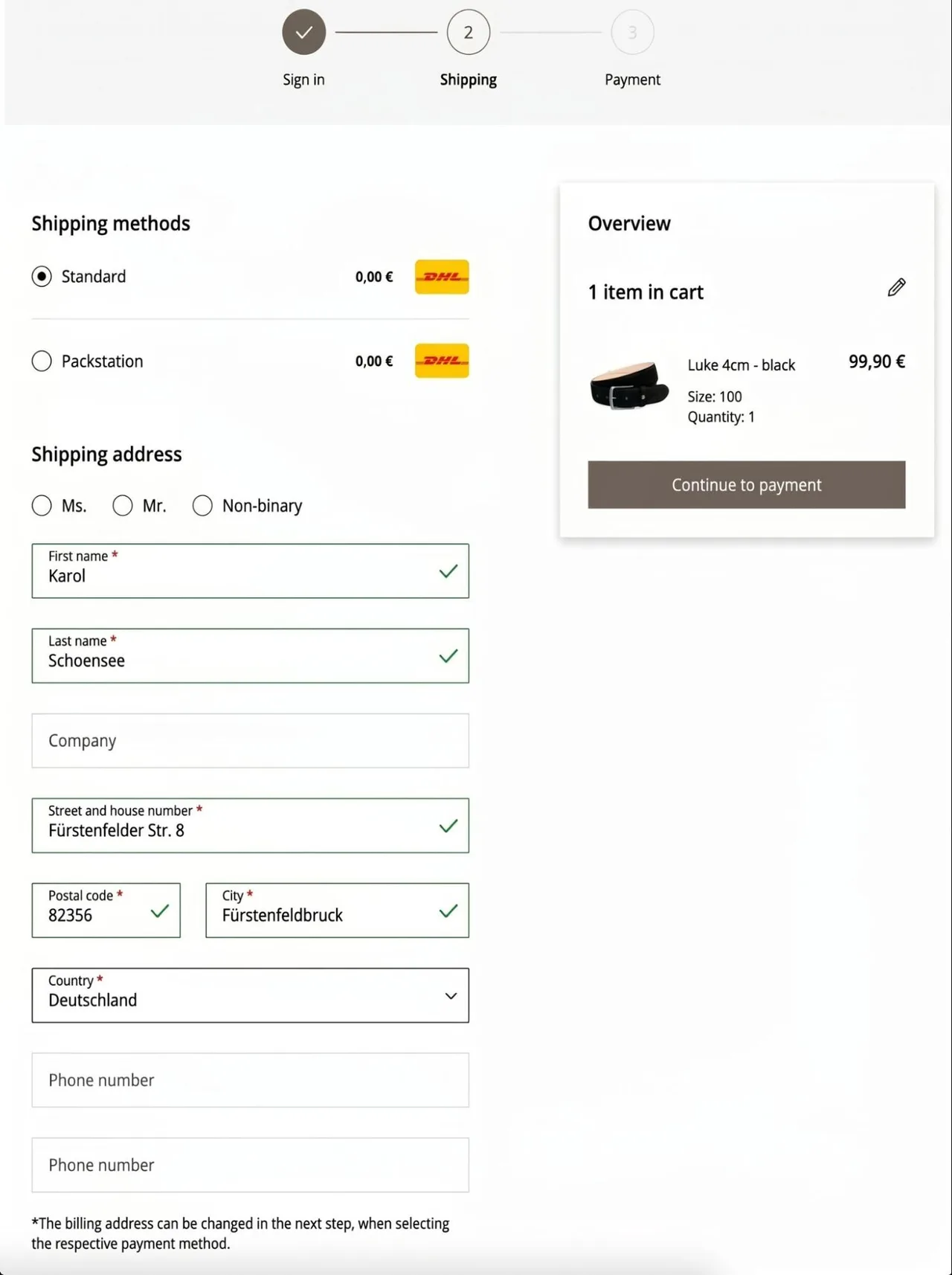
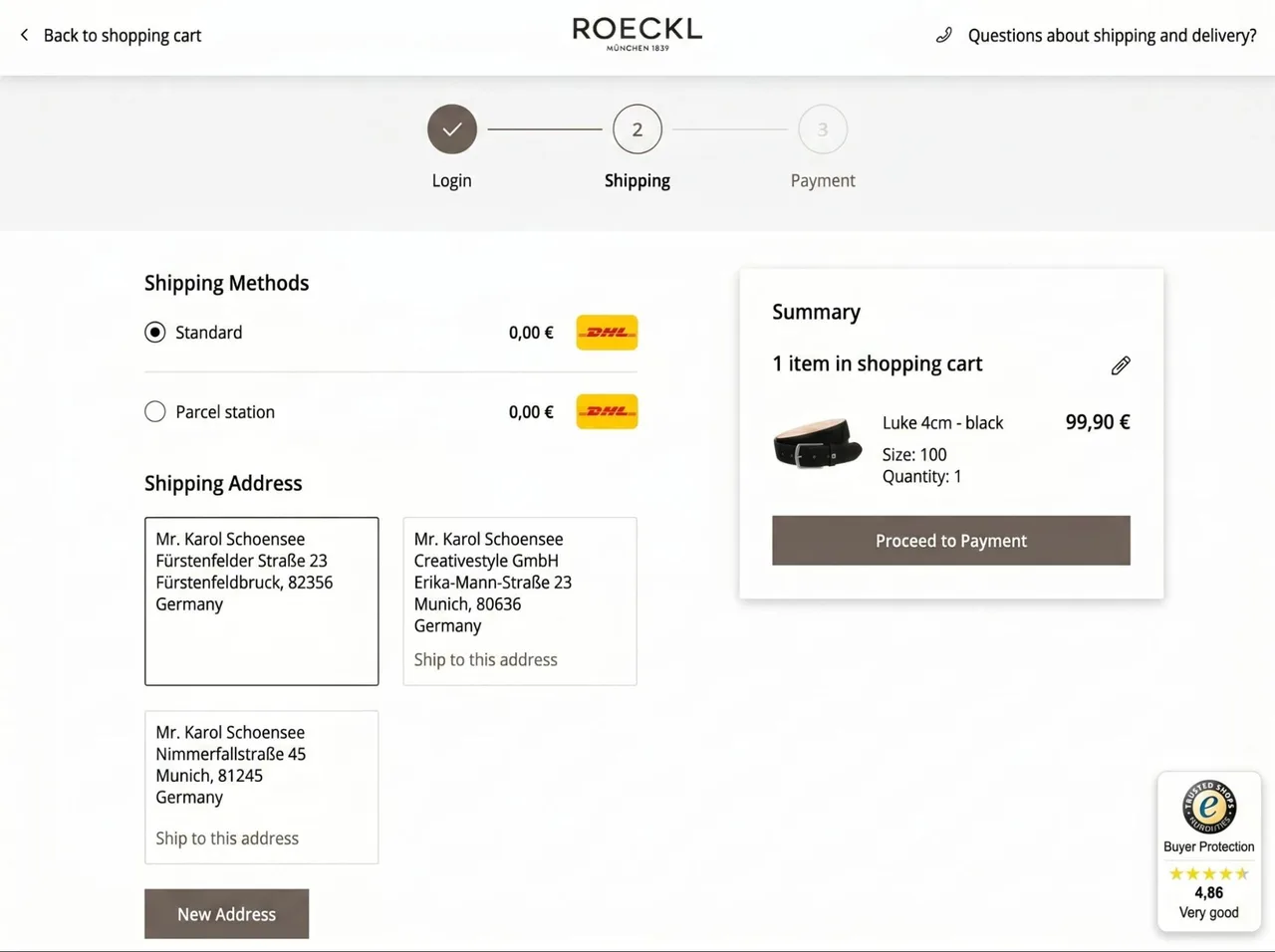
Checkout Step 2 as a guest (Shipping and Delivery Address) on Roeckl.com
Checkout Step 2 as a logged-in user (shipping and delivery address) on Roeckl.com
- If the user continues while logged in, can they select their saved addresses? Can they edit, delete, and add new addresses?
- Can the user use their shipping address as the billing address, or do they have to enter it again?
- What shipping methods and costs are available? Are there clear guidelines regarding which shipping methods are available or when free shipping applies? Can the user select shipping to a Packstation? Are there “Express” shipping methods or “In-Store Pickup”? If Packstation and In-Store Pickup are available, can the user search for the desired stores or Packstations? How is the DHL customer number entered?
- What payment methods are available to users? Are there any additional fees for certain payment methods? If credit cards are accepted, is the payment information entered on the e-commerce storefront or on an external page or pop-up? Can credit card information be saved for future orders? Can the user use the browser’s autofill feature?
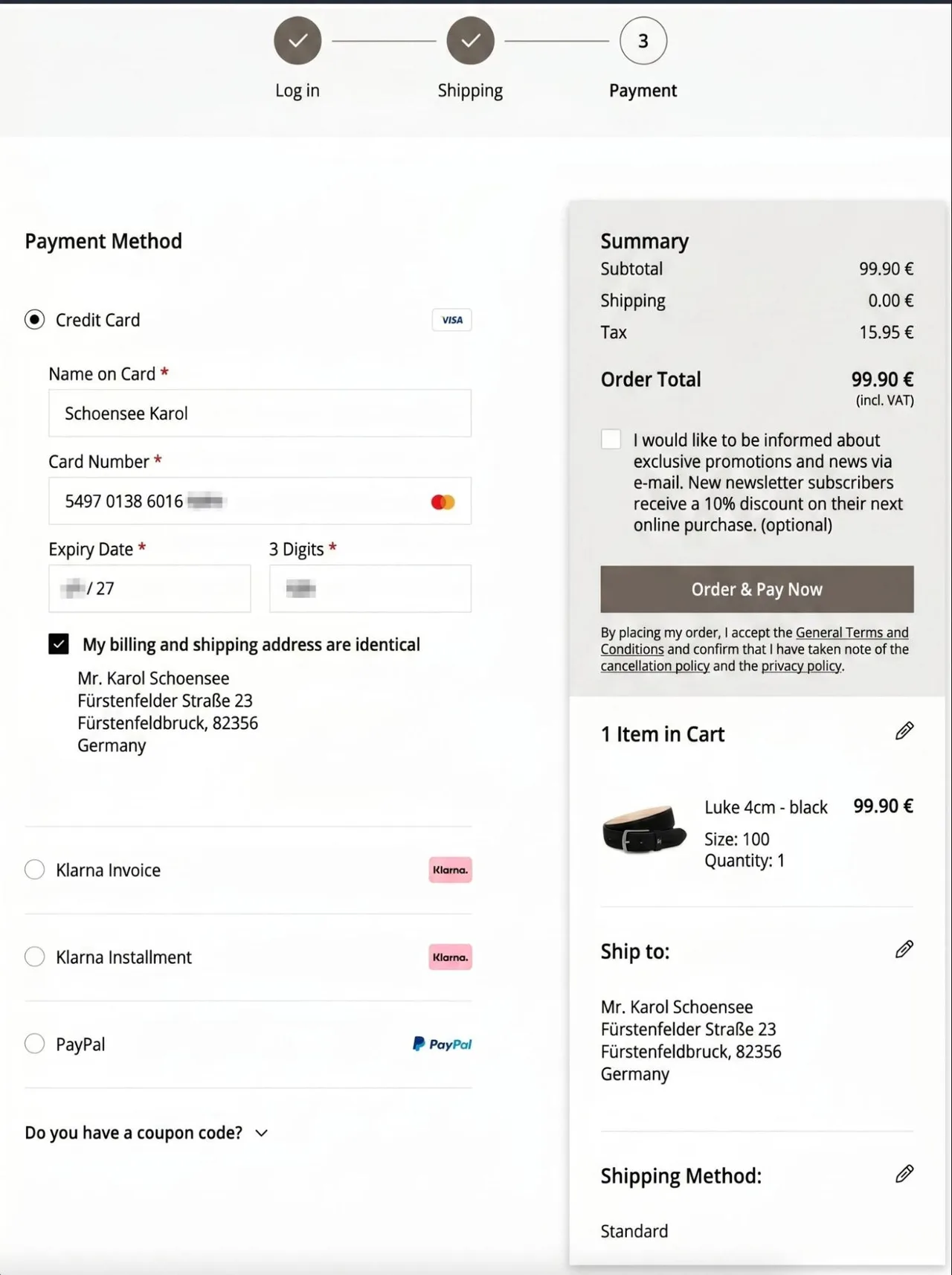
Checkout Step 3 (Payment Method) on Roeckl.com
- Can the user enter a discount code or coupon code? If so, where are the code and the discount amount displayed?
- Is there a required checkbox for agreeing to the Terms and Conditions, the Right of Withdrawal, and the Privacy Policy before completing checkout? Is there an optional field for subscribing to the newsletter?
- What information is included on the order confirmation page? Can the user view the products they ordered and the total amount? Can they print their order? Is there a way to create a customer account if the user checked out as a guest?
With a customer account, users can create a login and view their orders, update their addresses, and manage notifications in their personal customer area. The following should be described here:
- How does the user access the customer registration form? Which fields are optional and which are required? Can the user optionally subscribe to the newsletter? Are there validation checks for the fields, e.g., for the email address or phone number? What are the requirements for password creation? Is there a double opt-in process, requiring the user to first activate their account via email? Can the user use the browser’s autofill feature? Is the registration protected from bots by a CAPTCHA mechanism?
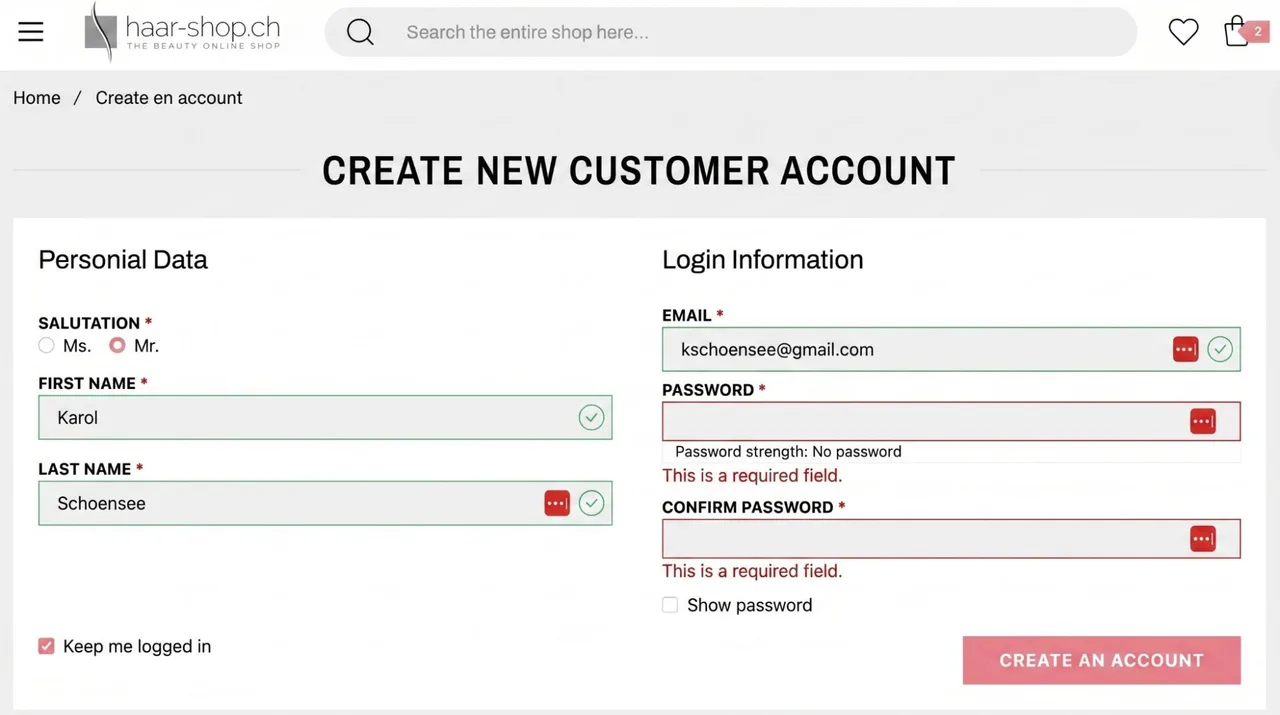
Customer Account Registration on haar-shop.ch
- How can users log in to their existing accounts? Is there a maximum number of failed login attempts that will lock the account? Can users view their password, or is it always truncated? Is there a “Forgot Password” feature available to users?
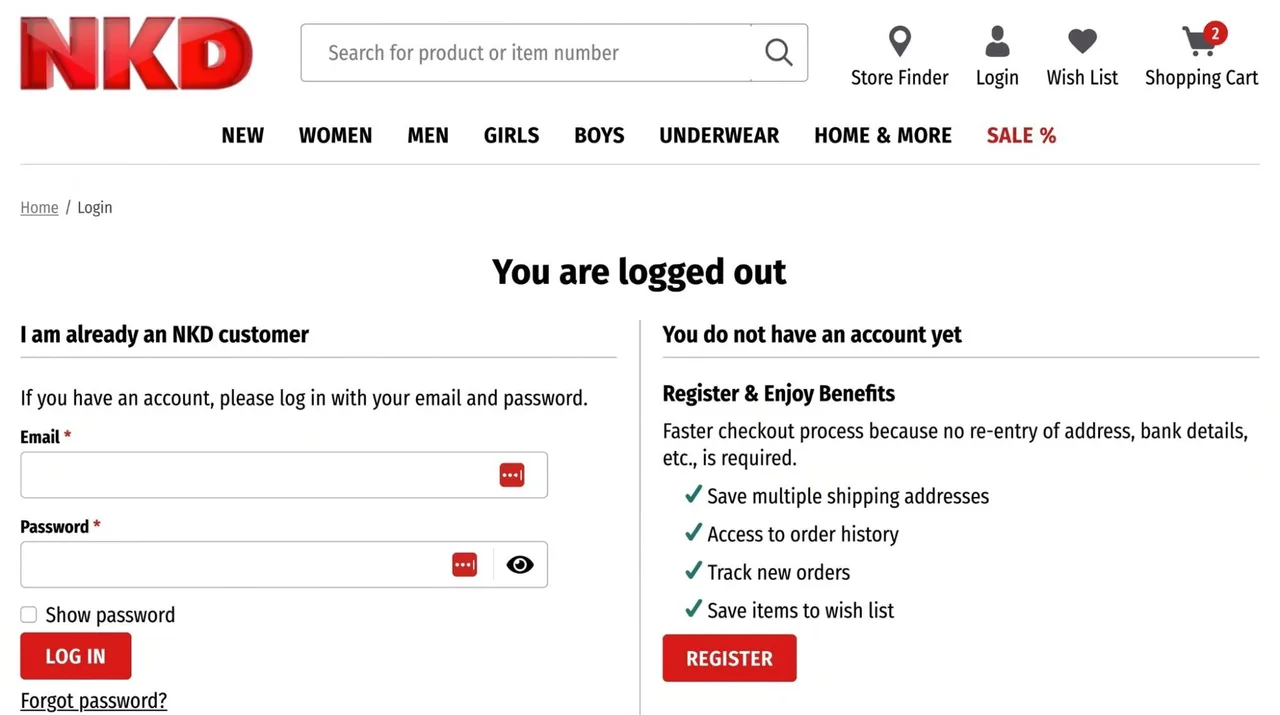
Customer login page on nkd.com
- Can the user manage their notifications, such as email, SMS, or push notifications? Can the user choose exactly which notifications or newsletters they want to subscribe to or unsubscribe from? Can the user view their written customer reviews and their wish list?
- What areas are available to the user after a successful login? Can the user change their login credentials (email address and password)? Can the user edit or delete existing shipping and billing addresses and add new ones? Similar to the checkout process, are there address validations or an auto-suggest feature? Can the user view their order history, including products, quantities, prices, and any discounts (coupon codes)? Can the user also view the status of their orders, such as “shipping,” “canceled,” or “delivered”? Is the user given the option to view the invoice and the shipping tracking link? Is there a quick and easy way to reorder the entire order or individual products?
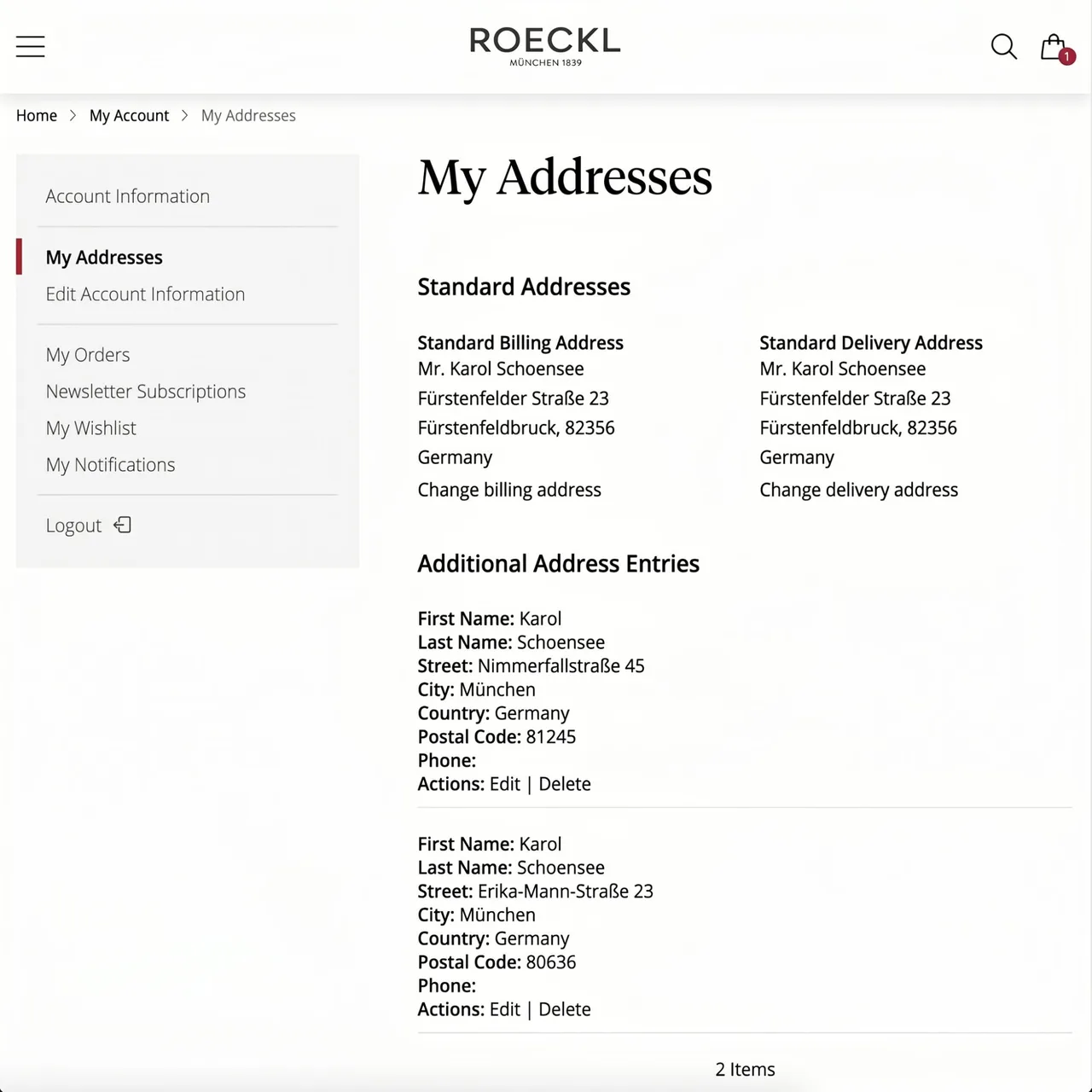
Address book in the customer area on roeckl.com
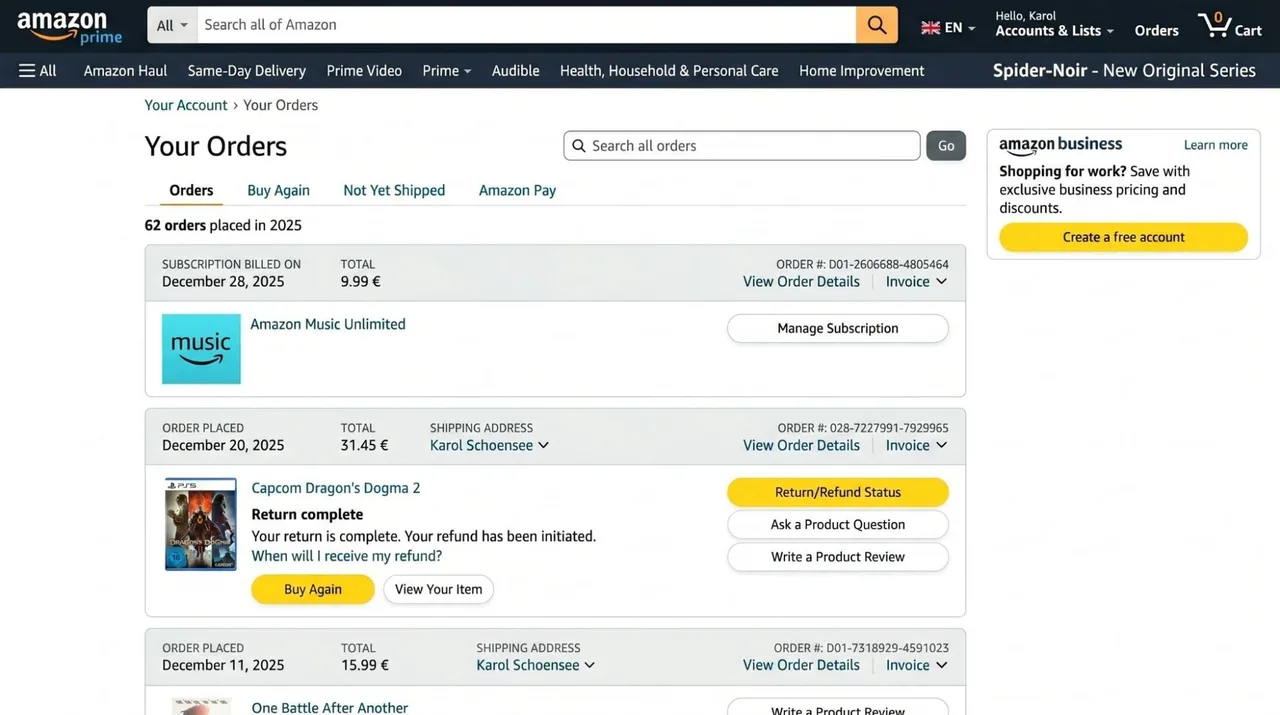
Order history in the customer account on amazon.de
- Is there a contact form that users can use to contact the e-commerce owner with questions or complaints? What fields are included in this contact form, and does it include validation checks or a CAPTCHA to prevent spam?
The areas and features discussed so far can be considered the basic functions of an online store, particularly in a business-to-consumer (B2C) context. If the e-commerce platform is geared toward business customers—that is, private companies, associations, clubs, and other organizations—features from the B2B context should also be described. These include, for example:
- Does the catalog (i.e., the category and product detail pages) include volume pricing, where unit prices decrease as the quantity increases? Do logged-in customers see individual prices?
- Are the prices listed as net or gross (including VAT)? Is there a mechanism in the checkout process—such as fields for “Company” and “VAT ID”—that deducts taxes from the total amount?
- Is there a verification process for customer registration, such as uploading a business license or similar document?
- Does the customer have the option to negotiate the shopping cart? Is this option only available once a certain number of items are in the cart, or does it depend on the total value of the shopping cart? Can the user specify unit prices and, if necessary, leave a message when requesting a quote? Can the user view quote requests—including the shopping cart, status, and feedback from the e-commerce owner—in their customer account?
- Can a logged-in customer invite additional employees or create sub-accounts? How do the individual sub-accounts differ from one another? Do they each have different names, email addresses, and shipping addresses? Does the billing address apply to all orders, including those from all sub-accounts?
- Do sub-accounts have specific permissions and roles? For example, it is conceivable that a specific user (“Assistant”) can only add items to the shopping cart but cannot complete the checkout. A user with higher privileges (“Management”), on the other hand, can complete the checkout.
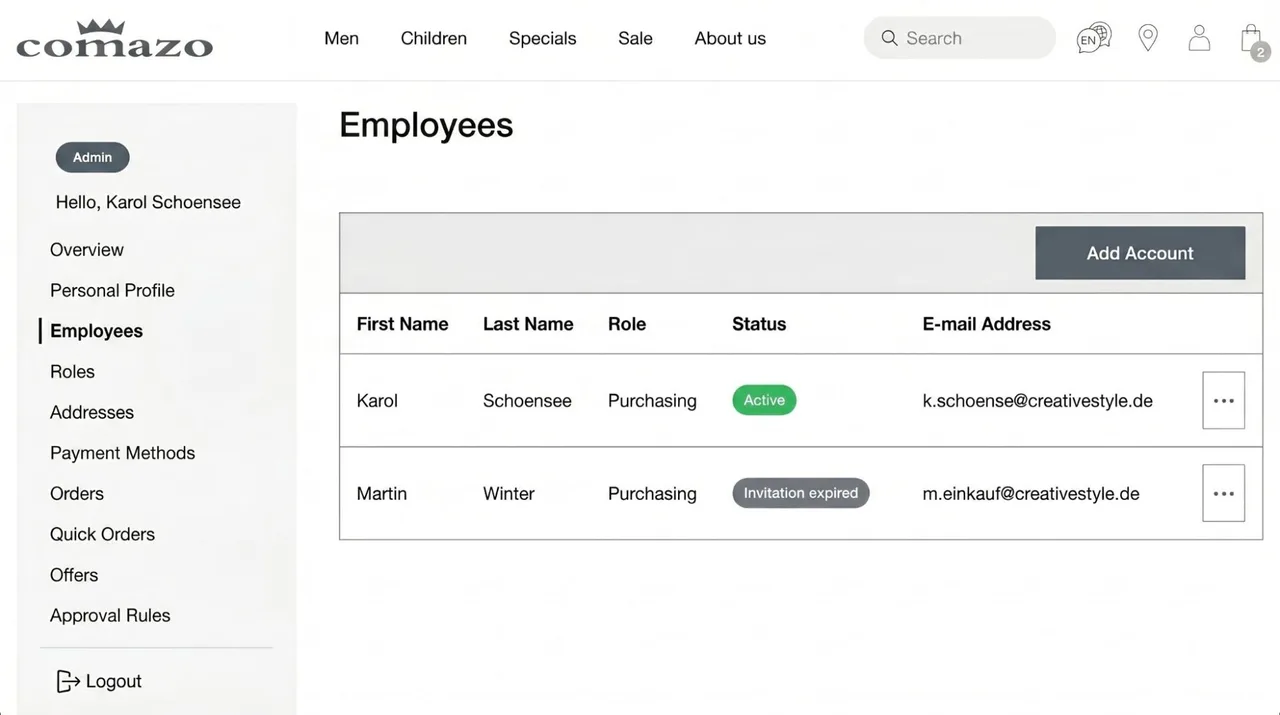
Customer Service Staff Management on Comazo.de
- Can the user populate the shopping cart by uploading a file, such as a CSV or Excel file? If so, what information is expected in the file? Is it just the SKU and the quantity?
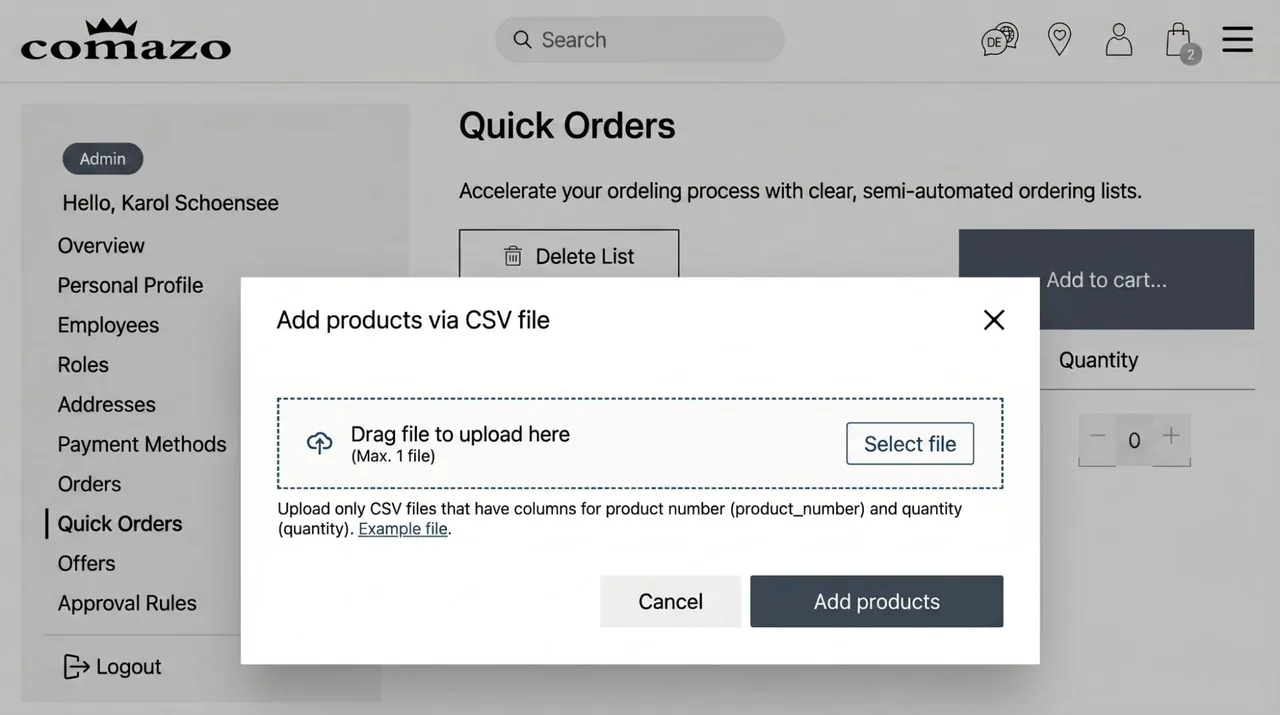
Quick Ordering via CSV Import in the Customer Area on Comazo.de
- Is there a “self-service” section in the customer portal or elsewhere where users can, for example, find compatible replacement parts or view data sheets, warranty documents, or other materials? Can customers book software updates for their products or sign up for training?
In addition to the obvious features in the storefront, it is also important to include the less obvious but legally significant GDPR-related features. These include, for example:
- Is there a user consent prompt at the initial login where the user can give their consent to the use of third-party cookies and similar technologies (e.g., Google Analytics or marketing tracking pixels)? Can the user categorize these services—e.g., as “Essential,” “Marketing,” “Functional,” or “Statistics”—and then reject or accept them? Alternatively, can the user reject or accept individual services separately?

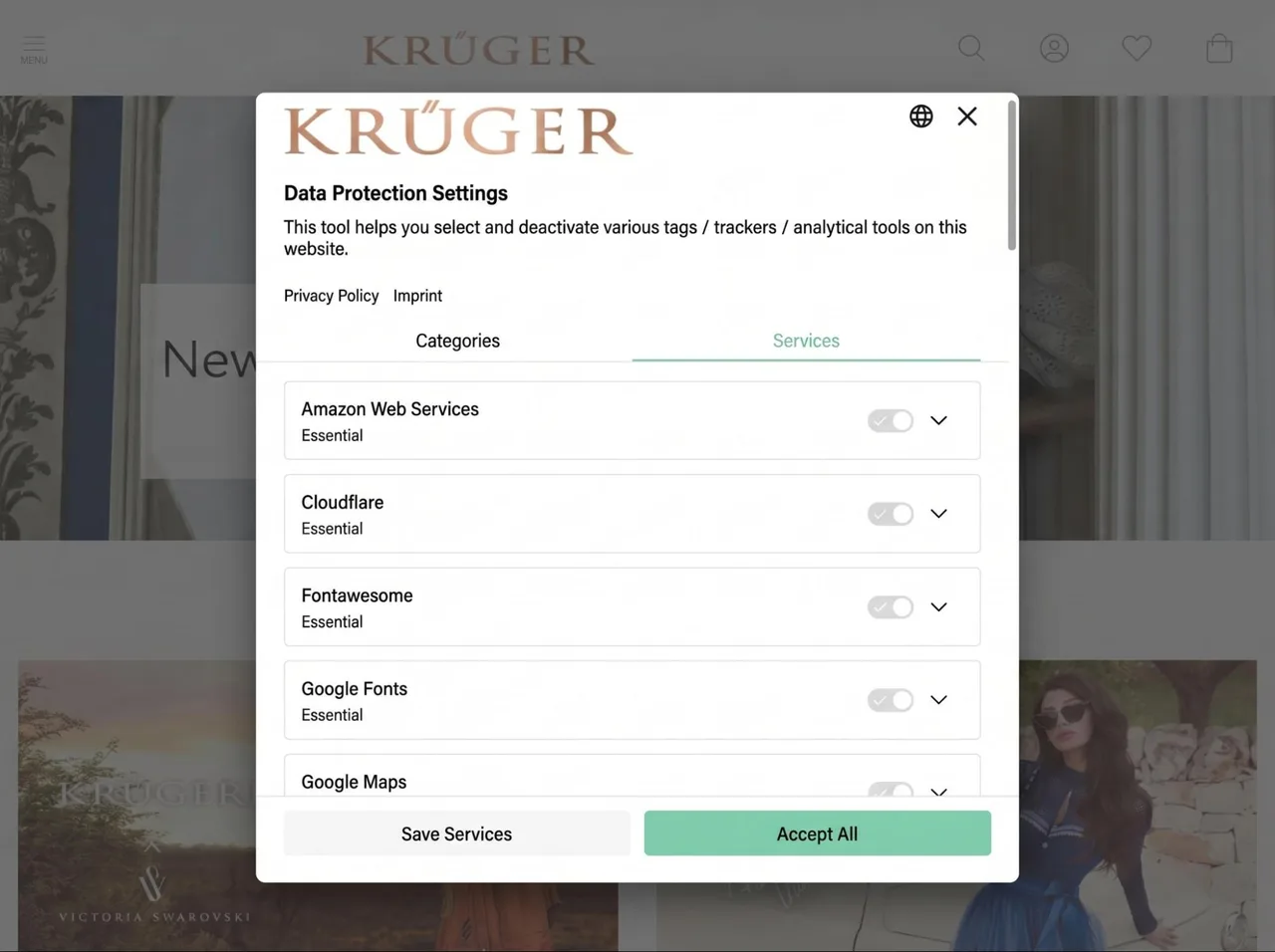
User Consent Categories on Krueger-Dirndl.de
User Consent by Individual Service on Krueger-Dirndl.de
- Does the user have the ability to view, delete, and transfer their personal data in accordance with Chapter 3 of the GDPR?
- Can the user change their privacy settings and notification preferences (e.g., newsletters) at a later time, such as in the customer portal?
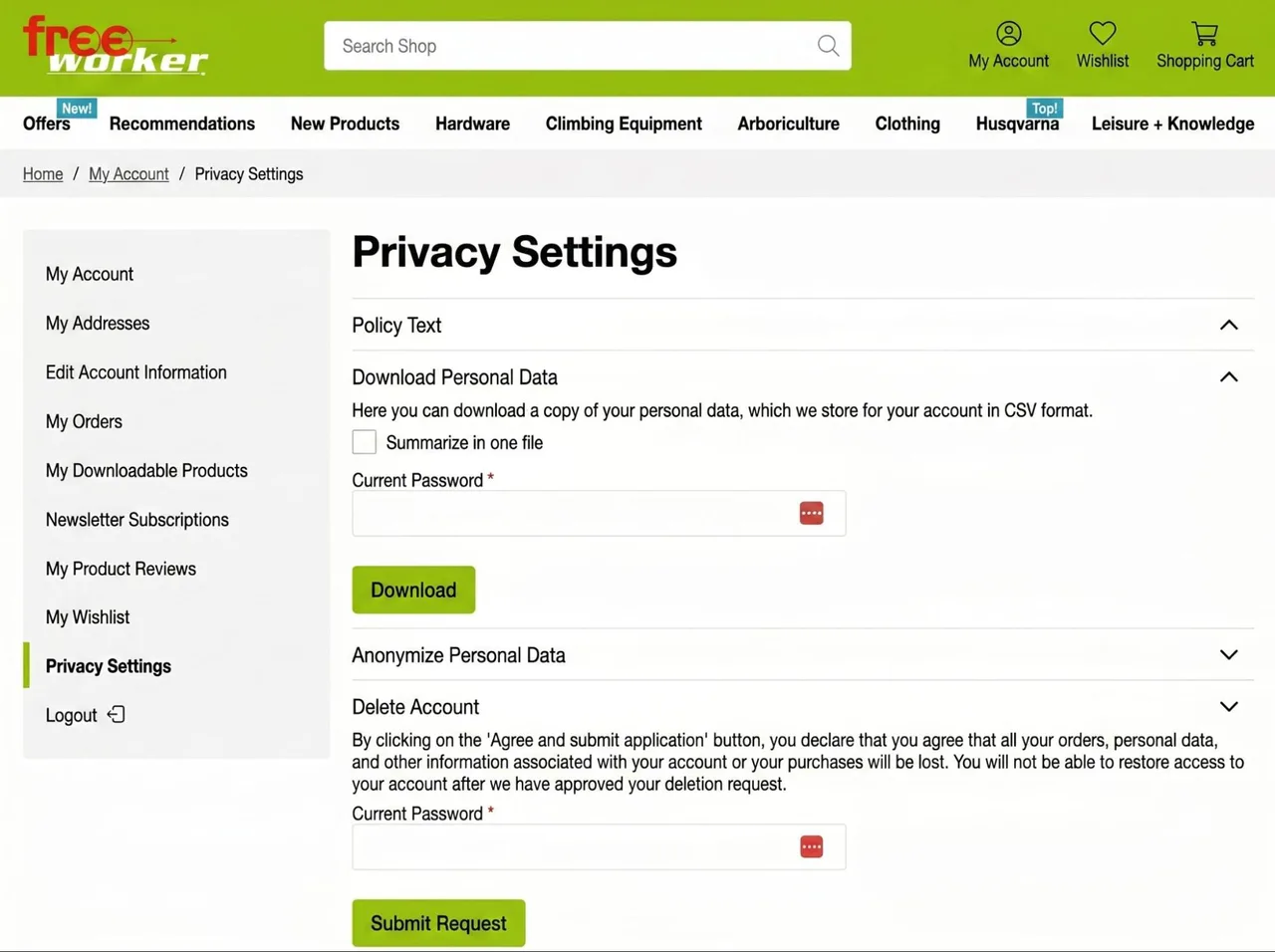
Privacy settings in the customer area on shop.freeworker.de
Finally, you should also review which notifications the e-commerce system sends directly to users. These include emails, text messages, and push notifications. Some examples include:
- Does the e-commerce system send an order confirmation after a successful checkout? What information does it contain? Does it include the user’s details (e.g., address, name, etc.), the items ordered, and the total amounts, including shipping costs and any discounts (discount codes used)?
Order confirmation via email on shop.freeworker.de
Confirmation of account creation via email at shop.freeworker.de
- Does the e-commerce system send a message after the item has been shipped, including a tracking link, or is it a different system?
- Does the e-commerce system send the invoice, or is it included with the package or sent by another system?
- Does the e-commerce system send a message when the “Forgot Password” feature is used?
- Is a double opt-in message sent if the user wants to create a customer account or subscribe to the newsletter?
- What happens in the event of complaints or returns? Are notifications sent from the e-commerce system or another service?
Functional Analysis of the Admin Area
The functional analysis of the e-commerce admin area covers all features that are accessible only to system administrators via login.
In particular, you should verify whether the current e-commerce platform is multi-tenant or supports multiple “sub-shops.” This includes the following aspects, for example:
- Is it possible to create multiple clients or sub-shops within an e-commerce instance or admin area? If so, how do they differ? Are there multiple levels or a hierarchy of sub-shops (e.g., can the lowest level only differentiate between different languages or currencies, while the top level can differentiate the entire shop configuration)?
The Multi-Store Architecture in Magento 2
Selecting the store for configuration in Magento 2
- Can individual sub-shops use different storefront templates (or themes)? How do public users access these in the storefront? For example, are they entirely different top-level domains, or are only different URL subfolders supported?
- Can the sub-shops use completely different catalogs (attributes, categories, and products)?
- Can only certain store settings (e.g., the checkout process, such as shipping and payment methods and taxes) be controlled for each sub-store, or can all settings be controlled for each sub-store?
- Does the store support multiple currencies and languages?
- Is there a default level whose configuration is inherited by the sub-shops?
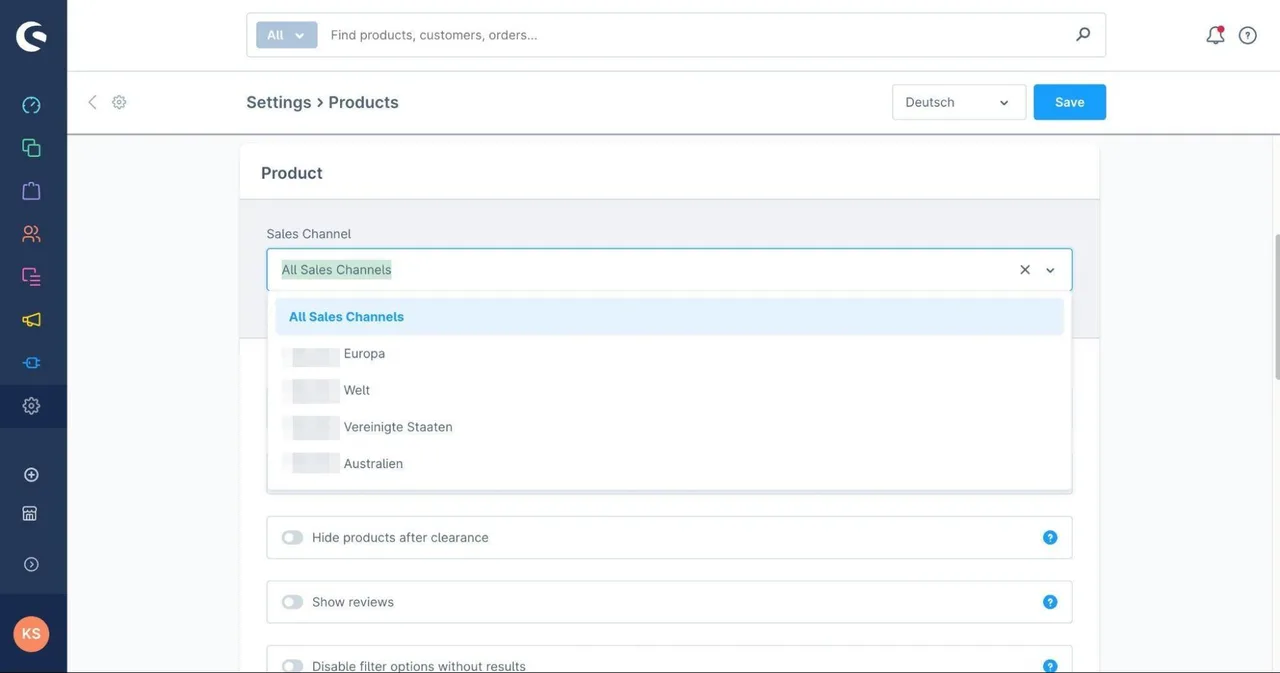
Configuring product display in the “Storefront” client (sales channel) and the inheritances from the default level in Shopware 6
One of the most important areas of e-commerce system administration is product management. Here, you should be able to view and edit all products in the e-commerce system. If a PIM system manages the products, the relevant products, their attributes, and media (e.g., product images) should still be viewable in the admin area. The following points should be considered during the analysis:
- What does the product overview look like, and what features does it offer? Can you search for specific products by product name, SKU, or another attribute? Is there a sorting option that displays, for example, the newest (or oldest) products, or sorts them alphabetically by product name or SKU? Are there filters to view, for example, only “active” products?
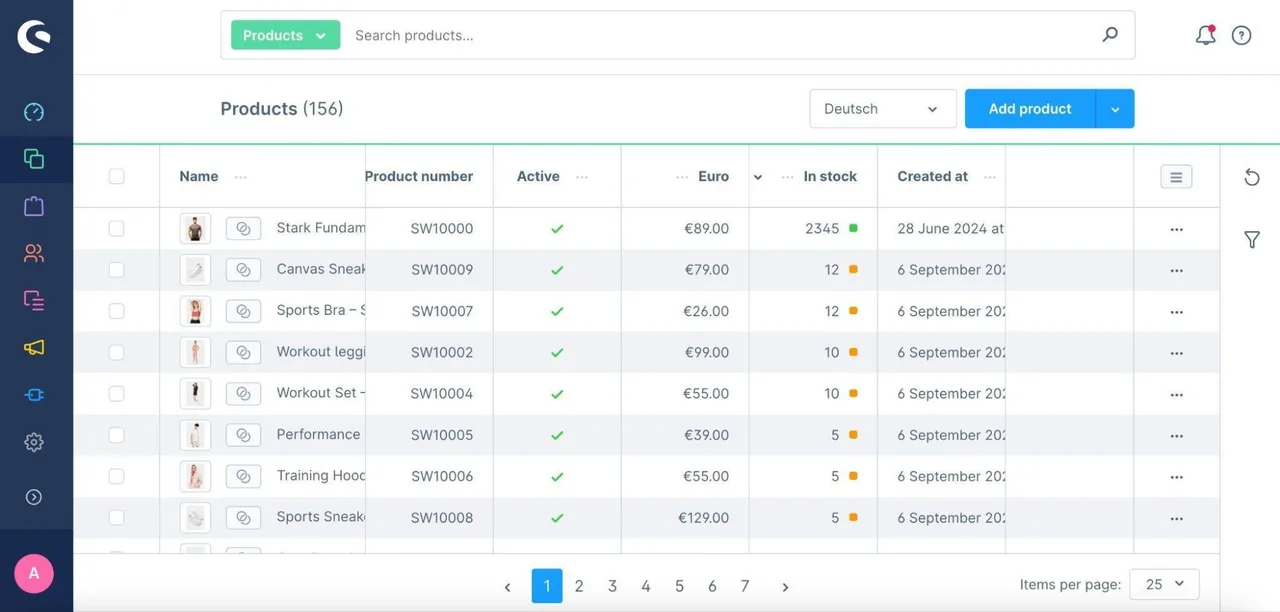
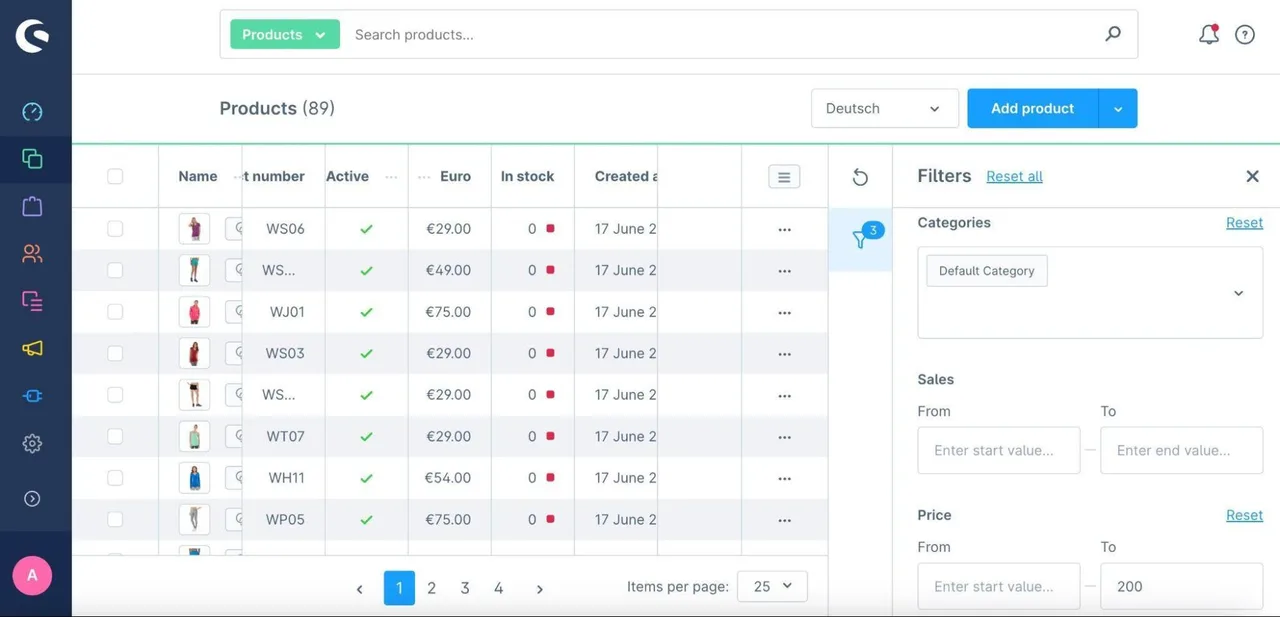
Product overview with search functionality in Shopware 6
Product overview with applied filters in Shopware 6
- Is there a way to edit multiple products at once (“Mass Action” or “Bulk Edit”)? Can the relevant products be filtered or selected using checkboxes? What changes can be made here? Can products only be deleted or have their status changed (inactive/active)? Or can all product attributes be modified (e.g., price or product characteristics such as “material”)?
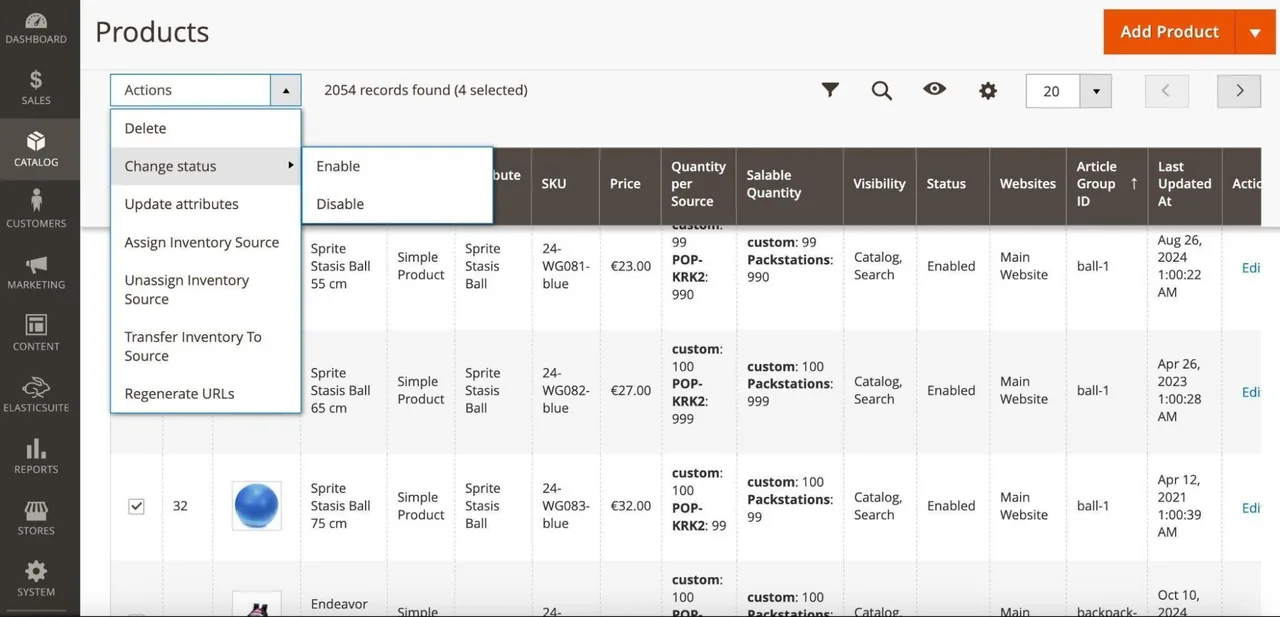
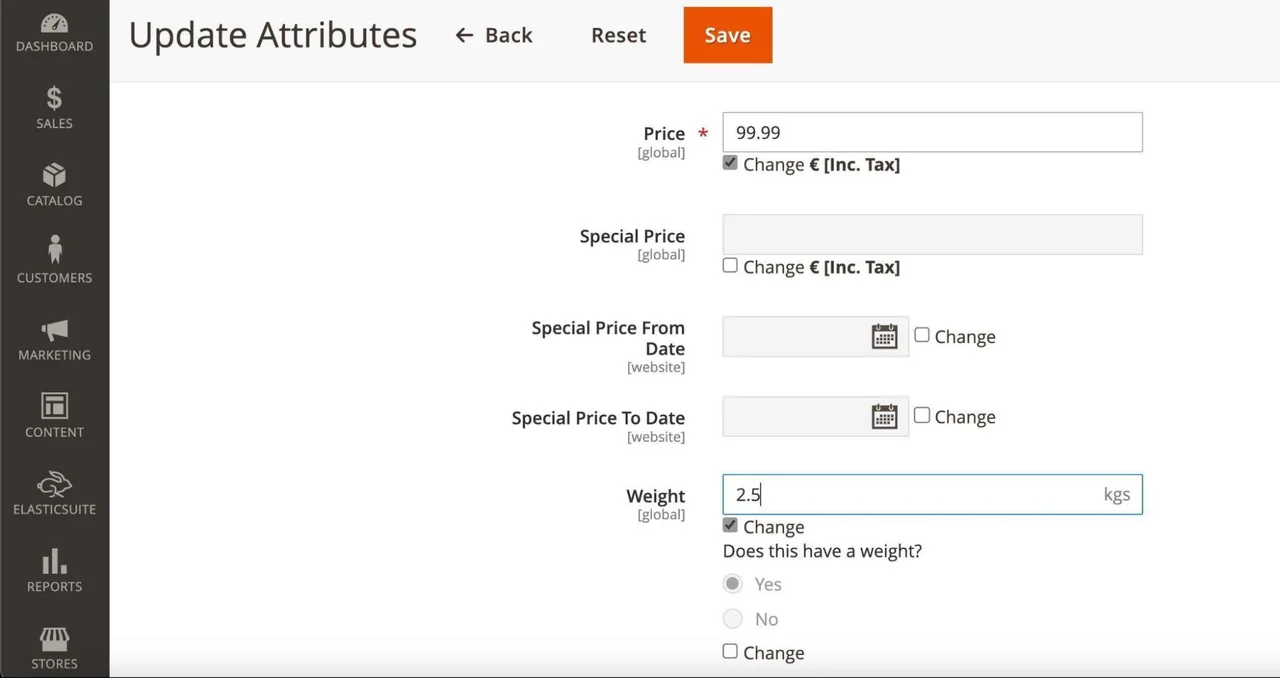
Selecting products for "Mass Actions" (e.g., deleting products or changing their status) in Magento 2
Changing the "Price" and "Weight" attributes for multiple products in Magento 2
- Which columns (or product attributes) are displayed in the product overview? Can you show or hide specific attributes and control their order?
- Can products be exported and imported?
- What attributes can the admin view in the detail view of individual products? Are they limited to SKU, product name, status, description, inventory, tax class, URL, and product images? Can the admin add additional attributes on their own? Can they duplicate existing products and control the values of duplicates individually?
Managing individual products in Magento 2
- What types of products are supported in the e-commerce system? Are they limited to “simple” products without additional variations, such as a book or a DVD? Are there “configurable” products with multiple variants, such as a shoe available in multiple sizes? If so, can multiple variants be generated based on a base product? Can individual attributes be inherited or overridden in the respective variants? Are there “bundled products” that physically consist of multiple simple products? If so, how can the price of these bundles be managed? Are there “digital products,” such as insurance or software, that require a separate checkout?
Managing variants of a configurable product in Shopware 6
Another key component of the catalog is the categories. When describing category management, the following points should be kept in mind:
- Can users create their own categories and organize them into a category tree with multiple levels? How many levels of subcategories does the system support?
Managing Categories in Shopware 6
- Is there a “Root Category” (or Category Level 0) that allows for the management of multiple catalogs or category trees? Can this Root Category be assigned to a specific client?
- What settings can the admin configure for each category? Can they enable or disable these settings and, if necessary, hide them from the storefront navigation? Can SEO-related settings, such as meta tags or URL keys, be configured? Can sorting and filters be defined per category? Can the sorting of products be adjusted manually or manipulated based on rules (e.g., display “new products” higher up)?
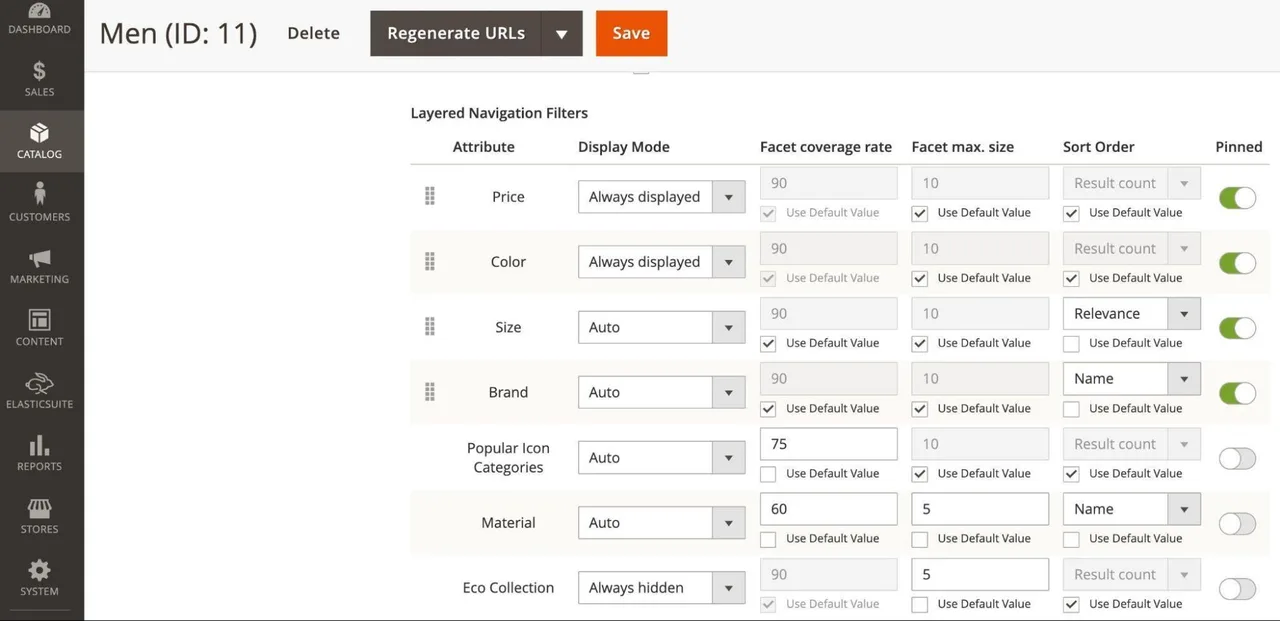
Filter settings in Magento 2
- How does product assignment work within each category? Does each product have to be assigned manually, or is there a rule-based assignment system so that products with a specific attribute value are automatically assigned to the category? Does this rule-based assignment happen dynamically, i.e., is the category constantly updated with new or modified products?
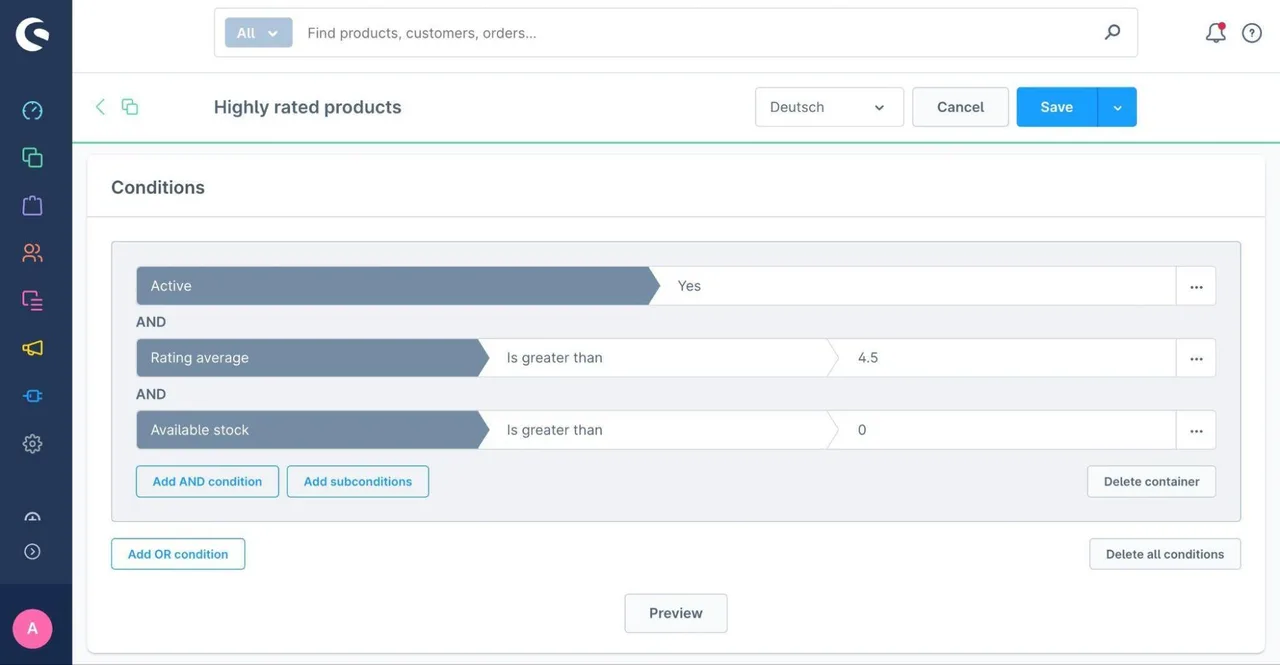
Creating dynamic product groups for categories in Shopware 6
- In addition to assigning products, can you also manage content, such as a category image or a description? Is the same page builder used here as the one used for regular content pages or landing pages?
- Does the category management system also allow you to manage menus for content purposes? For example, are the footer area and footer links managed through the category management system?
The final component of catalog maintenance is attributes. The following aspects should be described:
- What types of attributes are supported in the e-commerce system? Some examples might include:
- Input attributes, such as numeric values (“Weight in kg”), prices, dates or times, simple text input (“Product name”), or rich content with HTML markup
- Visual attributes, such as images (second product image, thumbnails on product tiles) or color
- Select elements, such as checkboxes (Yes/No), single-select fields (“Shoe size”)14, or multi-select fields (“Material”)15
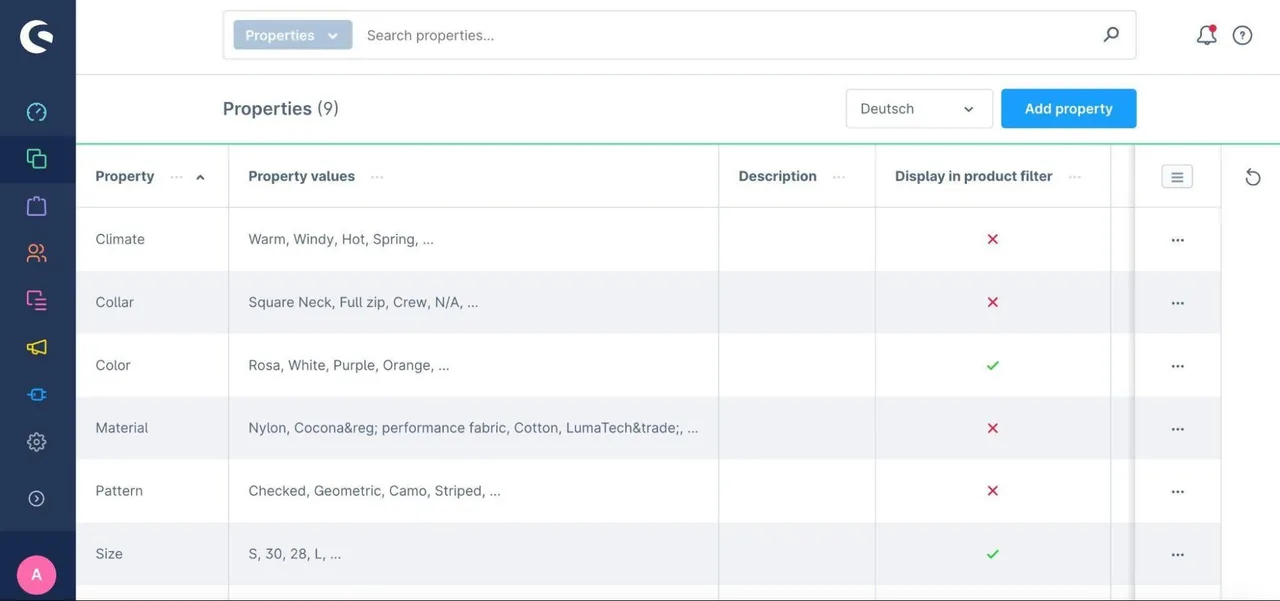
Managing Attributes in Shopware 6
- What settings can the admin configure for each attribute? Can visibility be controlled on the category page (as a filter) and on the product detail page? Can validation be set, or can the attribute be marked as “required” during product creation?
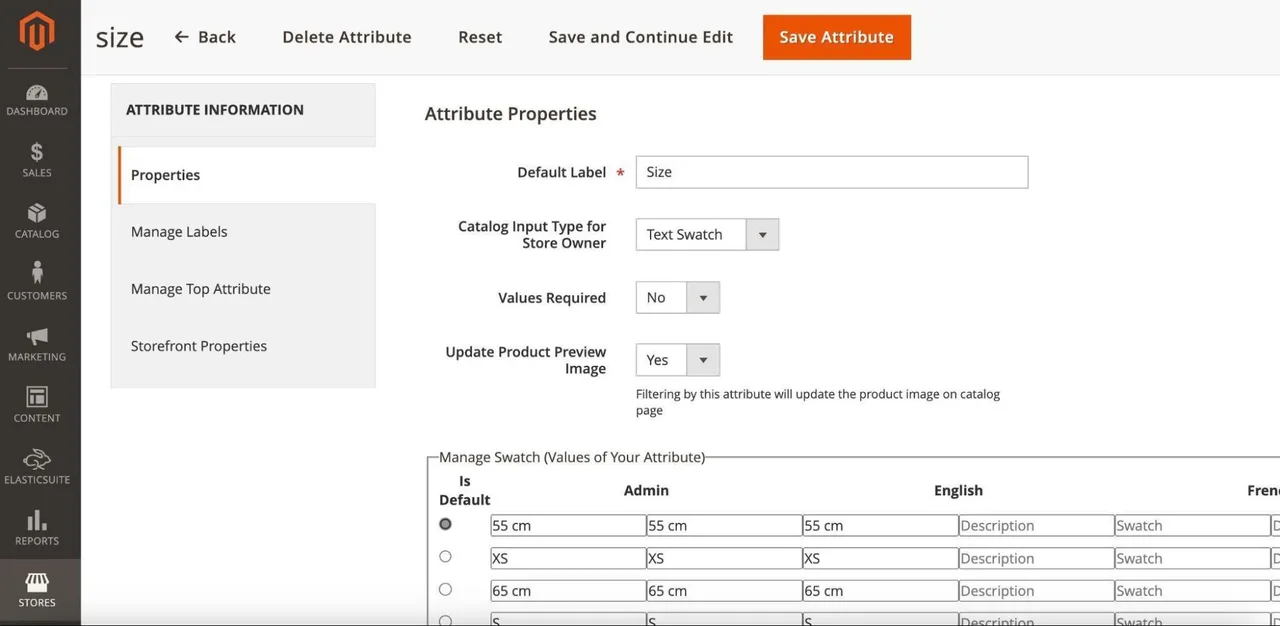
Attribute Settings in Magento 2
- Can the admin enter attribute values on their own, for example, for single-select or multi-select attribute types (such as “Sizes”)? Can attribute values be imported and exported? Can they be translated into multiple languages?
- Can attributes be grouped into attribute sets or product families? In other words, there are different attributes for products in the “Shoes” and “Shirts” attribute sets.
Another aspect of storefront content involves content pages, such as the homepage, landing pages, blogs, FAQs, and legal pages (Terms of Service, Legal Notice, Privacy Policy). When maintaining content pages, the following functions should be described:
- Is there an overview of the existing content pages? Is there a search function (similar to the product overview), such as by page title, filters (e.g., only active pages), and sorting options (e.g., new pages) to make management easier for the admin user? Can Mass Actions also be used here to, for example, activate multiple pages or assign them to a sub-shop?
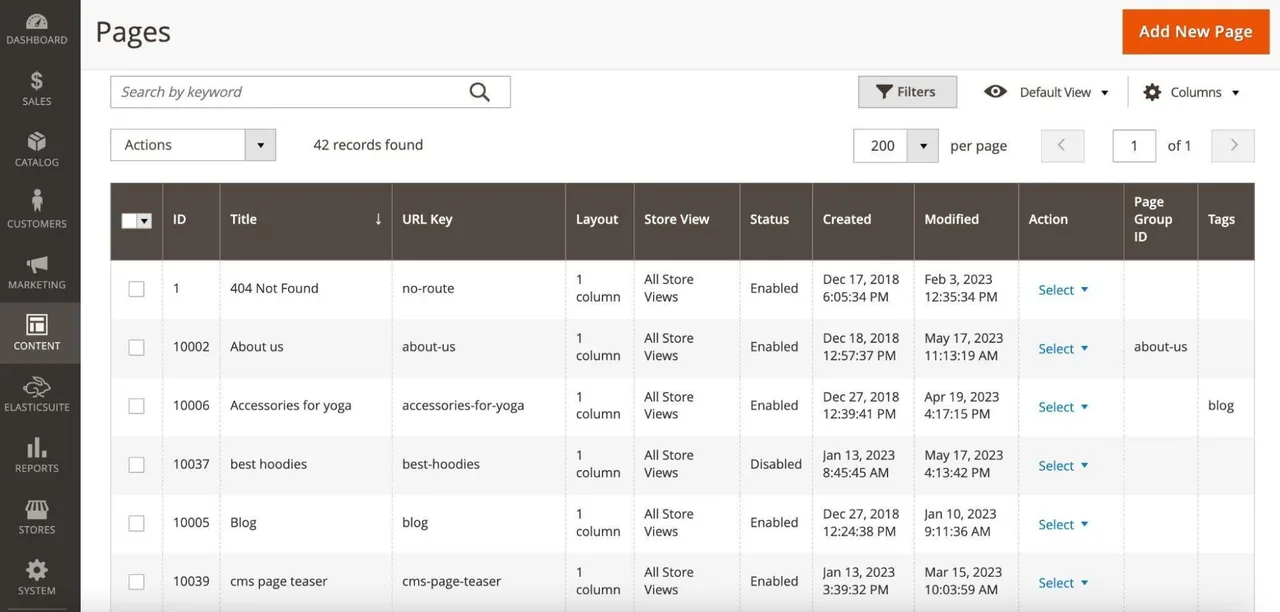
Overview of Content Pages in Magento 2
- How can I link content pages to each other or include links to them in the storefront, such as in the footer? Is there a way to create menus or categories from content pages? Is there a tagging feature that can be used to link content pages to each other?
- What settings can the admin configure on a content page? In addition to the page title, can they set SEO-related settings, such as meta tags or URL keys? Can they schedule the visibility of the content or define it for specific customers? How does content translation work? Can content pages be duplicated, copied, and customized?
- What features does the e-commerce platform’s page builder or editor offer? Can you create multiple templates (legal pages, landing pages, blog pages, etc.) that can then be populated with content? Are there predefined content components, such as hero teasers, image teasers, product carousels, text paragraphs, or similar elements? For teaser components with images, can the contrast be adjusted to ensure text readability? Can the predefined components be used only in rows or also in columns? Can components be specifically adapted for certain viewports—such as desktop, tablet, and mobile—or even disabled? Can individual components be copied or duplicated? Can the visibility of individual components be scheduled or controlled for specific customers? Can components be customized independently via CSS without code changes? Is developer knowledge required to use the page builder?
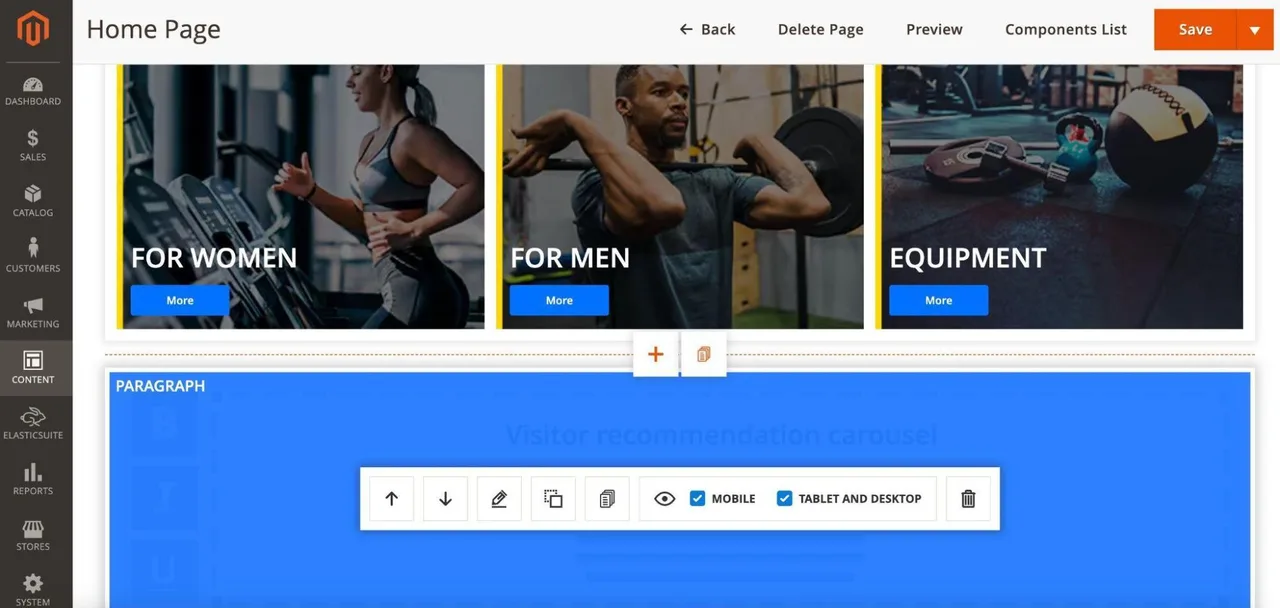
MageSuite Page Builder for Magento 2
As part of content maintenance, the media library and the management of images, videos, and other files are key components. The following points should be addressed:
- How is the media library organized? Can you search for individual files? Is there a sorting option to organize media, e.g., alphabetically or by creation date? Can you use filters to select specific file formats (JPG, PNG, PDF, MP4, etc.)? Are there different views available, e.g., with thumbnails or as a list view?
- Can media files be organized into folders, for example, by season, collection, or some other use case? How many levels of folders are supported?
- Is there any validation of uploaded files, such as for viruses, specific file formats, or file size? Which file formats are supported in the media library?
Media Library in Shopify
Editing media in Shopify
- What actions can the admin perform on media files? Can they delete them and move them to other folders? Can existing media be replaced so that the links to products, categories, or content pages remain intact and only the image is swapped out? Can the admin copy the download link to easily insert it into an HTML tag as a download?
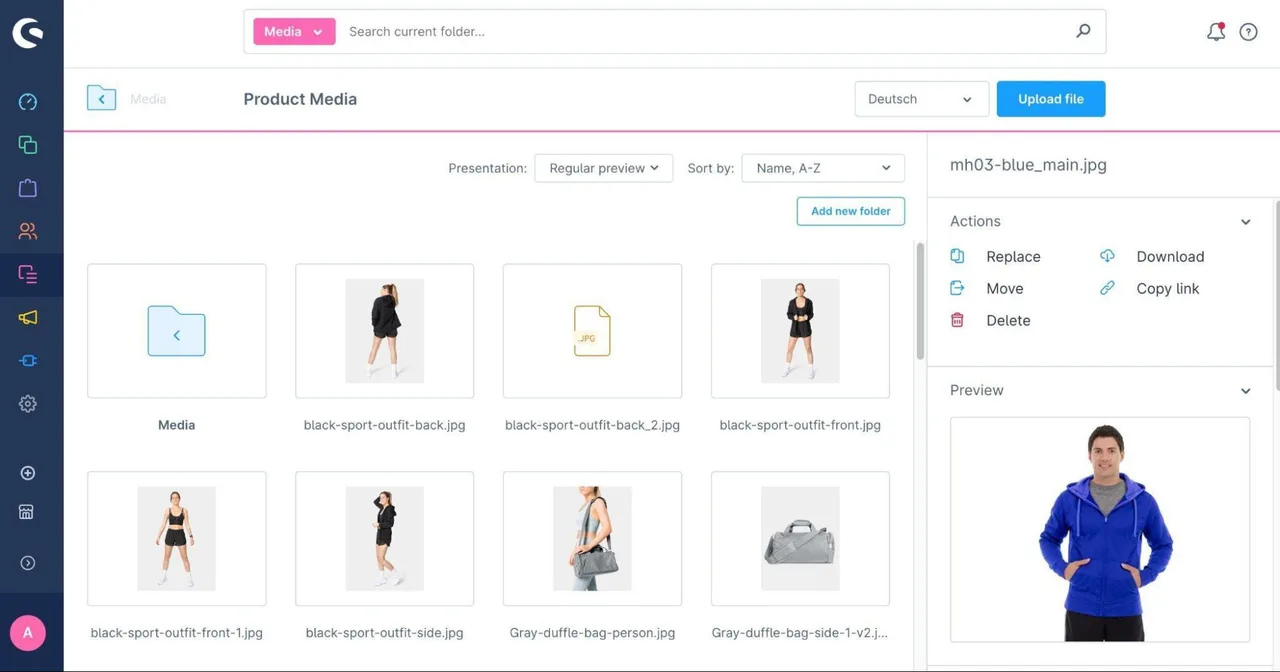
Managing Media in Shopware 6
- Can the admin change meta tags, such as the image alt tag? Is there a tagging feature that can be used, for example, in a blog? Can the admin see where (e.g., product or category) the image is used in the storefront?
Another important aspect of the admin settings is the functionality and configuration of the search feature. The following points should be described here:
- Can the admin specify which entities should appear in search results? Can the admin specify whether search terms, products, categories, content pages, and, if applicable, certain attributes (e.g., “brands”) should be included in the results?
- Can the admin set error tolerance settings for users and, for example, define how many characters are considered an “error”?
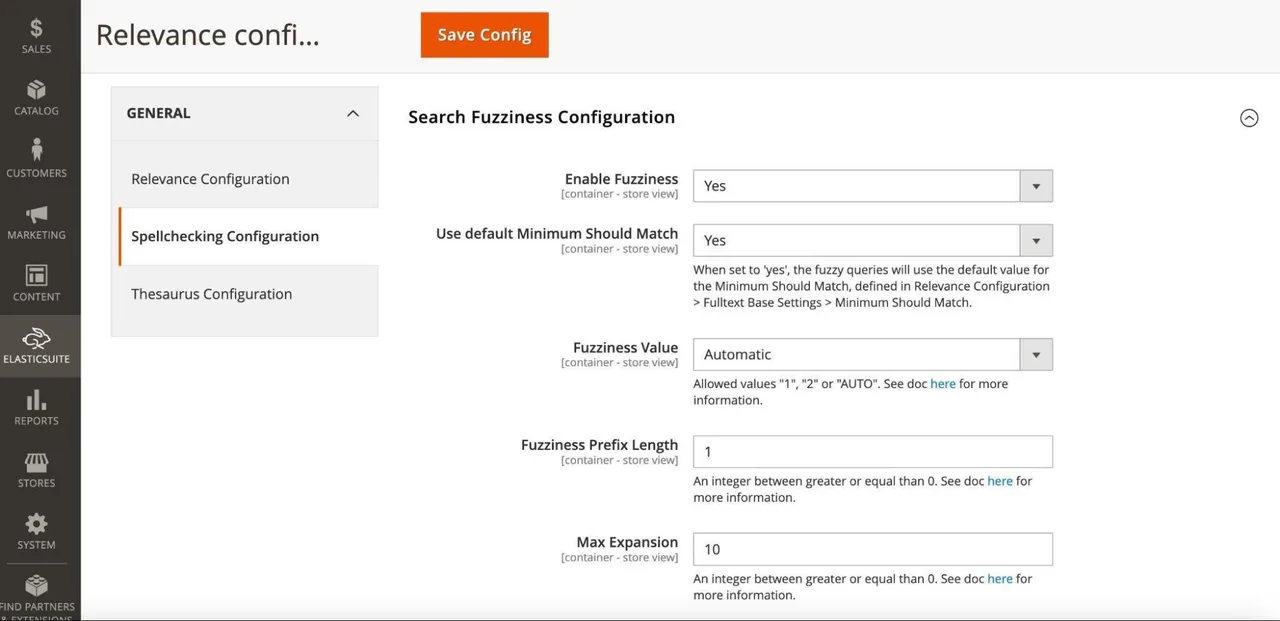
Configuring Fault Tolerance for the ElasticSuite Search in Magento 2
- Can the admin define synonyms¹⁶ and extensions¹⁷? Is it possible to set up a redirect for specific search terms to, for example, a category, content, or product page?
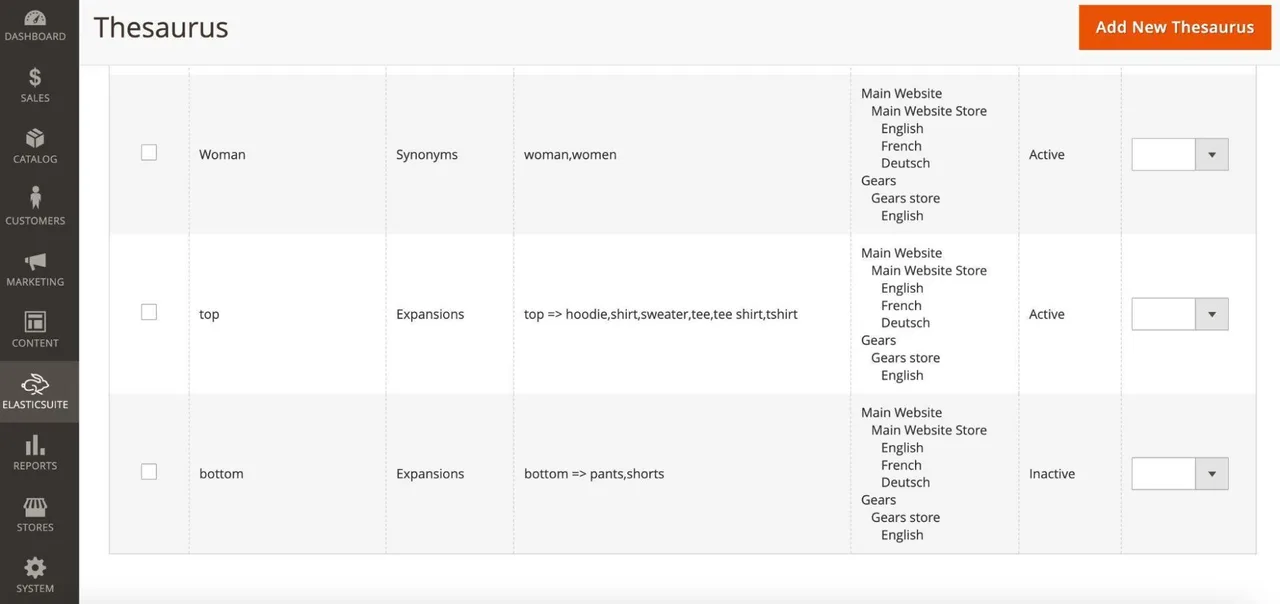
Synonyms and Extensions for the ElasticSuite Search in Magento 2
- Can product attributes be weighted based on their relevance to the search, so that, for example, “product name” has a higher relevance than “product description”? Can certain attributes be excluded from the search? Can entire words be excluded from the search, if necessary?
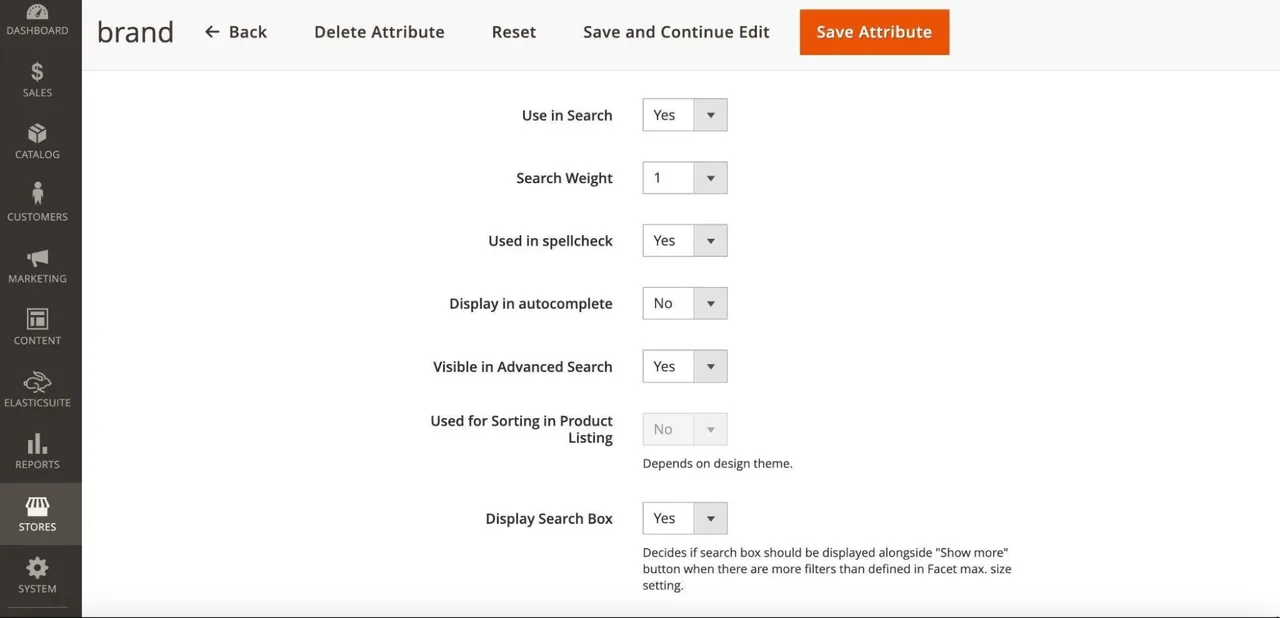
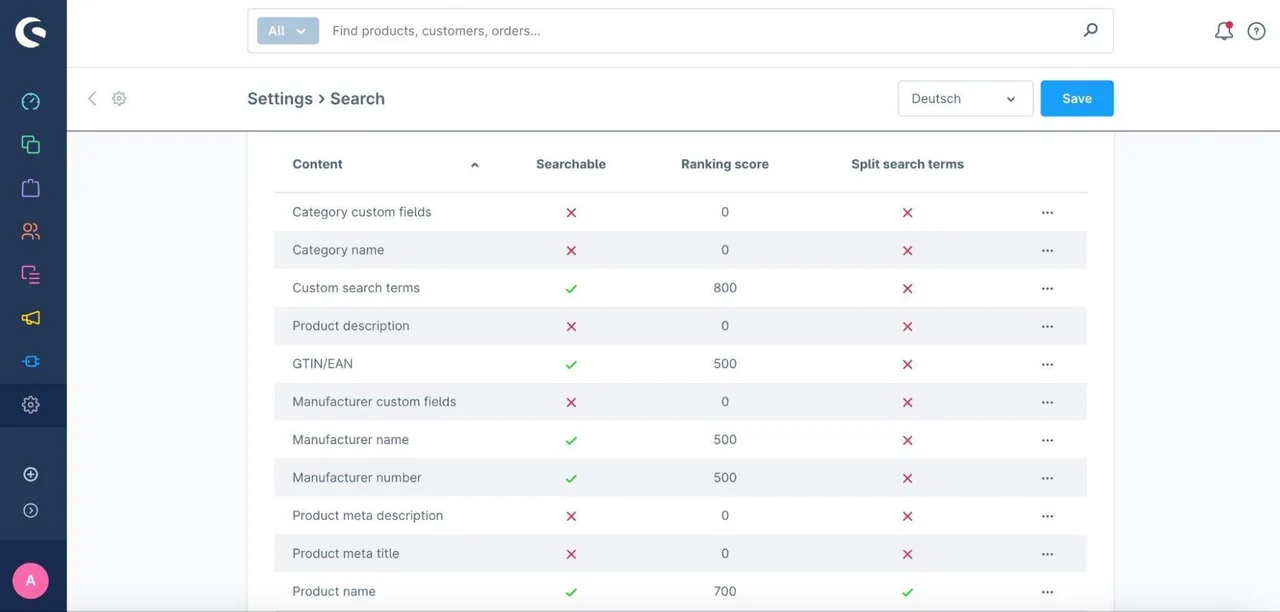
Configuring the “brand” attribute for search in Magento 2
Configuring the search relevance of product attributes in Shopware 6
- Can the admin use rules to manipulate search results so that, for example, new products with high inventory levels are listed higher up, while products with low inventory levels are listed lower down? Can these rules be defined for specific search terms?
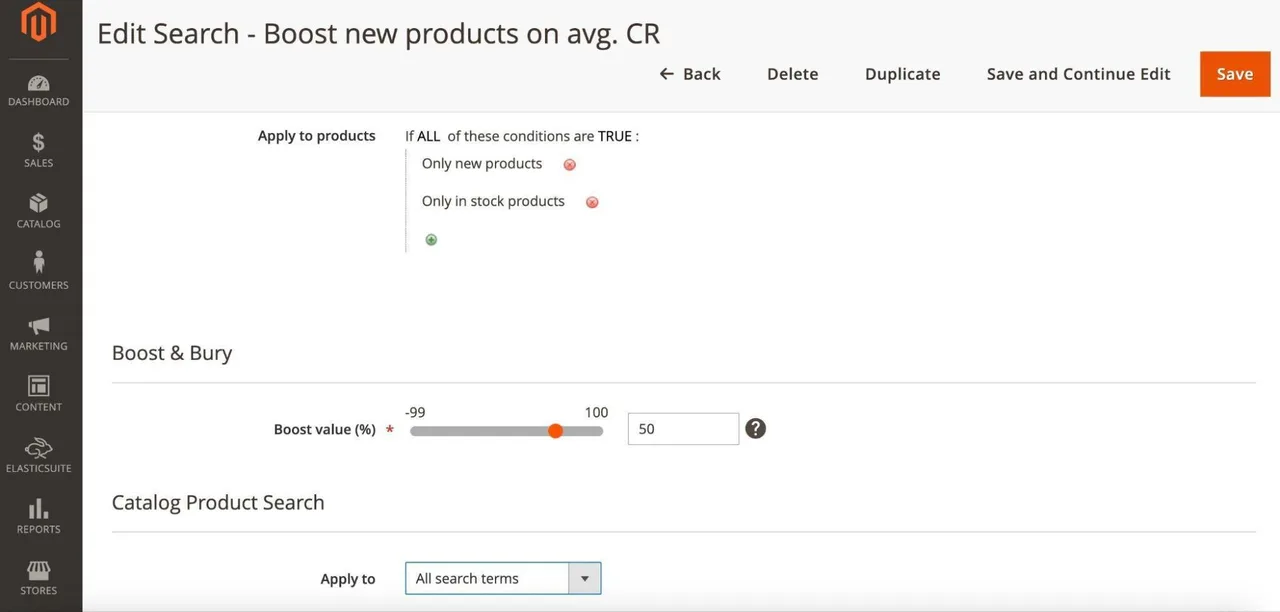
Configuring the ElasticSuite Search “Optimizer” in Magento 2
- Is there an analysis of the search terms used?
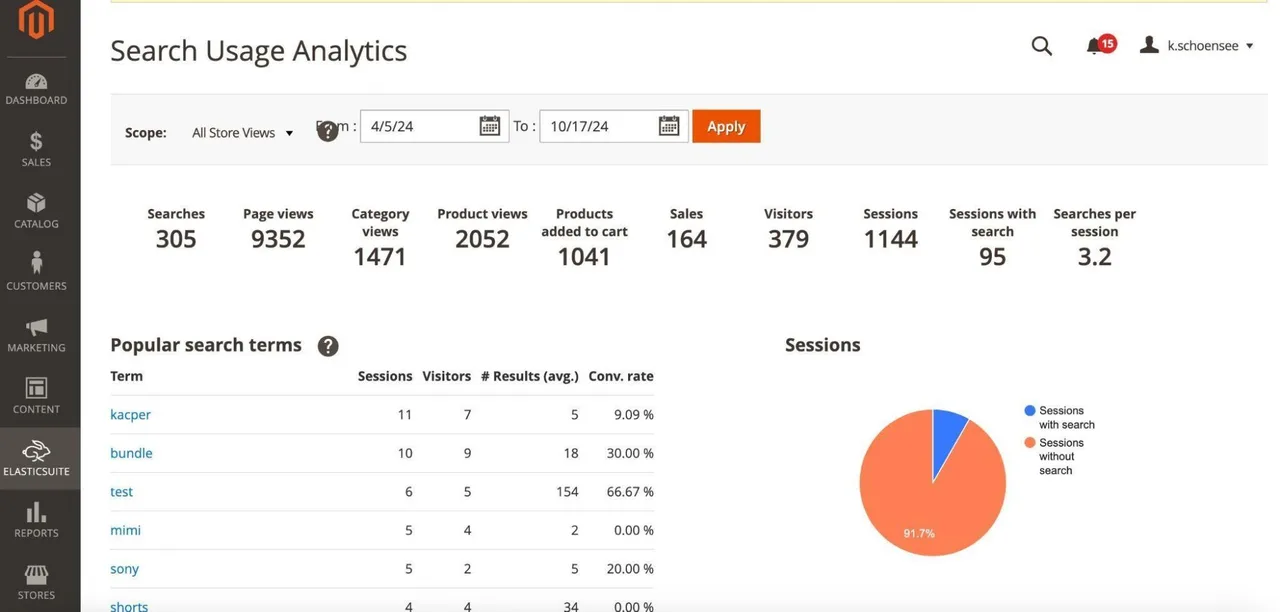
Analysis of the ElasticSuite Search in Magento 2
Orders are at the heart of an e-commerce system. The following functions, for example, should be described:
- Is there an overview of orders? Can I search here, for example, by order ID or customer name? Can I sort the list, for example, by the most recent orders or the cart total? Can you use filters to narrow down the orders, e.g., by payment method?
Order summary with applied filters in Magento 2
Using Filters in the Order Overview in Magento 2
- Can orders be exported, for example, in CSV or Excel format? Can the admin edit the export profile and, for example, remove or add columns?
- Can the admin edit orders using a mass action? Can the order status be changed here, for example, to “canceled” or “completed”? Can documents, such as an invoice or a packing slip, be generated? Can emails, such as an order confirmation, be sent manually? Can orders be deleted?
Bulk Editing of Orders in Shopware 6
- What information can be viewed on the order details page? Is it the order status, payment and shipping methods, customer information (e.g., name and address), as well as the shopping cart, taxes, and any applicable discounts? Can the information contained here, such as the shopping cart, be changed later?
Order Details in Magento 2 (1 of 3)
Order Details in Magento 2 (2 of 3)
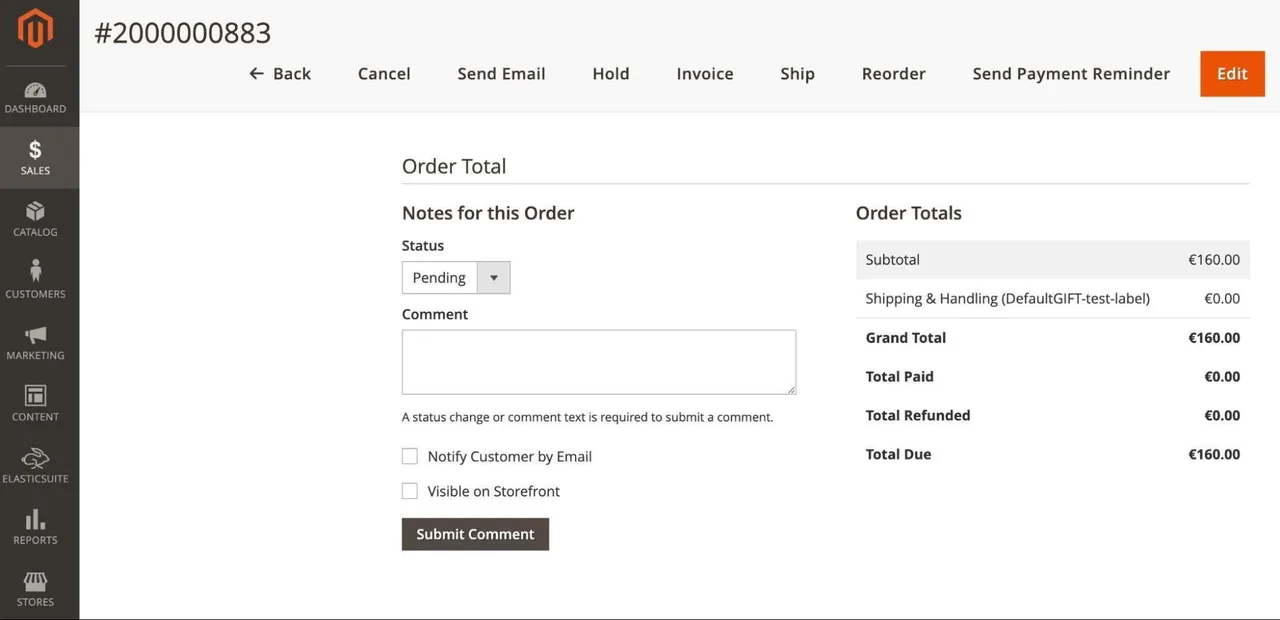
Order Details in Magento 2 (3 of 3)
- Does the system sync with the payment service provider, and can you view the status, such as "payment received"? Can you cancel the transaction or issue a credit note via the admin panel while the system is synced with the payment service provider?
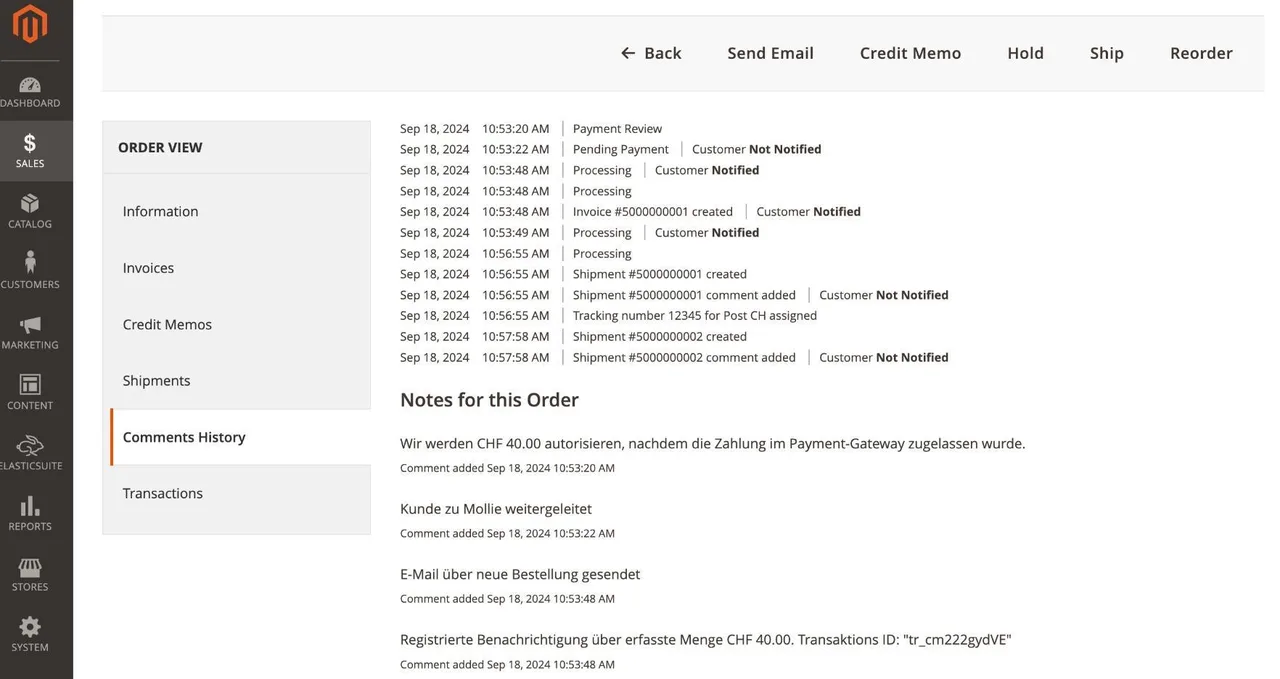
Order History, Including Payment Synchronization, in Magento 2
- Can I generate an invoice for an order? Will it be emailed to the customer as a PDF? Can multiple invoices be generated per order?
- Can you generate a shipping notification for an order that includes a tracking link, such as for DHL? Is this sent as a PDF via email? Can multiple partial shipments be created per order?
In addition to managing orders, managing customers and their accounts is also a key aspect of an e-commerce system. The following functions, for example, should be described here:
- Is there an overview of customers? Can I search here, for example, by name or address? Can I sort the list, for example, by the most recent customer accounts or in alphabetical order? Can you use filters to narrow down the results, for example, to only “active” customers?
Overview of Customer Accounts in Magento 2
- Can customers be exported, for example, in CSV or Excel format? Can the admin edit the export profile and, for example, remove or add columns?
- Can customers be assigned to a customer group or segment? What can these customer groups be used for? Are they used for tax rules, content visibility, categories and products, or pricing and discount rules?
- Can the admin edit customers using a mass action? Can the status be set to “inactive,” for example, or can the customer group be changed? Can emails, such as a “Forgot Password” email, be sent? Can customers be deleted?
- Can a customer change their information, such as their address, in their account? Can they view their past orders, wish lists, shopping carts, and product reviews? Can the admin user subscribe the customer to a newsletter? Can a user log in via the admin account, view the associated storefront from the customer’s perspective, and, for example, place orders or add items to the shopping cart on their behalf? If so, is there a corresponding GDPR-compliant consent from the customer?
Managing Customer Accounts in Magento 2
- Are customers assigned to and accessible only within a specific client or sub-shop, or are the accounts shared across all clients? If a customer account is shared across multiple clients, are all orders from the other clients also visible?
Many online stores offer the option to use discounts and pricing rules. When managing and configuring these, you should consider the following points:
- Is there an overview of discounts and pricing rules? Can I use a search function here, for example, to search for “discount code”? Is there a sorting option, e.g., by the most recent rules? Can you use filters to narrow down the results, e.g., to show only “active” rules?
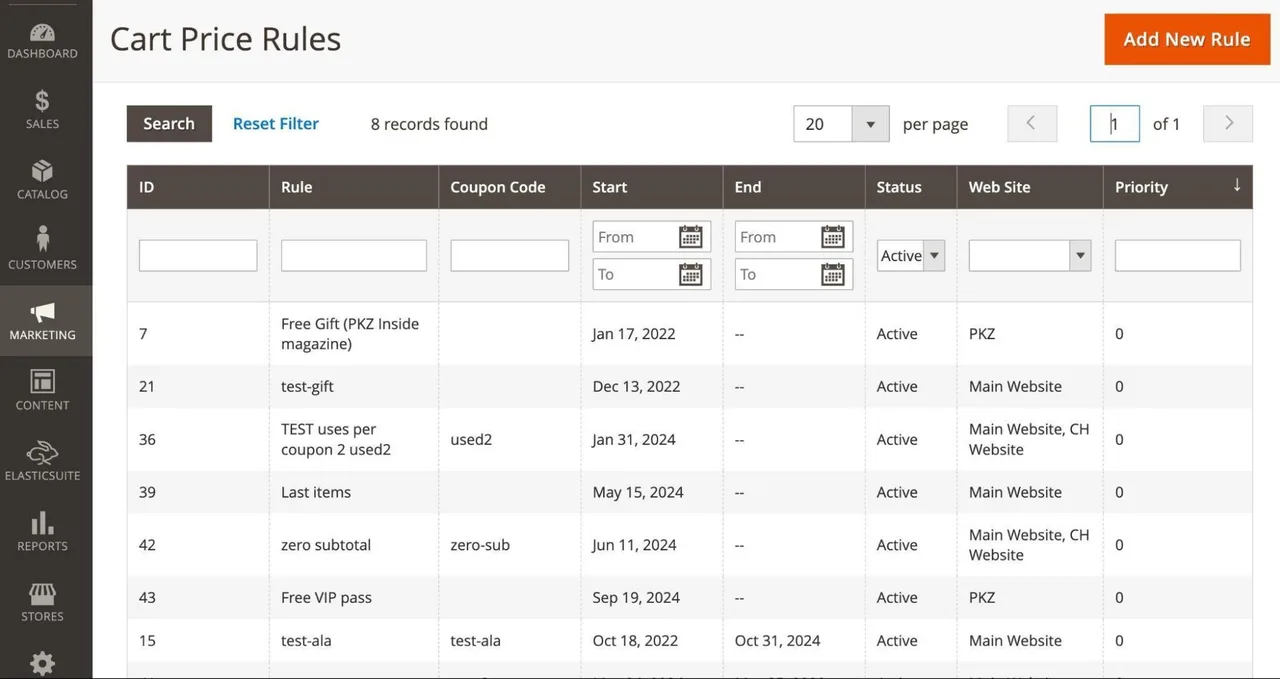
Managing Cart Price Rules in Magento 2
- What general settings can the admin set when creating a rule? Can the admin define the time period during which the rule is active? Can the rule be limited to a maximum number of uses (e.g., per customer)? If multiple rules are active, can the admin control the priority of each rule? Can the rule be excluded from being combined with other rules?
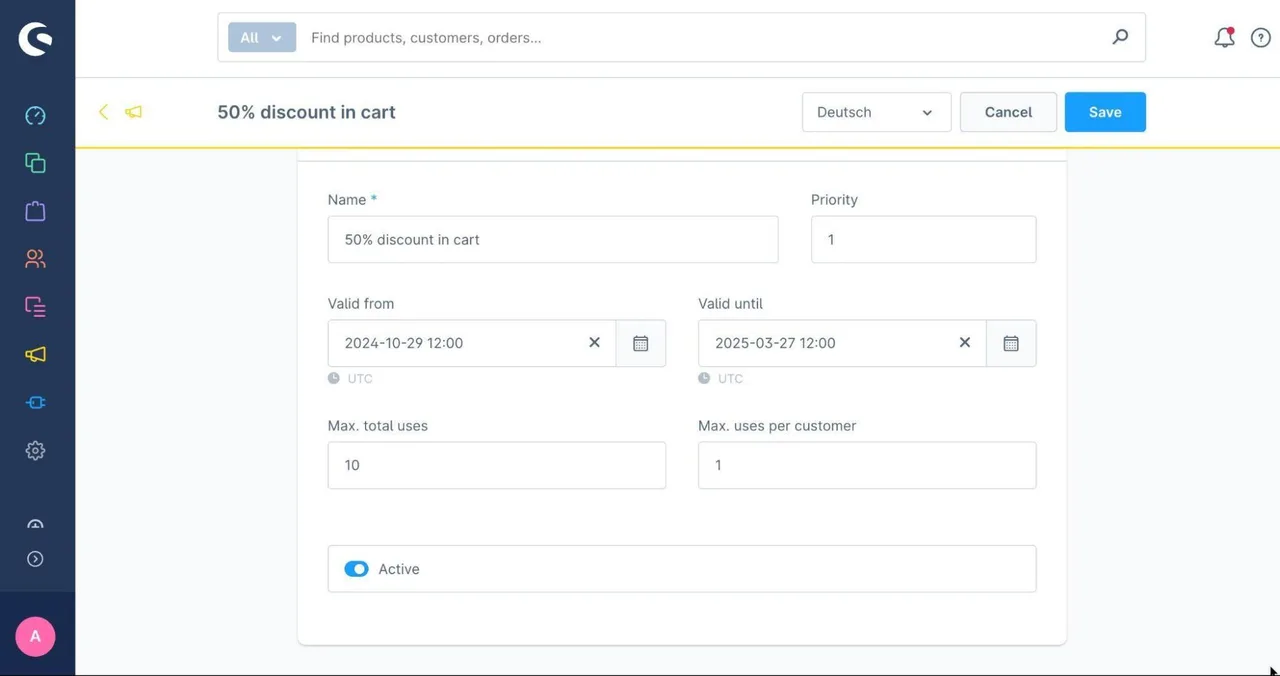
Creating shopping cart price rules (promotions) in Shopware 6
- Can the admin specify whether users are required to enter a discount code in the storefront? If so, can the admin configure a specific code or generate multiple codes through the system, for example, based on a specific pattern?
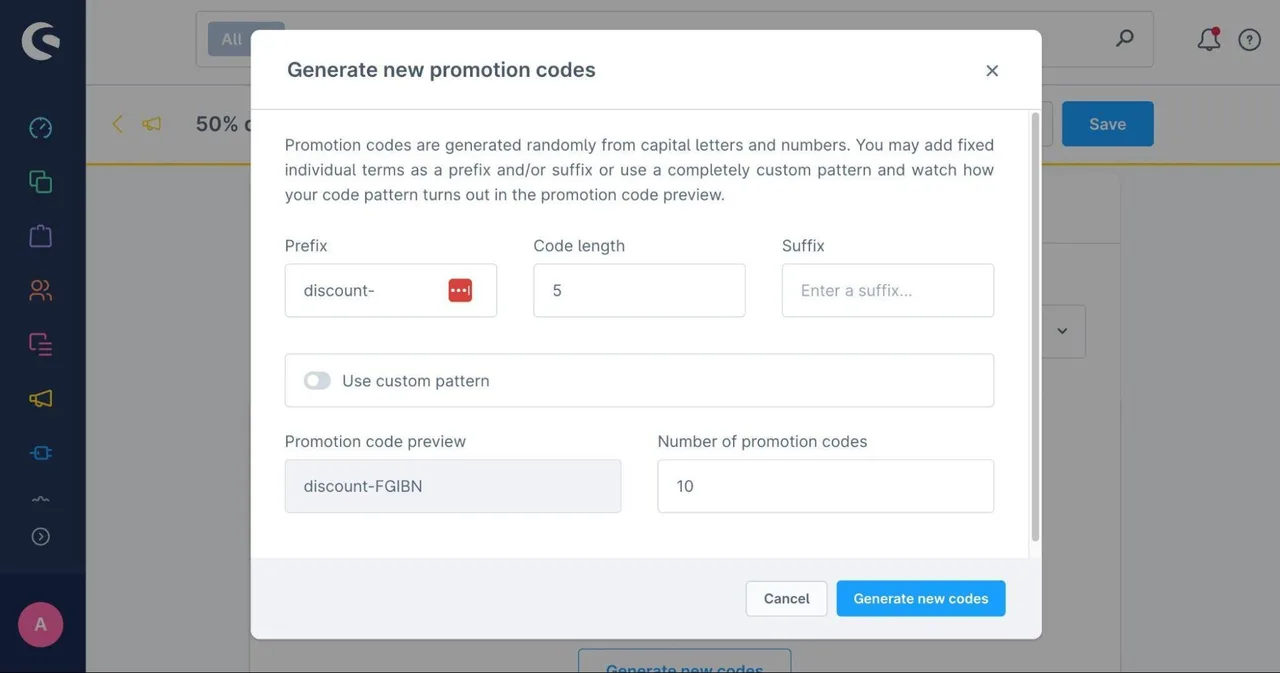
Generating discount codes in Shopware 6
- Can the admin user define the conditions for triggering the rules? Can the rule be excluded for specific clients or customer groups? Can the admin define specific shopping cart properties, e.g., shopping cart value of at least €200, as well as customer properties, e.g., shipping country is Germany? Can product attributes or categories be used for the conditions?
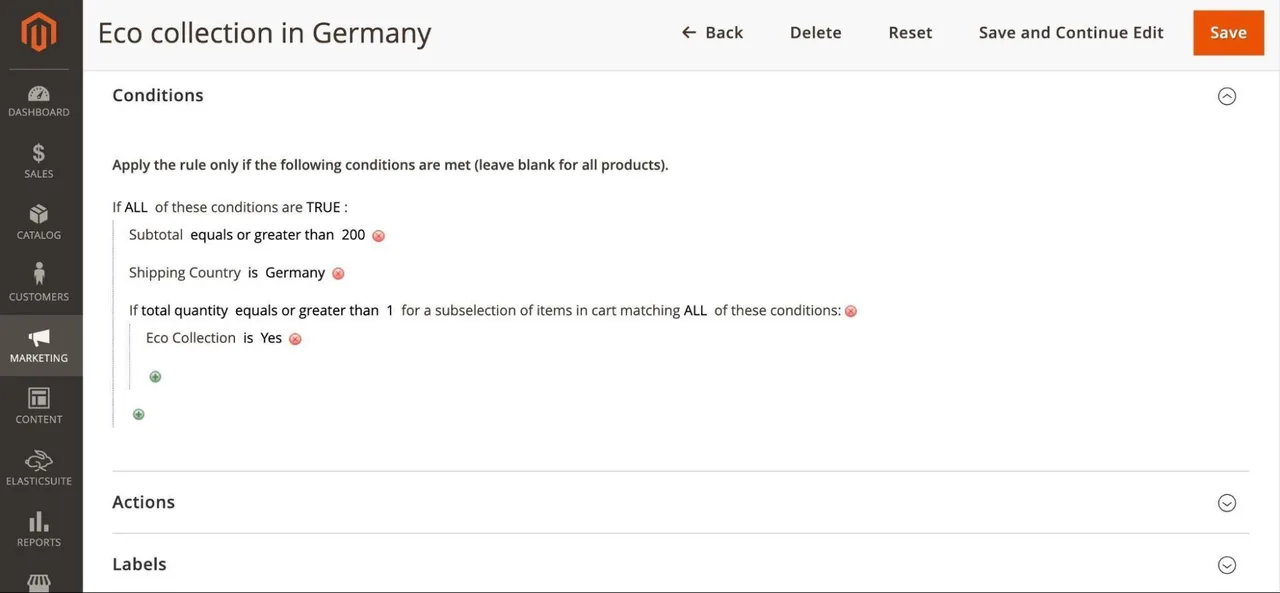
Defining Conditions for Cart Price Rules in Magento 2
- What types of pricing and discount rules can the admin set? Can a fixed discount (e.g., $10) or a percentage discount (e.g., 10%) be applied? Is there a way to add free products, such as a magazine or a product sample, to the shopping cart as gifts? Is there a “buy X, get Y” discount rule?
Defining the discount type and amount in Shopware 6
The current e-commerce system may also include settings in the shopping cart and checkout. The following features should be described:
- Can rules be set for the shopping cart that prevent customers from completing checkout? For example, can a maximum number of items or a minimum order amount be specified?
- Can the admin user define the fields in the checkout process, for customer registration, and for addresses? Can they only control predefined fields—such as displaying the state or title—or can they configure custom fields? If the admin user can define custom fields, are validation settings—such as a minimum and maximum number of characters—available? Can fields be marked as optional or required?
Configuring Customer and Checkout Fields in Magento 2
- Can the admin control which countries are allowed for checkout? Can a distinction be made between “allowed for shipping” and “allowed for billing”? Can the required address fields be defined separately for each country?
- Can multiple tax rates and tax rules be defined in the admin area? Can products be categorized by tax class, such as books with a reduced tax rate? Can customer accounts be managed by tax class, e.g., if the customer is a business with a VAT ID? Can the admin user define different tax rates—including standard and reduced rates—for each shipping country?
Configuring Tax Rates in Shopware 6
- Can different shipping methods, such as “Standard” or “Express,” be defined for checkout? Can shipping costs be controlled on a per-country basis? Can certain shipping methods be excluded using rules, e.g., no express shipping for orders under €50? Can the admin configure shipping costs based on a shopping cart attribute, such as “weight” or “cart value”? Are shipping methods such as “In-Store Pickup” or “Packstation” supported?
- Can different payment methods, such as “prepayment” or “purchase on account,” be defined for checkout? Can payment methods be excluded based on specific rules, e.g., no purchase on account for orders under €150? Is it possible to use customer attributes to exclude payment methods, such as preventing customers who have not placed an order before from using purchase on account?
- Can online payment methods, such as credit cards, Sofortüberweisung, Apple Pay, or PayPal, be managed through a setting for the payment service provider? Can individual payment methods be further configured, such as enabling 3-D Secure for credit cards? Can the admin define a separate payment fee, such as an additional 2% fee for credit cards? Is it possible to control payment methods on a per-shipping-country basis?
Configuring the “PayPal” payment method in Shopware 6
As an e-commerce owner, you generally want to have your storefront content—that is, catalog and content pages—indexed by search engines in order to achieve a certain level of visibility in organic search results (“SEO”). In addition, certain marketing tools for the marketing team—such as an analytics tool or the implementation of marketing pixels—are typically important. In this context, the admin user should describe the following functions, for example:
- Is there a template or set of rules for generating URL keys? 18 Can these rules be defined individually for entities such as products, categories, and content pages?
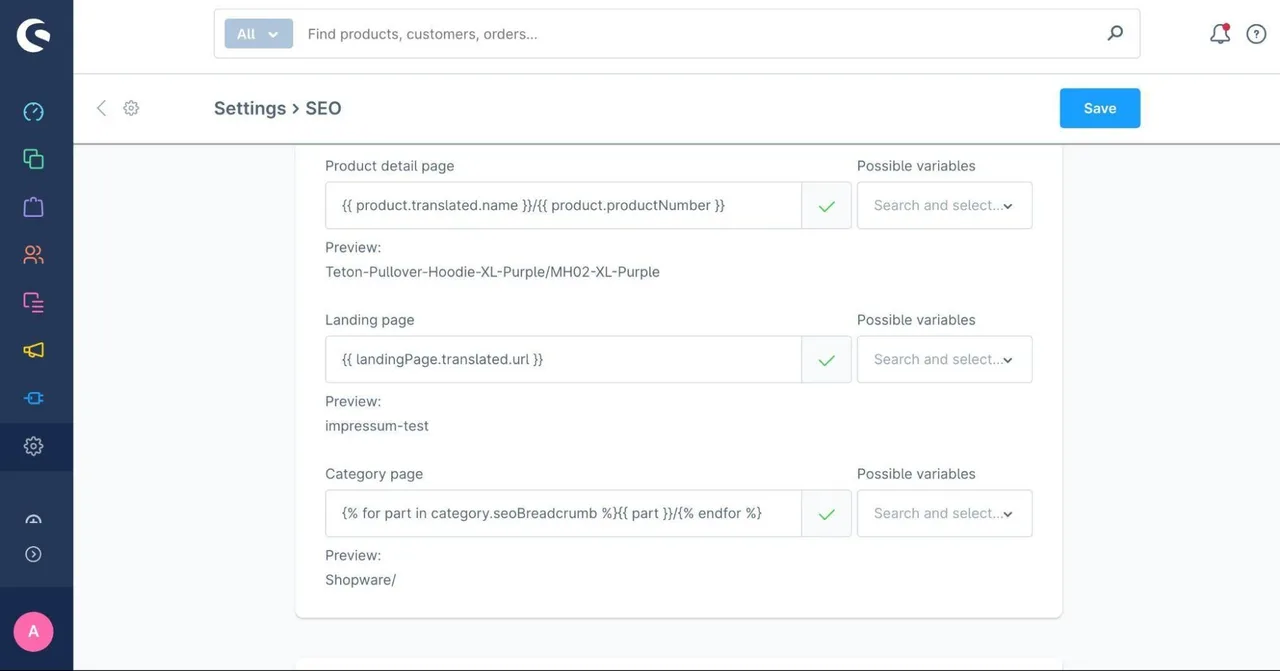
Configuring URL keys in Shopware 6
- Can the admin configure settings for canonical tags or hreflang tags? Can self-referencing canonical tags be set as the default, and can these be overridden on a per-product, per-category, or per-content-page basis if necessary? Can hreflang tags be set on a per-client or per-language basis?
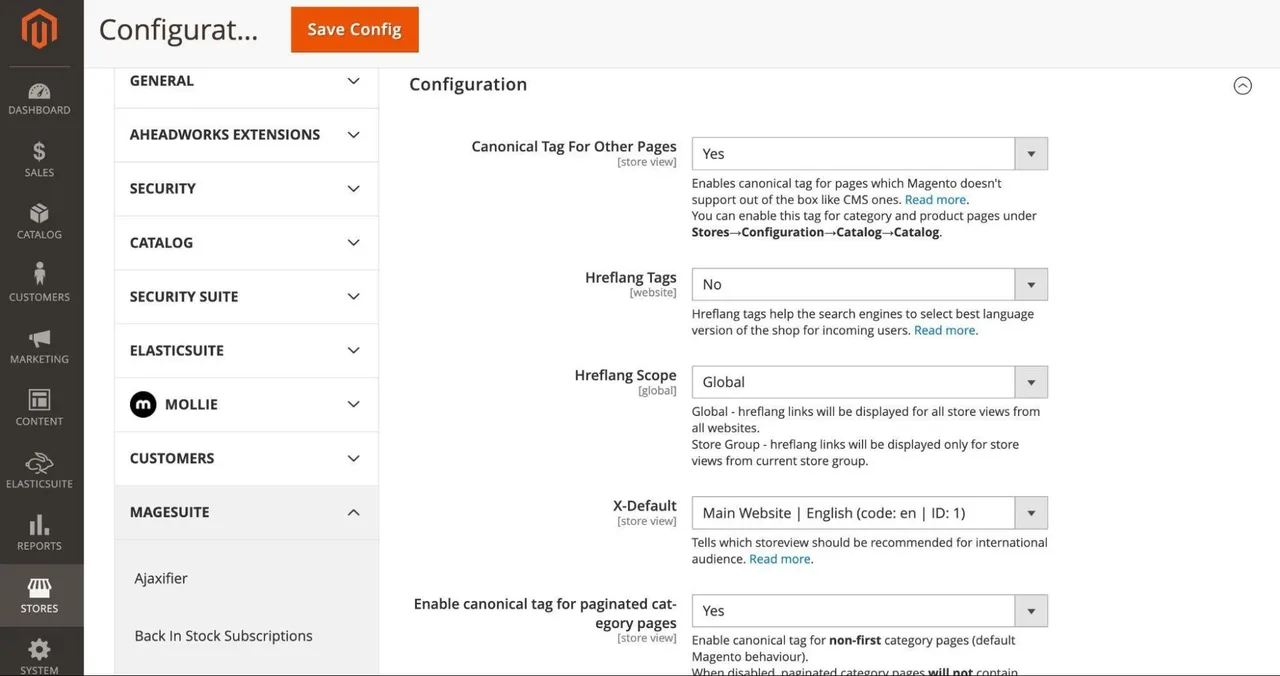
Configuring Meta Tags Using the “MageSuite” Plugin in Magento 2
- Can settings for meta robot tags, such as “nofollow” or “noindex,” be configured? Can these settings be applied on a per-product, per-category, or per-content-page basis?19
- Can the admin edit the “robots.txt” file on their own and, for example, block certain bots?20 Can rules be set for generating the sitemap and linked to the robots.txt file?21
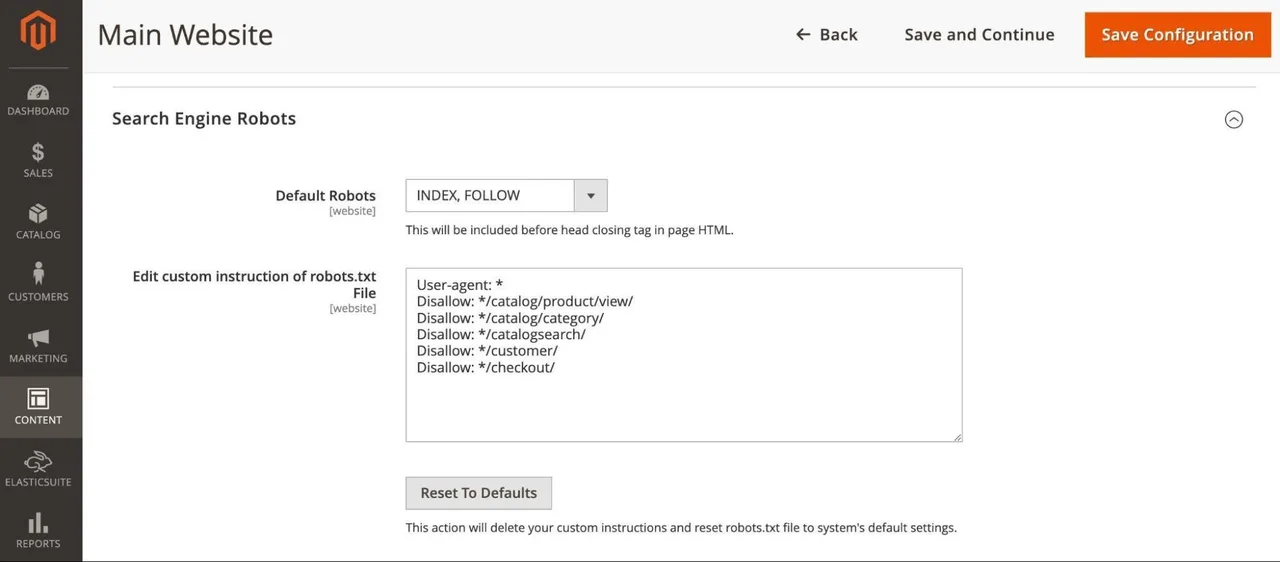
Configuring Meta Robot Tags and the Robots.txt File in Magento 2
- Can settings be configured for structured data, such as mappings between product attributes and Schema.org tags? Can these settings be configured separately for products, categories, and content pages?22
- Can settings for OpenGraph meta tags be configured, such as default values and mappings between the OpenGraph tag and a product attribute? Can these settings be configured separately for products, categories, and content pages?23
- Can the admin manually add URL rewrites, such as a 301 or 302 redirect?24
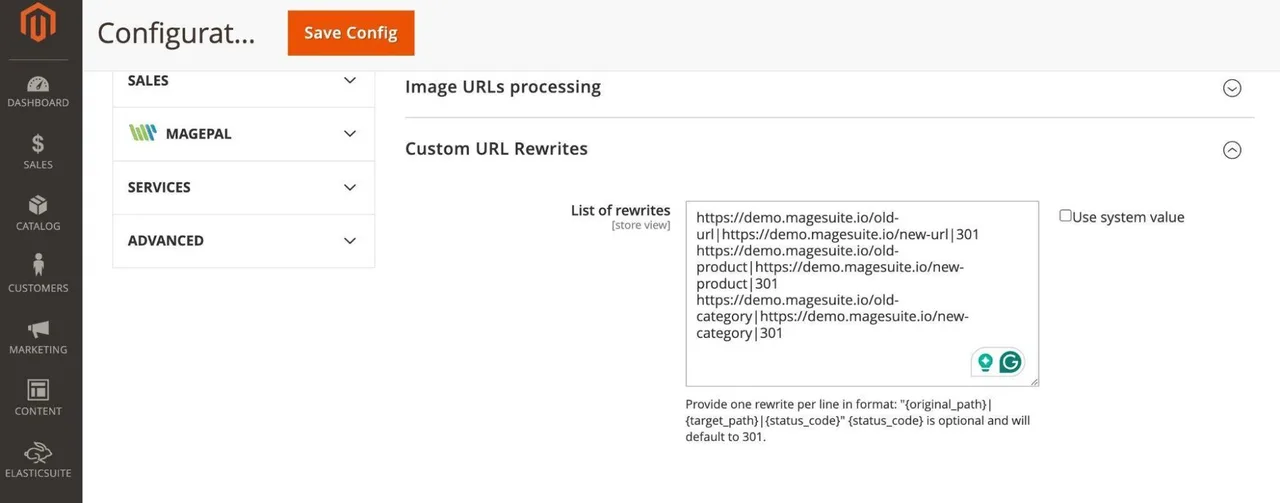
Configuring URL rewrites using the “MageSuite” plugin in Magento 2
- Can the admin independently link a Google Analytics container or a Google Tag Manager container to the e-commerce system?25 Is it possible to set up one container per client or sub-shop?
Another key component of an e-commerce platform is the emails sent by the system. Here, you should describe features such as the following:
- Can the admin user configure the email server on their own? Can the admin user also define the email sender addresses?
- Can the admin define user scenarios (e.g., order confirmation, forgotten password, new customer account, etc.) that trigger an email to be sent?
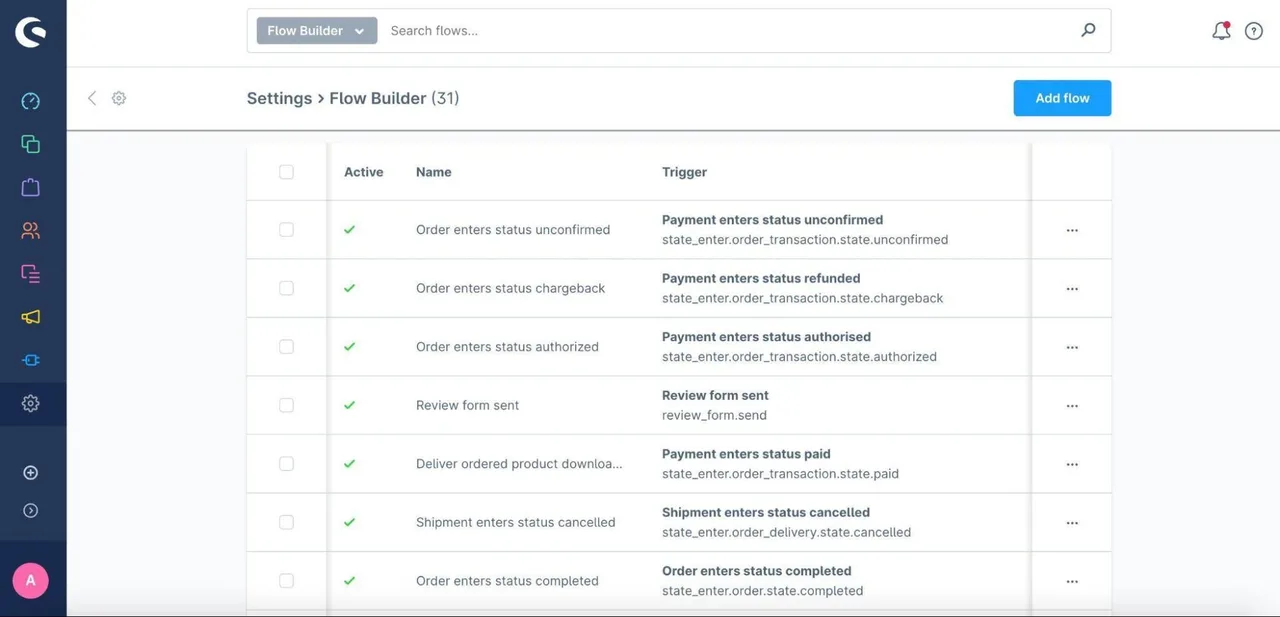
Flowbuilder for Email Notifications in Shopware 6
- Can the admin create email templates and modify the text, styles, etc., within them? Can these be customized by language or sub-shop?
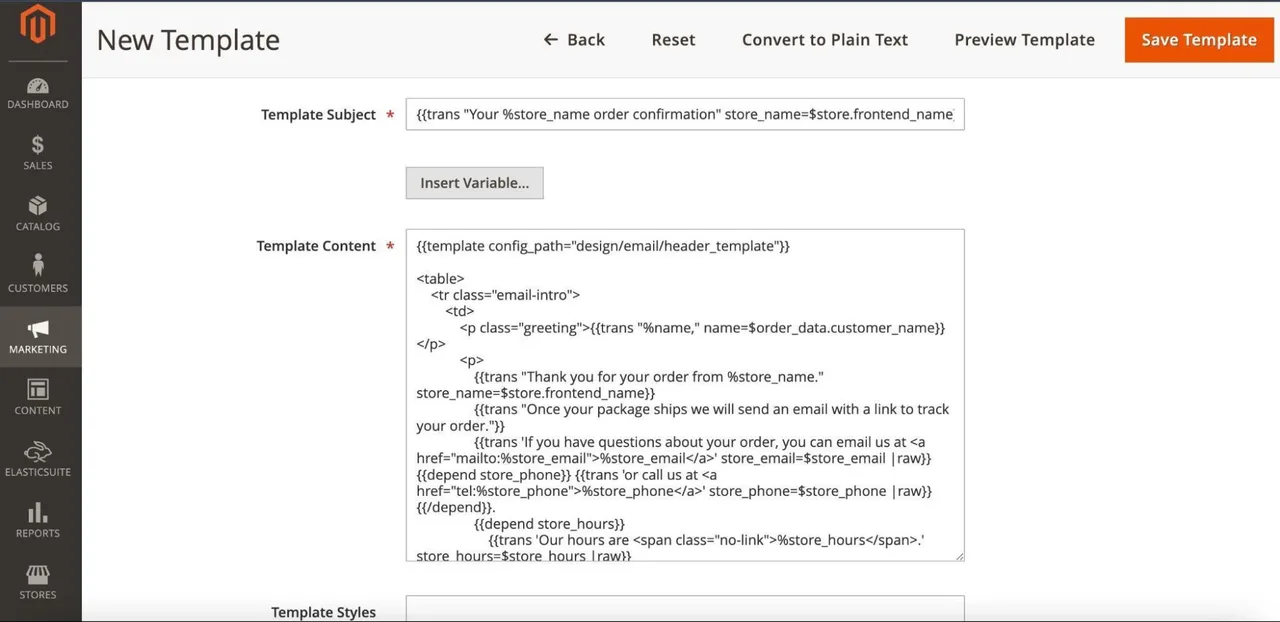
Creating Email Templates in Magento 2
Common e-commerce platforms often include a section where users can configure settings related solely to the backend and administration. These include, for example:
- Is there a section where cron jobs can be managed? Does the e-commerce platform use content indexing and caching that the admin user can control? Can jobs from individual integrations, such as product imports, be managed?
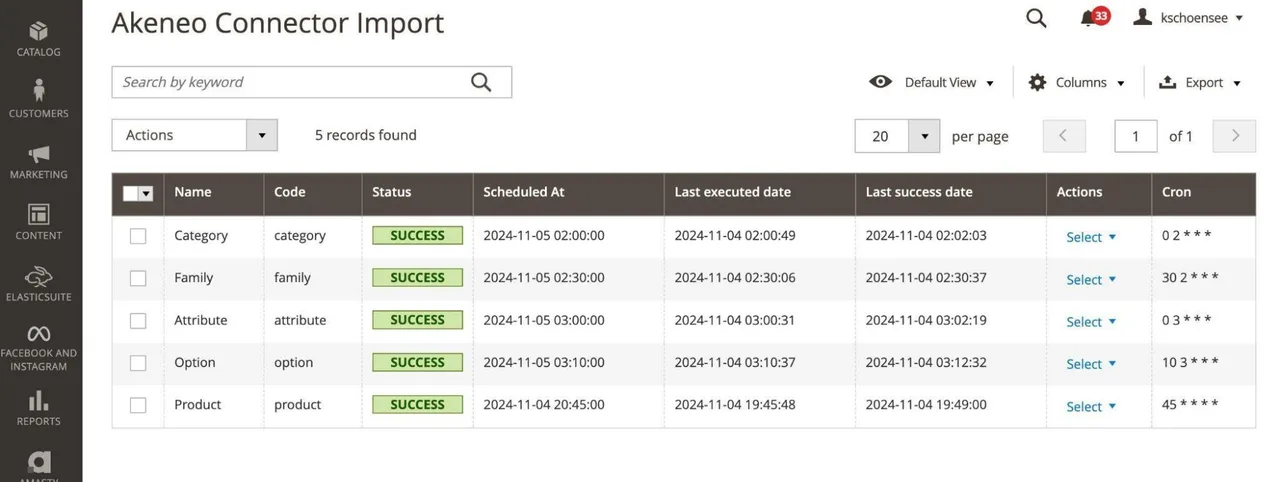
Configuring the Akeneo Connector (PIM) in Magento 2
- Is there logging for successful and failed communications with third-party systems, such as failed imports of inventory data from the ERP? What information do these logs contain? Are changes made by admin users also logged, and can these changes even be undone?
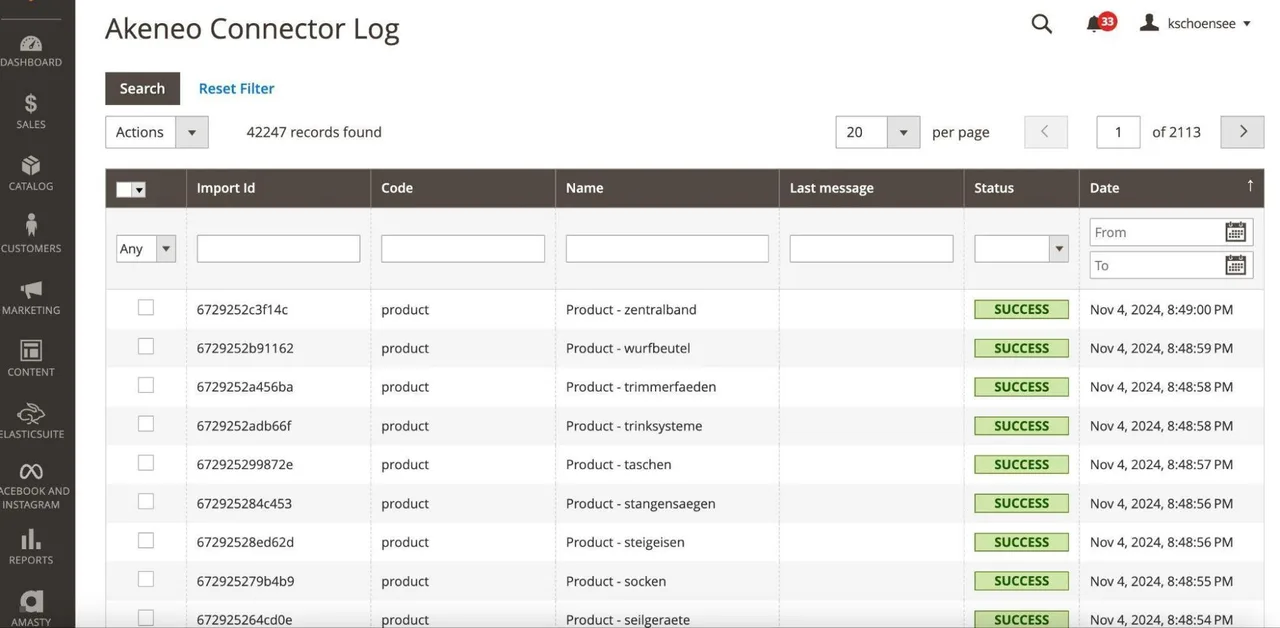
Logging for the Akeneo Connector (PIM) in Magento 2
- Is there a permissions and role system for admin users? In addition to sections such as Products, Content Pages, and Discount Rules, can permissions such as Read, Create, Edit, or Delete also be customized? Can these permissions also be applied to API users?
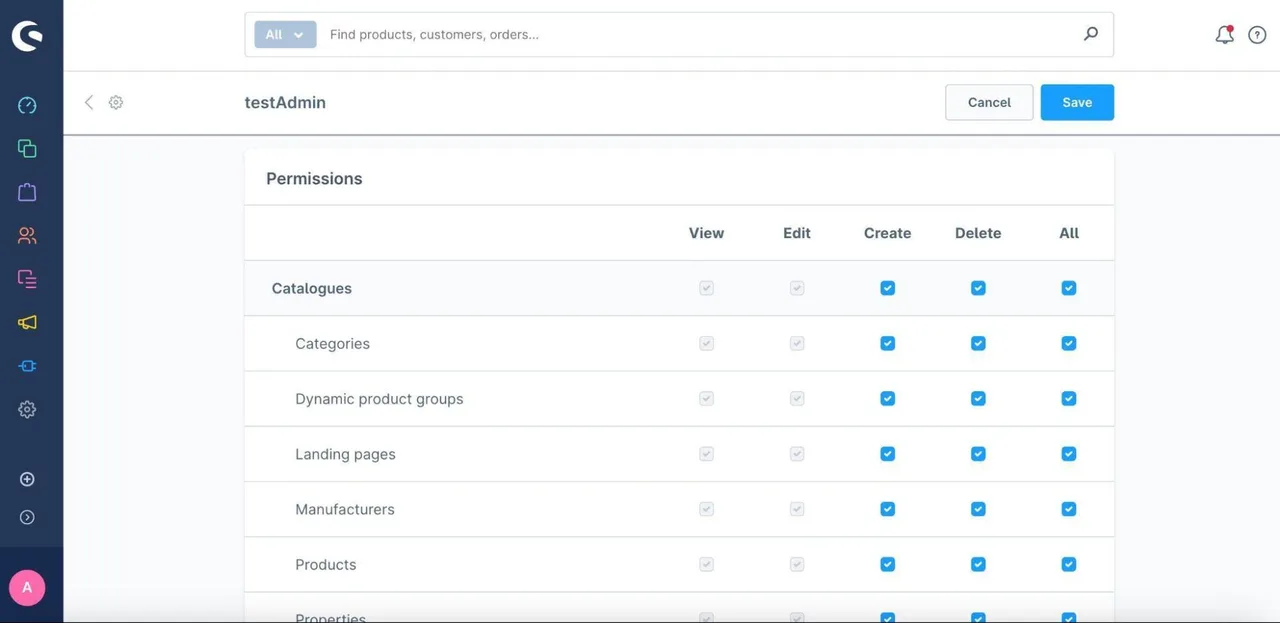
Defining Permissions and Roles in Shopware 6
Analysis of the System Landscape
E-commerce systems are typically embedded in a complex system landscape consisting of various interconnected systems. While the e-commerce system itself primarily facilitates the digital sale of products, other tasks are handled by specialized external systems. These can cover the following functions:
- Accounting: Processing invoices, payments, and tax returns.
- Fulfillment and logistics: Management of inventory, shipping, and returns.
- ERP systems: inventory management, procurement, and production planning.
- Payment processing: Integration of payment service providers (PSPs) for secure transactions.
- Customer Relationship Management (CRM): Maintaining and analyzing customer relationships.
- Product Information Management (PIM): Management and enrichment of product information.
- Reporting and Business Intelligence (BI): Data analysis and decision-making support.
- Analytics and tracking: Collection and analysis of user data.
- Searchandising: Solutions for search, product recommendations, and personalization.
- Marketing Automation: Automating campaigns and newsletter distribution.
To create a clear and efficient system architecture, it is recommended to document the individual systems and their communication paths in detail. A visual representation in the form of a diagram can help clarify the connections and data flows between the systems.
In addition, the infrastructure of the e-commerce platform plays a crucial role, particularly when using on-premises shop systems. The infrastructure encompasses all the resources required to operate the e-commerce instance. These are located either in a local data center or in a cloud environment. Typical components include:
- Servers: Physical or virtual machines on which the e-commerce system is installed, including test, staging, and production environments.
- Load balancer: Distributes incoming traffic across multiple servers to ensure an even load.
- Databases: Storage of orders, customer data, product information, and other business-related data.
- Media storage: Stores photos, videos, and other media content.
- Caching server: Optimizes load times by caching frequently used data.
- Content Delivery Network (CDN): Delivers static content such as images or JavaScript from geographically close servers to reduce loading times.
- Search engine servers: Systems such as Elasticsearch for quickly processing search queries and filter functions.
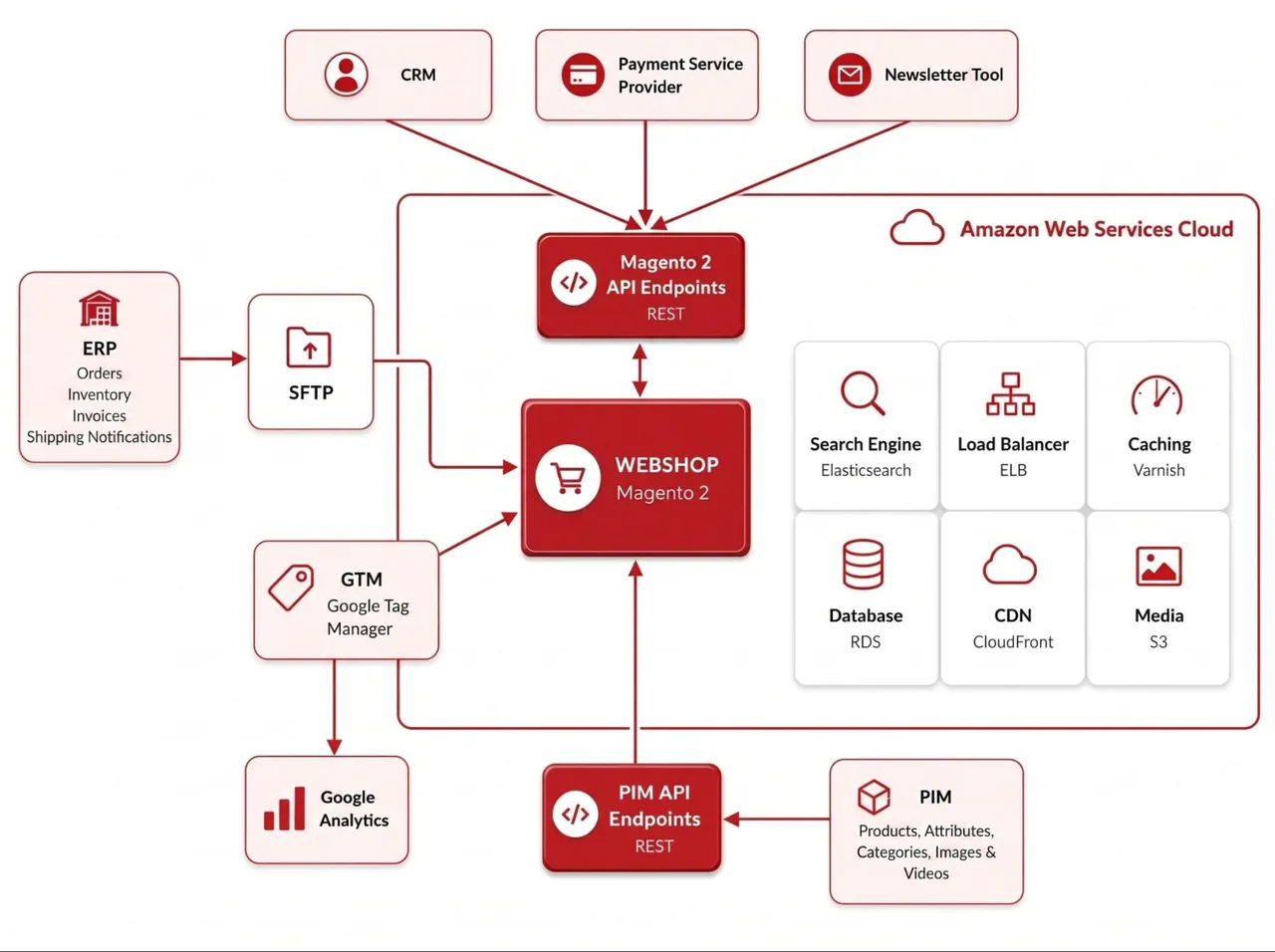
The following section describes several integrations with a PIM, an ERP, a CRM, and a PSP as examples. These can serve as a reference point for your own analysis.
PIM Integration
This section provides a detailed overview of the key considerations that should be taken into account during PIM integration to ensure a smooth migration of the interface.
First, you need to determine which entities should be synchronized between the PIM and the e-commerce system. Typical entities include:
- Categories: Should the entire category tree, including subcategories, be transferred? How many levels of categories can the e-commerce system and the PIM handle? What happens if a category is moved or deleted in the PIM?
- Products: Does each import update a single product (single SKU), or are multiple products updated? Which product types (simple, configurable, digital products, etc.) are being updated? How many levels of configurable products are there (e.g., is “size” the only configurable attribute, or are “size” and “color” the two configurable attributes)?
- Media: What types of media—such as images, videos, and PDFs—are synchronized? Is there a specific order that must be followed during import, such as always displaying the first product image from the PIM on the product tile, the second product image on the product detail page, and so on?
- Attributes and attribute values: Are attributes exchanged between the PIM and the e-commerce system?
The next step describes the alignment of data structures and attributes—or the “mapping of attributes”—between the PIM and the e-commerce system:
- Attribute compatibility: Do the PIM and the e-commerce system use the same data types? Are the attribute types recognized consistently and interpreted correctly between the e-commerce system and PIM, e.g., text with HTML tags, numeric values, single-select, multi-select, etc.?
- Localization: How are attributes such as product names, descriptions, etc., translated and displayed in multiple languages? How are different currencies handled between the PIM and e-commerce systems?
- Mapping logic: Which system is responsible for mapping the attributes?26 The following aspects should also be documented as part of the mapping description:
- Data validation: Defining validation rules, such as maximum character count, required fields, and permitted characters, including umlauts.
- Attribute mapping: Exact mapping of all attributes is necessary to ensure that the data flow between the PIM and the e-commerce system remains consistent.
Next, the communication flow and technical integration should be described. This typically includes:
- Data flow: Is the exchange unidirectional (only from the PIM to the e-commerce system) or bidirectional (the e-commerce system sends data back to the PIM)? It is conceivable that products (and their SKUs) are first created in the e-commerce system, reported to the PIM, and enriched, and then the enriched data is fed back to the e-commerce system. Is there an e-commerce test system integrated with a PIM sandbox, or is the e-commerce test system integrated with the production PIM?
- Data format and transmission methods:
- File-based exchange: Are files such as CSV, XML, or JSON used for import? Where are the files stored, and which system manages the storage?
- API-based integration: If an API integration is in place, which API endpoints are used? Is the PIM data imported via the PIM endpoints, with the e-commerce system “pulling” the data (PULL method), or is the PIM data “pushed” from the PIM to the e-commerce system via shop API endpoints (PUSH method)?27
- Operations on entities: What operations does the PIM perform on entities in the e-commerce system? Can the PIM create, update, and delete products?
- Synchronization frequency: Is synchronization triggered automatically at set intervals, e.g., every 60 minutes, or as needed?28
To ensure secure communication, please describe the following authentication-related issues:
- Authentication mechanisms: Is access granted via bearer tokens, Basic Authentication (username and password in the URL header), SSH key exchange, or other mechanisms?
- Access restrictions: Is there an IP or domain allowlist to control API requests or access to an SFTP server?
ERP Integration
The following section describes relevant factors that should be taken into account during ERP integration.
First, you need to determine which entities should be synchronized between the ERP and the e-commerce system. Typical entities in this context include:
- Orders (Order Export): Are orders automatically transferred from the e-commerce system to the ERP? Is there a manual review of new orders in the e-commerce system before they are exported to the ERP? Are only orders with specific order statuses, such as “paid,” transmitted to the ERP? Is this status set by the PSP? What happens to orders with the payment methods “Prepayment” and “Invoice” where payment is received later? Can orders be modified retroactively in the e-commerce system, and if so, does this trigger another order export? Are one or more orders transmitted per export?
- Inventory (Stock Import): Is inventory automatically sent from the ERP to the e-commerce system? If so, is there a single inventory level per product, or are multiple warehouses—for example, in an omnichannel context—reported to the e-commerce system? Which system is responsible for reserving inventory after a new order is created? Will the ERP system account for the reserved inventory in the next stock import?
- Order statuses and documents (shipping notification, invoice, and returns import): Does the ERP system report individual order statuses to the e-commerce system?
- In which system is the invoice generated? Is the invoice generated in the ERP system and sent to the e-commerce system? Should it be visible to the customer in the storefront or sent via email?
- In which system is the shipping notification generated? Is the shipping notification, including a tracking link, sent to the e-commerce system? Should it be visible to the customer in the storefront or sent via email? Where is the physical shipping label for the packages generated?
- In which system are returns reported and processed? Is there a way to report a return in the storefront? If so, is this reported to the ERP? Alternatively, is the return label included with the package, and is the return first reported to the ERP? If this return is reported to the e-commerce system, which system triggers the refund with the PSP? Which system creates the credit note and notifies the customer of it?
- Customers: In a B2B context, it is common for customer data to be synchronized between the e-commerce system and the ERP or CRM. What does the customer registration process look like? Can users independently create an account in the storefront and then place orders, or does synchronization with the ERP occur first? Is there an approval process for customers between the e-commerce system and the ERP or CRM? Which system is responsible for managing customer data? If the ERP system has control over customer data, are customers prohibited from changing certain details—such as company name, address, or VAT ID—in their customer account on the storefront?
- Prices and price lists: Are prices managed in the ERP or PIM system? Are they automatically transferred to the e-commerce system? In a B2B context, it is conceivable that the ERP system maintains price lists for each customer account. If a customer does not have a price list, does a specific “default” price list or list prices apply?
Similar to the PIM integration, the mapping of the various data fields between the ERP and e-commerce systems should be described29:
- Localization: If the e-commerce system supports multiple languages, currencies, and clients, how are these mapped within the ERP system?
- Mapping logic: Which system is responsible for mapping the attributes? The following aspects should also be documented as part of the mapping description:
- Data validation: Defining validation rules, such as maximum character count, required fields, and allowed characters.
- Attribute mapping: An exact mapping of all fields is necessary to ensure that the data flow between the ERP and e-commerce systems remains consistent.
The next step is to describe the communication flow and technical integration. This typically includes:
- Data flow: Is the exchange unidirectional (only from the ERP to the e-commerce system) or bidirectional (the e-commerce system sends data back to the ERP)? If customer accounts can be modified in both the ERP and the storefront, bidirectional communication is standard. Is there an e-commerce test system that is integrated with an ERP sandbox?
- Data format and transmission methods:
- File-based exchange: Are files such as CSV, XML, or JSON exported and imported? Where are the files stored, and which system manages the storage?
- API-based integration: If API integration is in place, which API endpoints are used? Is the order export carried out via the ERP endpoints, with the e-commerce system “pushing” data (PUSH method), or are the orders “pulled” from the ERP via shop API endpoints (PULL method)?
- Operations on entities: What operations does the ERP perform on entities in the e-commerce system? For example, can the ERP create, update, and delete customers or orders?
- Synchronization frequency: Is synchronization triggered automatically at set intervals (e.g., every 60 minutes) or on demand?
Finally, the following points regarding authentication should be described:
- Authentication mechanisms: Is access granted via bearer tokens, Basic Authentication (username and password), SSH key exchange, or other mechanisms?
- Access restrictions: Is there an IP or domain allowlist to control API requests or access to an SFTP server?
CRM Integration
This section covers aspects that should be considered when integrating a CRM system. Since many features of popular marketing automation and email marketing providers are similar and some include CRM functionality, this section can also be applied to the integration of marketing automation and email marketing tools.
The first step is to determine which data should be synchronized between the CRM and the e-commerce system. Typical entities include:
- Customers: Are customer records synchronized between the e-commerce system and the CRM? Which system is responsible for managing customer data? If the CRM has control over customer data, will customers be unable to change certain information—such as their address—in their customer account on the storefront?
- Orders: Are orders sent from the e-commerce system to the CRM? Are only orders with specific statuses, such as “paid,” sent to the CRM?
- Interactions: What interactions are reported by the e-commerce system to the CRM? For example, are they abandoned carts, newsletter subscriptions, support requests, downloads, pages visited, search queries, or similar?
- Coupon codes, pricing, and discount rules: Which system manages coupons, pricing, and discount rules? If the rules are managed in the CRM, are they transmitted to the e-commerce system? Are coupon codes generated in the CRM that can be redeemed in the storefront? Do these coupon codes have a remaining balance, and can the coupons be reused (essentially as a gift card), or can the codes only be used once with no remaining balance? Can the same shopping cart pricing rules be mapped between the e-commerce system and the CRM?30
- Loyalty Points: Does the e-commerce system’s storefront include a loyalty points program that requires data exchange between the CRM and the e-commerce system? Where are the collected loyalty points managed, and where are the rules for collecting and redeeming loyalty points defined? For which actions (transactions or interactions) are loyalty points earned?
- Product recommendations (recommendation engine): Does the CRM generate product recommendations based on customer data, orders, and interactions? If so, where are these displayed in the storefront?
When integrating a CRM system, the mapping of the various data fields between the CRM and the e-commerce system should also be documented:
- Localization: If the e-commerce system supports multiple languages, currencies, and clients, how are these assigned in the CRM?
- Mapping logic: Which system is responsible for mapping the attributes? The following aspects should also be documented as part of the mapping description:
- Data validation: Defining validation rules, such as maximum character count, required fields, and allowed characters.
- Attribute mapping: An exact mapping of all fields is necessary to ensure that the data flow between the CRM and the e-commerce system remains consistent.
The next step is to describe the exchange from a technical perspective. This typically involves:
- Data flow: Is the data exchange unidirectional (only from the CRM to the e-commerce system) or bidirectional (the e-commerce system sends data back to the CRM)? If customer accounts can be modified in both the CRM and the storefront, bidirectional communication is standard. Is there an e-commerce test system that is integrated with a CRM sandbox?
- Data format and transmission methods:
- File-based exchange: Are files such as CSV, XML, or JSON exported and imported? Where are the files stored, and which system manages the storage?
- API-based integration: If an API integration is in place, which API endpoints are used? Is a new store customer exported via the CRM endpoints, with the e-commerce system “pushing” data (PUSH method), or are new store customers “pulled” from the CRM via store API endpoints (PULL method)?
- Operations on entities: What operations does the CRM perform on entities in the e-commerce system? For example, can the CRM create, update, and delete customers or orders?
- Synchronization frequency: Is synchronization triggered automatically at set intervals (e.g., every 60 minutes) or on demand?
When integrating a CRM system, there are also several aspects related to authentication that need to be addressed:
- Authentication mechanisms: Is access granted via bearer tokens, Basic Authentication (username and password), SSH key exchange, or other mechanisms?
- Access restrictions: Is there an IP or domain allowlist to control API requests or access to an SFTP server?
Finally, as part of a CRM integration, it should be specified which communications are sent directly from the CRM to the customer—and thus take place outside the e-commerce system. Examples of this might include:
- Emails, such as newsletters or promotional emails containing coupons
- Text message notifications about new promotions
- Push notifications featuring coupons or new products
PSP Integration
Many popular PSPs offer ready-made extensions for e-commerce integration.31 In this case, the technical integration—usually via an API interface—is provided by the extension. Within the framework of the extension, the e-commerce owner defines which PSP account (which API user, which client, etc.) is to be used in the e-commerce system. The e-commerce owner can also define the desired payment methods, often by country of delivery. The advantage for the e-commerce owner compared to implementing their own integration is that the extension provider handles the maintenance, thereby reducing the e-commerce owner’s ongoing costs for maintenance and support. The e-commerce owner also saves on the initial effort required for integration. Overall, the following points should be described in the PSP integration:
- How are orders synchronized between the e-commerce system and the PSP? Does the PSP generate its own transaction ID and synchronize it with the e-commerce system? If not, is the order ID assigned by the e-commerce system used instead?
- Which payment methods (by country) are enabled?
- Are there any specific rules regarding the availability of payment methods, such as whether purchase on account is only available to logged-in customers?
- Are there any surcharges for certain payment methods, such as 2% for credit card orders?
- Which order statuses are controlled in the e-commerce system via the PSP integration?
- How is the PSP integrated into the checkout process on the storefront? Is the user redirected to an external page hosted by the PSP, or are all payment method details entered directly on the storefront?
- Does the integration support the synchronization of refunds? If so, are refunds initiated in the e-commerce system or in the PSP’s admin area? Are refunds synchronized in both directions? Are partial refunds—such as individual products and their quantities—supported?
- Is there a log of the communication between the e-commerce system and the PSP? Can you view failed transactions and their error codes here? Can you view the communication history with the PSP at the order level?
Analysis of Business Aspects
To thoroughly assess the necessity and scope of a replatforming project, a detailed analysis from a business perspective is essential. The following lists the key business aspects that should be analyzed and documented as part of a replatforming initiative:
- Costs and TCO: This refers to all costs incurred in connection with the operation and maintenance of the current e-commerce platform. These include, for example, licensing costs for the e-commerce system software, as well as licenses for extensions, connectors, or connected systems (PIM, ERP, etc.) in use. Any transaction fees or commissions, e.g., for the PSP, are also included in the TCO. Hosting fees are also relevant costs. Finally, there are personnel or agency costs for the technical development and maintenance of the current system.32
- Marketing and SEO: This section should describe all aspects and data related to online marketing and SEO. In particular, KPIs and metrics from an SEO monitoring tool or Google Search Console should be listed. Relevant metrics include the visibility index, monthly impressions, number of indexed pages, number of semantic errors, etc. Marketing expenses or CPC fees should also be listed here. Finally, an overview from the analytics tool should include KPIs such as revenue, average cart value, conversion rate, and traffic. If available, the customer lifetime value and the average acquisition cost per customer should also be described.
- Customer complaints and user satisfaction: This section should describe complaints from customers and users that may have already been identified in previous chapters as indicators for replatforming. User complaints can be identified through the number of support requests or user feedback. User complaints can be interpreted as a lack of conversions and thus lost revenue. Employees tend to voice their complaints informally, via email or verbally. Nevertheless, these should be documented in writing. Employee complaints are an indication of inefficient and time-consuming processes, which in turn result in unnecessary personnel costs.
- The current e-commerce platform was described from a technological perspective using relevant KPIs.
- The current e-commerce platform was described in terms of its functional aspects related to the storefront, including:
- Functions in the header area
- Search and Navigation
- Sorting and filtering on the category page
- Features on content, blog, and FAQ pages
- Content and features on the product detail page
- SEO-related features (meta tags, sitemap, etc.)
- Shopping Cart and Checkout
- Login and Customer Area
- Contact Information
- User consent and GDPR-related features
- Email delivery
- The current e-commerce platform was described in terms of its functional aspects regarding the admin area, including:
- Multi-client capability and sub-shops
- Catalog management (attributes, categories, and products)
- Content management and page builder
- Search and filter settings
- Order Management
- Customer Management
- Discount and pricing rules
- Checkout settings (shipping and payment methods, taxes, etc.)
- SEO settings (sitemap, meta tags, etc.)
- Emails and notifications
- Integrations (API users, product feeds, import and export profiles, etc.)
- The system architecture of the current e-commerce platform was documented with a diagram and a brief technical description of the interfaces.
- If a PIM has been integrated, the exchanged entities (e.g., attributes, prices, products, etc.) and the interface are described from a technical perspective.
- If an ERP system has been integrated, the entities exchanged (e.g., purchase orders, inventory, customers, etc.) and the interface are described from a technical perspective.
- If a CRM system has been integrated, the entities exchanged (e.g., customers, orders, etc.) and the interface are described from a technical perspective.
- Other external systems and their interfaces (payment service providers, analytics, tracking, product feeds, etc.) were described from a technical perspective.
- The current e-commerce platform has been described in terms of business aspects using relevant KPIs
3.2Stakeholder Analysis
A thorough stakeholder analysis is a key component of an e-commerce replatforming project, as it helps define the functional requirements and ensures smooth coordination and communication throughout the project. The first step is to identify the relevant stakeholders. Internal stakeholders include management, employees such as product data managers, content managers, the marketing and sales teams, the IT department, and customer service. External stakeholders primarily include end customers, suppliers (who can be particularly relevant in a B2B context), as well as agencies (design, content, marketing, etc.) or external development partners.
The next step is to analyze the stakeholders’ current challenges (pains), needs, and interests (gains). For example, management places great importance on staying within budget and achieving a positive return on investment for the project. Customers expect an improved user experience and faster loading times, while employees want to benefit from improved processes and time savings. External partners such as agencies contribute expertise but expect clear briefings, smooth deployment processes, and a pleasant working relationship.
Another important aspect is the influence that various stakeholders have on the project. Management typically has a significant influence, as it sets the strategic direction and provides the budget. Customers play a central role, as their satisfaction directly impacts revenue. Employees such as product data or content managers are also crucial, as their acceptance and cooperation influence the success of the implementation. Clear communication and close collaboration with all stakeholders are therefore essential to ensure their support and trust. The stakeholder analysis lays the groundwork for successfully navigating the replatforming process from a change management perspective.
- Both internal stakeholders (employees from various teams) and external stakeholders (customers, suppliers, etc.) were examined. The impact of each on the project’s success was taken into account.
- The pain points and benefits for each stakeholder have been identified.
3.3Competitor Analysis
A competitive analysis not only helps you better understand your own market position, but also provides valuable insights for standing out from the competition and making targeted improvements for the replatforming process.
The first step is to identify your competitors. The search for relevant competitors begins with tools and platforms that specialize in data analysis. AI tools (e.g., ChatGPT and Google Gemini) and online marketing platforms (e.g., Sistrix or SEMrush)33 offer valuable insights into search engine rankings, visibility, and market activities. A simple Google search for your own keywords also reveals which online stores are visible in the industry. Furthermore, marketplaces like Amazon or eBay, as well as social media channels, provide insight into which companies offer similar products and how they market them.
The next step is to gather more information about how competitors are positioned. To understand their positioning, you should analyze their product range, target audience, and distribution channels. You need to determine whether they offer similar products and to what extent your own product range overlaps with theirs. Also, examine the distribution channels they use, such as online marketplaces, direct sales, partner sales, or affiliates via their own website. Competitors’ presence on social commerce platforms provides insights into their strategic direction and the target audience they are addressing.
A competitor analysis should be based on clearly defined criteria. These include prices, to understand competitors’ pricing strategies, as well as market share, to assess their reach and relevance. Technical criteria such as load times and SEO metrics (e.g., visibility index, rankings) indicate the performance of the e-commerce system. User experience (UX) and a functional and qualitative analysis of the storefront—such as asset quality, navigation, filter options, and the checkout process—provide insights into the quality of competitors’ websites.
A SWOT analysis (Strengths, Weaknesses, Opportunities, Threats) can help you systematically compare your competitors’ strengths and weaknesses with your own. For example, a competitor might excel with strong SEO performance, while your own online store stands out thanks to better product data or personalized recommendations. Competitors’ weaknesses, such as a lack of mobile optimization or slow loading times, offer you opportunities to stand out. At the same time, the analysis helps identify potential threats, such as aggressive pricing strategies from competitors, at an early stage.
In summary, a competitor analysis not only provides valuable insights into your competitors’ positioning and strategy, but also offers starting points for defining your own requirements for the new e-commerce platform.
- Relevant competitors, including their market positioning, were identified.
- Competitors are ranked relative to the company using KPIs.
- The competitors' strengths and weaknesses are also well known.
3.4Target Audience Analysis
Target audience analysis helps tailor the e-commerce system specifically to customers’ needs and expectations. It provides the foundation for optimally aligning the product offering, messaging, and platform with the target audience. The analysis begins with collecting data from various sources. Analytics tools such as Google Analytics, Matomo34, and Social Media Insights provide valuable KPIs on user behavior and preferences. Specialized user analysis tools, such as Hotjar35, can visualize user behavior in the form of videos, click heatmaps, and scroll charts. In a B2B context, data from CRM and ERP systems can also be utilized, while external studies and statistical databases can reveal industry-specific trends.
A successful target audience analysis requires the identification of relevant characteristics. These include demographic factors such as age, gender, region, language, and income. Technical aspects such as browsers and devices used are also important for managing the technical requirements of the new project. In addition, search behavior should be analyzed: How do customers find their way to the storefront? Is it through organic search results, direct traffic, social media, or emails?
Another key factor is the reason for purchase. Are products bought for personal use? Or are they frequently purchased as gifts for family or friends, for one’s own children or pets, or even on behalf of companies in a B2B context? In particular, the needs and interests of the target audience should be taken into account here—such as a focus on sustainability, price sensitivity, product quality, customer service, or fast delivery times.
At this point, it’s worth distinguishing between new customers and existing customers. New customers often prioritize a good UX and competitive pricing, while existing customers can benefit from personalized offers and loyalty programs.
The results of the analysis should be used to segment the target audience and create personas—fictional profiles that represent typical customers. Each persona should include specific characteristics, such as age, occupation, interests, preferred channels, and purchasing motivations. It is important to base the personas on real data and update them regularly to account for changes in the target audience.
By conducting a comprehensive target audience analysis, e-commerce owners can refine the requirements for their new e-commerce platform and thus better meet their customers' needs.
- Tools for target audience analysis have been set up, and they collect data on relevant user characteristics.
- Users are categorized into relevant customer segments (or personas have been created), and their needs have been identified.
3.5Business Model Canvas
The Business Model Canvas (BMC) is a strategic tool for structuring and presenting business models. In the context of e-commerce, the Business Model Canvas can highlight the interconnections between the various components of an e-commerce system and reveal opportunities for optimization. For a replatforming project, it therefore provides an excellent foundation for analyzing the existing business model and defining the requirements for the new system.
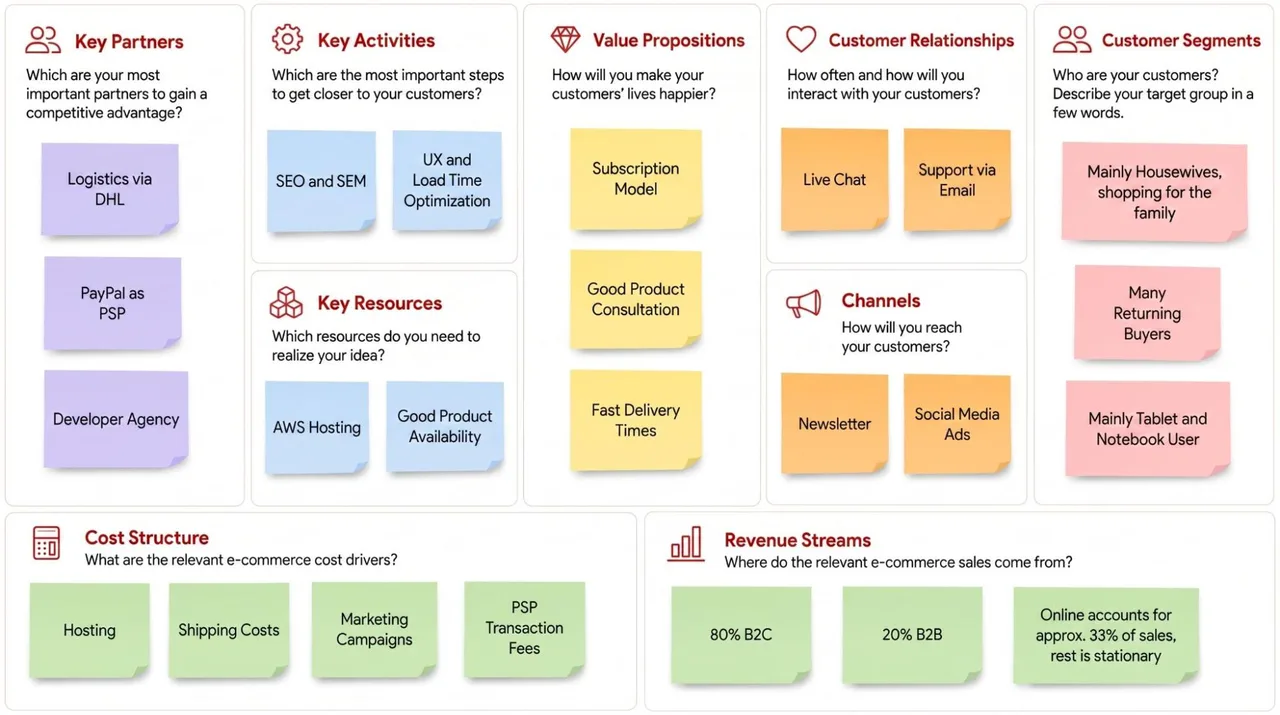
The BMC consists of nine building blocks that cover the core elements of a business model. The first building block is customer segments. These define for whom the e-commerce system creates value. An online store could serve different customer groups: B2C customers such as young adults who prioritize sustainability, or B2B customers who place recurring orders for their businesses. Understanding customer segments enables the e-commerce platform and marketing efforts to be tailored specifically to these groups. Information from the target audience analysis can certainly be incorporated here.
The value proposition (or unique selling points) is defined based on customer segments. In e-commerce, these might include fast delivery times, a subscription feature for automated ordering, or excellent product advice. Differentiation is particularly important: Why should customers shop at this online store and not at a competitor’s? An example of a strong value proposition could be a drugstore where users can get advice on products (e.g., diapers) via live chat and sign up for a subscription. This ensures users receive the right diapers regularly and saves them the hassle of carrying them.
The channels used to reach customers are another key aspect. These include not only the company’s own online store, newsletters, and mobile apps, but also indirect channels such as Amazon, eBay, and social media platforms. By analyzing these channels, you can determine which sales channels are most effective and whether there is untapped potential.
The next module, Customer Relationships, describes how customers interact with the e-commerce system. These interactions can range from automated processes—such as self-service features in the customer portal and a ticketing tool—to personalized support via live chat. Loyalty programs or personalized product recommendations via email are also key elements for building long-term customer loyalty. This is where customer support staff can provide valuable insights.
An e-commerce business is incomplete without an analysis of its revenue sources. Here, you should describe whether revenue comes primarily from the e-commerce system itself or from external sources, such as marketplaces or price comparison sites. If applicable, you can also break down the revenue between B2C and B2B, as well as between online and in-store purchases.
Key resources are essential for implementing the business model. This section describes the resources required for a successful e-commerce project. These include hosting and infrastructure, physical inventory, and a well-coordinated team (developers, content managers, marketers, product data managers, e-commerce managers, customer support, etc.). These resources make it possible to meet customer requirements and achieve business goals.
Key activities encompass the core tasks of an e-commerce project aimed at attracting customers. These include optimizing the storefront and UX, maintaining the product catalog, and implementing marketing initiatives. Accounting and logistics—from warehouse management to fast delivery—are also part of these core tasks.
Key partnerships support these activities and provide the e-commerce system with its unique selling point. These include logistics service providers, payment providers, and suppliers who ensure reliable product availability. The external agencies involved should also be listed here.
Finally, the cost structure is analyzed. It consists of fixed costs, such as licenses or hosting, and variable costs, such as advertising, PSP transaction fees, or shipping costs. The cost structure provides insight into where savings can be made and what investments are necessary.
The Business Model Canvas makes it possible to capture the business model of an e-commerce system in its entirety. It not only highlights which areas are performing particularly well, but also identifies weaknesses and areas for improvement. For a replatforming project, it thus provides a solid foundation for making the platform future-proof not only technically but also strategically.
- The Business Model Canvas was developed in collaboration with all relevant stakeholders. It includes information on:
- Customer segments (customer descriptions, personas, target groups)
- Value proposition (What is the USP compared to competitors?)
- Channels (Through which channels are customers made aware of the offer?)
- Customer relationships (How often and in what ways do we communicate with customers?)
- Revenue sources (How is e-commerce revenue generated?)
- Key resources (What resources are necessary for successful operations?)
- Key activities (What activities are necessary for successful operations?)
- Key partnerships (Which partners are necessary for successful operations?)
- Cost structure (How are e-commerce-related costs incurred?)
3.6Dos and Don'ts in Analysis
The analysis phase of a replatforming project is a critical step that can determine the project’s success or failure even before implementation begins. It provides the foundation for understanding the current state of the e-commerce system and creates a solid basis for decision-making regarding the next steps. Mistakes made during this phase can have serious consequences for the later stages of the project, which is why it is essential to follow best practices.
One of the most important principles is to rely on data and facts rather than gut feelings. Tools like Hotjar, which provide heatmaps and session recordings, or analytics and business intelligence systems offer valuable insights into user behavior, conversion rates, and technical vulnerabilities. This objective data is essential for realistically assessing the target audience as well as the strengths and weaknesses of the current system.
Another key aspect is stakeholder engagement. It is important not to overestimate or underestimate the importance of individual groups. While the opinions of executives, such as CEOs, are often given significant weight, operational stakeholders like employees or suppliers must not be neglected. These groups provide practical perspectives that are essential for analyzing processes and needs. Above all, customer needs must be met, as they are the ones who generate revenue for the e-commerce platform. While fulfilling the wishes of senior management at the expense of customer needs may placate the project in the short term, in the long run it will lead to suboptimal customer satisfaction and, consequently, lost revenue.
Technical requirements should never be underestimated during the analysis phase. Factors such as page speed, Web Vitals, and technical integration between systems have a direct impact on the user experience, loading times, SEO performance, and ultimately, revenue. Optimized load times not only lead to a better UX and thus a higher conversion rate. They also influence Core Web Vitals and can therefore improve the online store’s visibility in search engines, which in turn leads to higher visitor numbers. All in all, better load times lead to more revenue.
Furthermore, the current state analysis should not be conducted superficially, but with the necessary depth. Precise documentation is particularly necessary for technical integrations, such as the connection of PIM, ERP, or logistics systems. Important details, such as API specifications, fields in XML or CSV data, validation mechanisms, and the underlying business logic must not be omitted. This information is essential to avoid implementation issues later on.
Another key step is to critically evaluate the existing system from a functional perspective. This involves determining whether all existing features and integrations are actually being used and assessing their cost-benefit ratio. The maintenance costs of existing functions and potential alternatives should also be considered: is there a better or more cost-effective option for the existing function? Often, an e-commerce system grows over the years, may undergo several staff changes, and as a result, some functions are taken for granted. Consulting with external experts, such as consultants or other e-commerce managers, can open up new perspectives and highlight opportunities for optimization.
Design and Implementation
The design and implementation phase is the operational core of an e-commerce replatforming project. This is where the previously defined goals, requirements, and analyses are translated into concrete concepts and technical solutions. This involves not only selecting the project management approach but also planning the practical implementation with clearly defined responsibilities and processes. A central component of this phase is the creation of a product backlog that prioritizes all required functions and features, as well as a realistic project timeline that is coordinated with the relevant stakeholders.
The design of the storefront plays a crucial role, as it significantly influences the customer experience. The focus is on usability and visual clarity. At the same time, the integration concept is being developed to ensure that all connected systems—from ERP and PIM to payment service providers—communicate seamlessly with one another.
Another key area is the migration plan, which provides a detailed description of how data will be securely transferred from the old system to the new one. In addition, the infrastructure must be set up, including hosting, deployment workflows, and test environments.
This phase concludes with the establishment of a QA process to ensure that the new system is technically stable and user-friendly. Finally, the most important dos and don’ts are highlighted to avoid common mistakes in design and implementation. This phase is crucial to ensuring that the vision for the new e-commerce system is successfully implemented not only in theory but also in practice.
4.1Project Management
This chapter describes the project management involved in e-commerce replatforming. It examines various aspects—from choosing the right methodology, such as SCRUM or Waterfall, to the practical application of agile approaches.
Particular emphasis is placed on the role of the Product Owner, defining a clear product backlog, and creating a realistic project timeline. In addition, change management is viewed as an integral part of the process to ensure that technical and organizational changes are implemented in a sustainable manner. The goal is to provide the e-commerce owner with concrete tools and strategies to successfully manage the project.
Scrum vs. Waterfall
This section compares the two most common project management approaches: Scrum and Waterfall. Scrum is an agile project management method that uses iterative and incremental approaches. Projects are divided into so-called sprints, which typically last one to four weeks. At the end of each sprint, a functional product increment is delivered. SCRUM is characterized by regular meetings and close collaboration among all stakeholders. The project is guided by a clearly prioritized Product Backlog, which contains all tasks in the form of epics and stories. The roles in SCRUM are clearly defined: there is a Product Owner who prioritizes the requirements, a SCRUM team that handles implementation, and a SCRUM Master who ensures process discipline. In SCRUM, there are fixed ceremonies that structure the course of a project. These help ensure clear communication between team members and stakeholders and enable continuous work toward the project goals:
- Sprint Planning: At the start of each sprint, the team decides which tasks from the Product Backlog will be worked on. The Product Owner identifies the tasks they want to tackle, and the Scrum Team estimates and plans them.
- Daily Scrum: A brief, daily meeting where each team member discusses progress, obstacles, and plans. In an e-commerce project, this can help identify roadblocks early on, such as delays in PIM integration.
- Sprint Review: At the end of a sprint, the completed tasks are presented. Stakeholders and the team work together to verify that the results meet the requirements.
- Sprint Retrospective: After each sprint, the team reflects on what went well and where improvements can be made to make future sprints more efficient.
What are the advantages and disadvantages of SCRUM?
Scrum offers a degree of flexibility and allows for quick adaptation to changes, as new priorities can be set in each sprint. The regular meetings and reviews promote communication and provide clarity on the project status, which improves overall transparency. This continuous exchange with stakeholders ensures that the final product is better tailored to their needs. Risk is minimized in SCRUM by identifying problems early and addressing them within the next sprint.
However, these regular meetings can be time-consuming, which involves a certain amount of effort in terms of communication. Additionally, every practical application of SCRUM involves a specific workflow within the tooling—such as JIRA, Trello, or Asana—which can lead to misunderstandings among stakeholders and team members who lack SCRUM experience. Since SCRUM emphasizes flexibility, fixed schedules can sometimes be difficult to enforce. Unexpected change requests or feedback can bloat the originally planned product backlog, which can lead to uncertainty regarding deadlines.
The waterfall approach is a traditional project management model in which the project is divided into sequential phases that are completed one after the other. The typical phases are requirements analysis, design, implementation, testing, deployment, and maintenance. As a rule, each phase must be completed before the next one can begin. There is little room for adjustments once the requirements have been defined. The project manager is responsible for executing the processes and implementing the requirements. In the waterfall model, the project manager therefore handles planning, coordination, communication, monitoring, and acceptance.
What are the advantages and disadvantages of the waterfall model?
The structure is easy to understand, and progress is easy to track. There are generally fewer meetings or workflows that the entire team needs to follow. The requirements are fixed and clearly defined at the start of the project, so the entire team has a clear sense of the goal. As a result, deadlines and budgets are fixed and manageable from the start, making planning easier.
On the other hand, a fixed project plan leads to a certain degree of inflexibility. If changes arise after implementation has begun, they can be difficult to implement. In addition, there are certain risks involved, as a usable product is not delivered until later in the project. Problems or misunderstandings may therefore only be identified at a late stage, which can lead to significant delays and cost overruns. Since meetings are generally held only as needed and adjustments are made only after a phase is completed, this can result in longer feedback cycles.
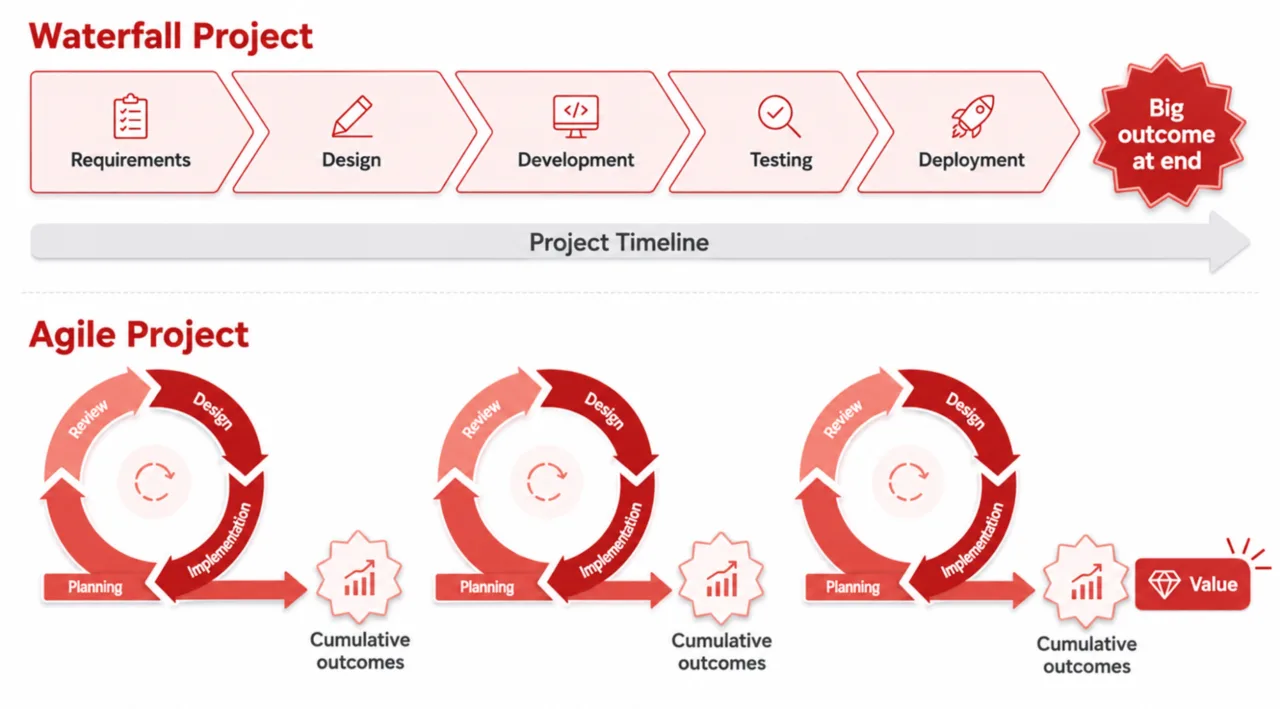
In summary, SCRUM is particularly well-suited for dynamic projects that require flexibility and continuous feedback. Waterfall, on the other hand, is ideal for projects with clearly defined requirements, stable conditions, and a fixed target. In practice, implementing an e-commerce platform tends to be a dynamic undertaking due to the following factors:
- Changes in the legal landscape, such as the GDPR, the Accessibility Directive, the Product Safety Regulation, etc., result in new requirements
- Integration of external systems, such as a PIM, PSP, or ERP, as well as extensions, each of which provides new or updated features or interfaces through updates. This results in change requests
- Several teams are involved in the project, such as Design, Marketing, and Product Data Management. As a result, requests for changes or new features often arise.
Therefore, the rest of this book will be based on the SCRUM approach to the replatforming project.
Scrum in Practice
Scrum is based on clearly defined ceremonies that bring structure and transparency to the development process. These ceremonies are designed to coordinate the team, review progress, and remove obstacles. There are five main ceremonies: Sprint Planning, Daily Stand-up, Sprint Review, Sprint Retrospective, and Backlog Refinement. The SCRUM team, which is responsible for implementing the project, typically consists of 3 to 9 members. In an e-commerce context, for example, these include front-end and back-end developers, designers, QA engineers, and system administrators or DevOps.
At the start of each sprint, the Scrum team, the Product Owner, and the Scrum Master meet for a sprint planning session to plan the work for the upcoming sprint. The Product Owner presents prioritized backlog items (tickets), and the team selects the tasks it can implement based on its capacity and the sprint goals. Ideally, the tickets to be planned have already been reviewed and estimated by the team prior to the planning session, either independently by each member or during a Backlog Refinement (more on this below). The result is a Sprint Backlog with clear tasks to be completed during the sprint. Before the first sprint, a so-called Sprint 0 is recommended. Here, no functionality is delivered yet; instead, the project is prepared, such as
- Setup of the infrastructure, code repository, and build and deployment processes
- Design of features, interfaces, and the storefront
- Setting up the right tools for designers, developers, and testers
- Creating product backlogs, including prioritization
The daily stand-up is a daily meeting that lasts no more than 15 minutes. Its purpose is to synchronize progress, identify potential roadblocks, and make necessary decisions. The following questions and answers from each participant (Scrum Team and Scrum Master) can serve as a guide for the process: *What did I accomplish yesterday? What am I planning for today? What obstacles are there?* In theory, the Product Owner participates optionally, usually as a listener. In practice, however, it has proven effective to make the Product Owner a permanent part of the daily meeting so that decisions can be made more quickly. If technical or unresolved issues arise during the daily stand-up, they can be addressed separately in a small group by the relevant individuals after the meeting.
At the end of the sprint, the team presents the completed work to the Product Owner and other stakeholders—such as content managers, ERP service providers, and marketers—during the Sprint Review. The goal is to showcase the completed tickets and gather feedback that will be used for future iterations. During this meeting, the e-commerce owner can determine whether the implementation is moving in the desired direction and whether the requirements for the new e-commerce platform are being met. This makes the Sprint Review arguably the most important SCRUM ceremony, and the development team and the Product Owner should prepare accordingly.
The Sprint Retrospective focuses on the processes and the team itself. It also takes place at the end of the sprint and is facilitated by the Scrum Master. Together, the team discusses challenges, successes, and areas for improvement. The goal is to define concrete measures to optimize collaboration and work processes. These may include improvements to the workflows of the project management software, collaboration with other teams (Design, Marketing, etc.), or the build and deployment process.
Backlog refinement is optional and takes place upon request. The Product Owner and the development team work together to update and prioritize the Product Backlog. Tasks are described in detail and estimated so that the team has well-prepared tickets during Sprint Planning.
All ceremonies follow a structured process and take place at regular intervals, thereby reducing the effort required for coordination and communication. The Scrum Master ensures that meetings remain focused and take place at regular times, while the Product Owner provides the business perspective. The SCRUM team plays a central role in every ceremony, as it ultimately bears responsibility for carrying out the work. The result of these ceremonies is a continuously improved product, transparent communication, and an adaptive development process.
A sprint typically lasts between one week and one month. However, this “timebox” for the sprint always remains the same in order to reduce complexity and the coordination effort required of individual participants. Shorter sprints result in a certain amount of overhead due to ceremonies, as the team must prepare for the review and planning every week. Longer sprints, on the other hand, increase business risk, as the completed tickets can only be presented and adjusted after a longer period of time.
Appoint Product Owners
If an external partner is hired to implement the project, a decision should be made in advance as to who will assume the role of Product Owner (PO): the client (e-commerce owner) or the agency.
If the client issues the PO, they work closely with the agency’s development team to prioritize requirements and make decisions. A key advantage of this arrangement is the client’s direct business expertise. The client has a deep understanding of their business, the target audience, and market requirements. Decisions can be made quickly and are therefore based on sound knowledge. This allows the client to define strategic priorities directly and clearly. In addition, the client is very familiar with the vision and, as an employee of the e-commerce owner, feels a strong sense of responsibility.
However, clients often have less experience with agile methodologies or project management software, which can lead to delays or misunderstandings and thus frustrate the Scrum team. In addition, the client must allocate time and resources to fulfill the Product Owner role, which is often difficult to do amid day-to-day operations. Finally, there is often a lack of technical understanding of the new e-commerce system, making it difficult to adequately assess technical interdependencies, which can complicate communication with the development team.
If the agency provides the Product Owner, they gather the client’s requirements and manage the project. In other words, they work directly with their own team. In this setup, the agency Product Owner brings to the table the full range of experience and expertise from their agency and all previous projects. They usually have extensive knowledge of agile projects and the e-commerce environment, which increases the efficiency and quality of implementation. This allows the agency PO to better align technical requirements with business goals. At the start of the project, they will secure their capacity, ensuring continuous availability. There are fewer delays caused by other commitments. After all, every experienced agency already has standardized processes and tools in place from previous projects, which facilitate project management. Ideally, the agency PO has worked with the same developers on previous projects, fostering a certain chemistry and synergy, much like in team sports.
However, an agency PO is often more removed from the e-commerce owner’s business and therefore has less in-depth knowledge of the company’s goals, market strategy, and specific processes outside the e-commerce system. In addition, a certain communication burden arises, as the agency PO must work closely with the e-commerce owner to ensure the vision is implemented correctly. Finally, the e-commerce owner relinquishes some of the responsibility, which can lead to a feeling of loss of control.
The client-side product manager model combines the advantages of both approaches. In this setup, the client provides the product manager, who oversees strategic planning and communicates the product vision and strategy. The agency provides the product owner, who translates this vision into prioritized backlog items and leads the implementation. The e-commerce owner continues to assume full responsibility as the product manager, while the agency is primarily involved in operational tasks and ensuring proper implementation. This is a middle ground that has proven effective in practice.
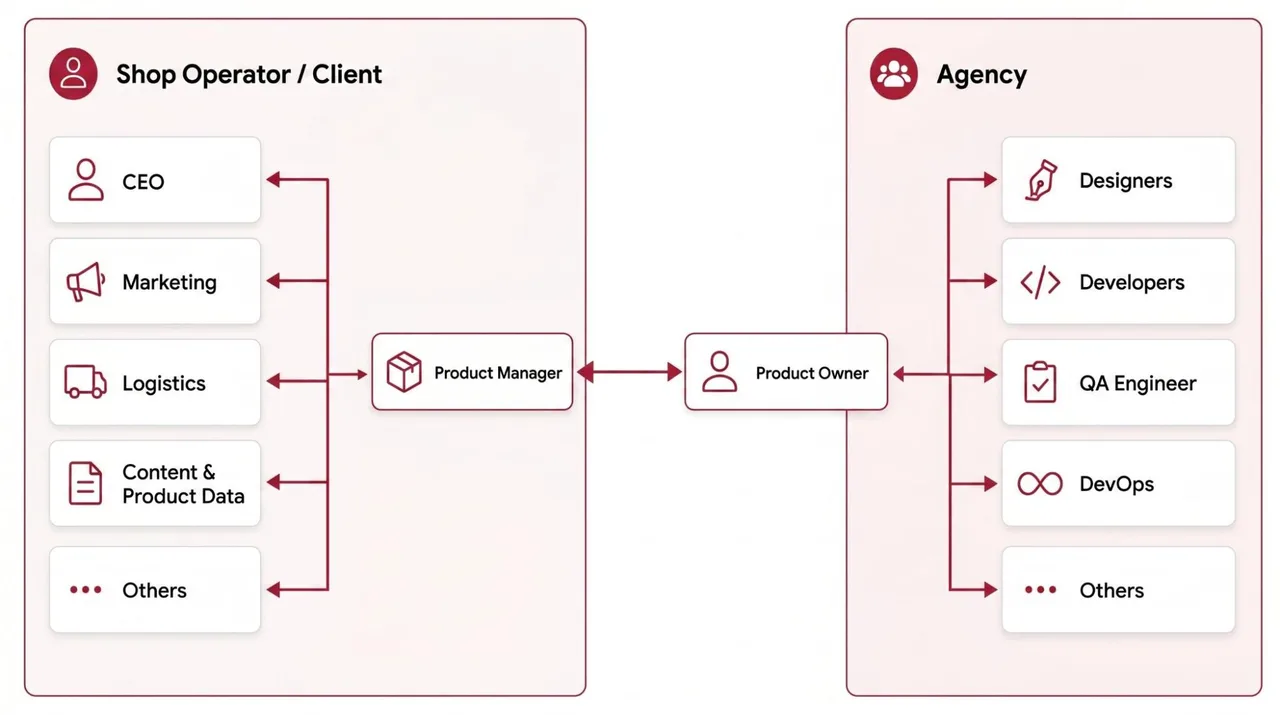
Define the Product Backlog
The product backlog is the central tool in the Scrum process. It contains all the requirements, features, and tasks that are important to the project and serves as the foundation for the development team’s work. To organize the backlog effectively, it is typically divided into three levels: epics, user stories, and subtasks.
Epics are large, high-level requirements that are often broken down into several user stories. An example would be the checkout process. This epic could be broken down into user stories such as “As a user, I want to be able to place a simple guest order” or “As a user, I want to be able to choose from various payment methods (credit card, PayPal, Sofortüberweisung).” Subtasks go even deeper and include specific technical steps such as “Integrating the API for credit card payments” or “Customizing the frontend for the credit card form.” In practice, epics and user stories are written by the product owner, while the development team creates the corresponding subtasks.
Another important aspect is prioritizing backlog items. Business value is often used as a criterion to ensure that the most important and value-adding requirements are implemented first. For example, in a replatforming project, a high business value could be assigned to optimizing page load times—such as “improving Core Web Vitals”—since this significantly boosts both user experience and conversion rates. Less critical tasks such as “customizing newsletter templates” could be assigned a lower priority. Tasks with high business value are characterized either by a significant increase in revenue (better load times, better UX, better SEO performance, …) or cost savings (content pages can be created responsively on their own without developer knowledge, product data is imported from the PIM, orders are exported to the ERP, …). Cost savings are often based on the elimination of manual steps, some of which can even lead to human error.
When prioritizing, it makes a lot of sense to categorize tickets into must-haves, should-haves, and nice-to-haves. This ensures that all stakeholders can clearly understand the priorities. Must-haves are essential features without which the project goal cannot be achieved. They represent the minimum foundation required to make the product functional and therefore have a correspondingly high business value. These include, for example, a working shopping cart, a checkout process, and payment methods. Without these features, the e-commerce system would be unusable. Should-haves are very important features, but not immediately necessary for basic functionality. They enhance the user experience or efficiency and should be integrated as soon as possible due to their high business value. These include, for example, filter options in the product catalog or a wish list. The e-commerce system works without them, but they improve usability. Nice-to-haves are optional features that have no direct impact on core functionality but create additional value or enhance appeal. They are usually implemented only when resources are available or when the tasks can be completed with minimal effort. Examples include animated product presentations or personalized product recommendations.
Before launching the project, you should work with all stakeholders to define the Minimum Viable Product (MVP). The MVP outlines all the features that must be implemented for the new platform’s initial launch. In this process, e-commerce owners often face the decision of whether to opt for a comprehensive or a streamlined MVP.
- A large MVP includes a wide range of features and offers a more complete product version. This means it includes all key functions and is more likely to meet the needs of all stakeholders. However, a large MVP extends development time and carries the risk of wasting resources on features that will hardly be used later on. Due to the larger number of features, complexity increases rapidly, requiring more resources to be allocated to testing. This increases the overall project risk.
- A lean MVP, on the other hand, focuses on the minimum necessary features that cover the product’s core benefits. The advantage is a faster time to market and the opportunity to gather feedback from real users early on. Due to the smaller scope of features, the overall project risk and complexity are lower. However, the disadvantages of a lean MVP can include a limited user experience and the absence of features that would be important for the product’s growth.
Project Timeline
In addition to the product backlog, creating a project timeline helps ensure that all stakeholders work together efficiently and that the project goal is achieved on time. A well-coordinated timeline serves as a central guide for all project stakeholders and provides clarity regarding tasks, responsibilities, and deadlines.
When planning the timeline, the first step is to identify the dependencies between the tasks of the individual stakeholders. For example, products, categories, and attributes must be in the e-commerce system before technical development—such as the storefront—can be completed. These, in turn, are necessary before content can be entered by the content manager. Similarly, the integration of ERP, PIM, and payment systems should take place early on, as they are critical to the operation of the e-commerce system.
It is essential to involve all relevant parties, including shop developers, ERP and PIM integrators, content managers, online marketing teams, and other stakeholders. Each stakeholder should be aware of the planned milestones and deadlines in order to communicate and avoid potential conflicts or delays. Regular synchronization meetings, such as during sprint reviews, help track progress and adjust the timeline as needed.
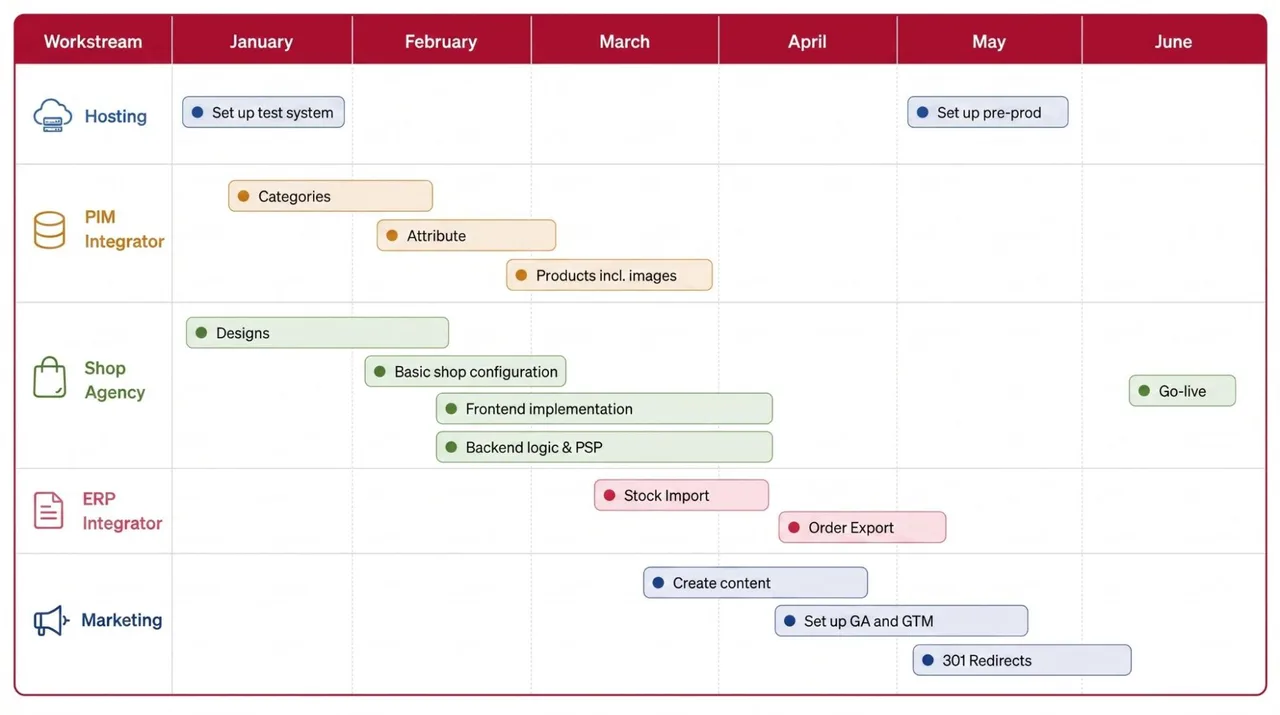
Another important point is defining buffer times. Complex IT projects involving the integration of external systems rarely proceed without unforeseen challenges, so the timeline should be planned realistically and allow for potential delays. The project timeline must be flexible enough to respond to unforeseen changes, while at the same time providing a clear structure and sense of commitment to ensure that the replatforming is successfully implemented.
In addition, critical milestones—such as the completion of the MVP, the start of testing, and the go-live date—must be clearly defined and communicated. Above all, the go-live date should be set so that there is sufficient time for testing and bug fixes.
Change Management
E-commerce replatforming is not just a technical project; it should always be viewed as a change management project as well. The introduction of a new platform affects not just a single system, but multiple systems and processes, teams, and even the corporate culture. Such a transformation requires a clear strategy to successfully overcome both technical and human challenges.
In practice, there are four key aspects of change management that should be taken into account during a replatforming initiative.
1. Description and assessment of the proposed change:
A key step is to clearly describe the planned changes. The planned updates—such as the new CMS, the new PIM and ERP integration, and a new PSP—should be described in a comprehensive and understandable manner. It is equally important to identify the associated risks and classify them according to their level of difficulty. Examples include: technical risks (e.g., products from the PIM are displayed incorrectly in the storefront, e-commerce orders cannot be imported by the ERP, inventory data does not transfer correctly to the e-commerce system, transactions are not debited correctly in the PSP), organizational risks (e.g., employee resistance because the new CMS works differently), or project-related risks (e.g., delays at the PIM integrator hinder the implementation of the storefront). Strategies should be developed for each risk to mitigate and control them.
2. Plan the rollout:
The rollout of the new platform and processes requires a well-thought-out plan. This plan should include both the product backlog and the project timeline to ensure that all necessary tasks and dependencies are taken into account. However, it may be necessary to further refine this plan, for example through detailed rollout plans or milestone documents. A well-structured plan provides guidance to all relevant stakeholders and helps track progress and identify potential obstacles early on.
3. Involve stakeholders:
Another key element is the active involvement of all relevant stakeholders. The stakeholder analysis conducted during the analysis phase can provide valuable insights in this regard. The needs and expectations of stakeholders such as management, operational teams (marketing, IT, logistics, etc.), and external partners should be incorporated into the change management process. It is important to ensure that all stakeholders are informed in a timely manner and that their requirements are taken into account in order to avoid resistance and promote acceptance. Workshops, regular meetings, and transparent communication are essential here so that stakeholders accept and implement the planned changes.
4. Review and Performance Measurement:
The final step is to verify whether the planned changes will deliver the desired results outlined in the previous sections (2.2. Defining Goals and Expectations). This is where business intelligence or analytics come into play. Clear and measurable goals should be defined, such as improving the conversion rate, reducing load times, or optimizing internal processes. KPIs can be used to measure whether the changes are working as planned and what impact they have on the business. Regular reviews and feedback loops help make adjustments and ensure success.
These four aspects—describing and evaluating the changes, planning the rollout, involving stakeholders, and reviewing and measuring success—form a solid foundation for successfully implementing a replatforming initiative as a change management project. They ensure that technical innovations are not viewed in isolation but are implemented in alignment with the needs of the organization and its employees. Since the product manager is typically the central interface between the new e-commerce platform and the relevant stakeholders, they are best suited to drive the change management process.
- We weighed the pros and cons of waterfall and agile project management methods and made an informed decision.
- If SCRUM was chosen as the project management method, a preparatory Sprint 0 is held prior to the actual implementation. This ensures that all parties involved have the necessary access and tools to successfully carry out the project.
- The infrastructure, including the build and deployment process, is working.
- All specifications, including interfaces, have been approved, thereby creating the product backlog.
- All roles in the project are clearly defined, particularly the Product Owner and Product Manager.
- The Scrum ceremonies are clearly defined and understandable to all participants.
- A project timeline is created that takes dependencies into account and has been accepted by all project participants.
- The Product Backlog has been initially created and clearly prioritized. During implementation, the Product Backlog is viewed as a living entity that is continuously updated with new ideas and features.
- Replatforming is viewed as a change management process, meaning that all relevant stakeholders are involved in the process and their needs and concerns are taken into account.
4.2Storefront Design
The storefront design forms the foundation for an online store’s user experience and conversion rate. First, the scope of the designs and concepts to be created must be clarified. This includes defining the necessary views, such as the homepage, category pages (POP), and product detail pages (PDP), shopping cart, and checkout, as well as the viewports to be considered (typically desktop, tablet, and mobile). It should also be determined whether interactive clickdummies or wireframes are needed, or whether static designs are sufficient. For extensive front-end implementations, it can be helpful to first map out the functionality using clickdummies and wireframes and then translate these into a visual design.
The right tools are essential for ensuring efficient collaboration. Tools such as Figma or Adobe XD36 offer context-sensitive commenting features, enabling close collaboration between designers, developers, and the product owner. These tools also support the approval process, during which developers verify technical feasibility and stakeholders such as product owners or product managers ensure that functional requirements are met. Collaboration in PDF documents or image files should be avoided, as this is inefficient and can quickly lead to confusion.
The designs themselves should meet the basic requirements for good usability. These include, for example,
- as few clicks as possible to use a specific feature or complete a process, e.g., selecting a size on the product detail page or reducing the number of fields in the checkout process,
- intuitive navigation, e.g., a clear distinction between category levels,
- an easy-to-use search function with error tolerance,
- a clean, uncluttered presentation of content; for example, you should be able to find CTA buttons and read the text on image teasers,
- visually highlighting important elements such as the "Add to Cart" button,
- Use of common icons, such as a magnifying glass for search, and elements such as progress bars in the checkout process.
For mobile users, who often make up a large portion of the target audience, a mobile-first strategy makes sense. In certain B2B projects, however, the desktop version may take precedence.
In addition, the functional requirements of the new e-commerce system, the target audience analysis, and the strategic goals must, of course, be taken into account. If the goal is cost savings, for example, a design could be created that closely mirrors the platform’s native front end. If the goal is to improve performance and loading times, a lean front end with minimal use of JavaScript is more appropriate.
Incorporating best practices from Baymard studies or blogs37 helps implement proven UX principles. Similarly, analyzing user data from tools such as Hotjar or Google Analytics is essential for making design decisions based on real user needs.
Future requirements, such as the Accessibility Guidelines 38, should also be taken into account to ensure barrier-free access for all user groups.
As can be seen from the points above, designing a storefront requires resources, experience, and expertise. For this reason, in practice, a suitable external partner is often hired to create the designs for the new e-commerce project.
- Responsibility for developing the storefront concepts has been assigned.
- The scope of the concepts to be delivered is known.
- All parties involved have access to the right tools.
- The designs have been approved by the development team in terms of technical feasibility.
- The Product Owner has approved the concepts regarding the functional requirements.
- The storefront concepts incorporate UX best practices, well-researched studies (e.g., Baymard), and accessibility guidelines
4.3Integration Plan
A well-thought-out integration strategy is essential to the success of a replatforming initiative, as it reflects the goals and expectations for the new platform and the underlying system landscape. The concept should build on the findings from the current state analysis and system landscape to address existing weaknesses and fully leverage the potential of the new platform. Since many aspects of the system landscape analysis—such as mapping, timing, etc.—were described in the previous section, these aspects are deliberately kept brief here.
First, it is important to determine which external systems need to be integrated into the new e-commerce platform. Typically, these include
- Backend integrations: PIM (product data management), CRM (customer accounts and contact requests), ERP (orders, inventory, invoicing, and shipping status), marketing automation tools (newsletters), and the PSP for payment processing.
- Front-end integrations: These include tools such as Google Tag Manager (GTM), personalization systems, product recommendation engines, and search. Clear interfaces between the front end and back end are particularly important in a headless architecture.
Another important aspect is the timing of the integrations:
- Real-time integrations: Ideal for time-sensitive processes such as inventory management, where timely updates are required.
- Periodic synchronization: Suitable for less time-sensitive data, such as product updates or marketing lists. This can help reduce peak loads on the systems.
The technology behind the interface has a significant impact on efficiency and scalability:
- API-based integration: APIs enable fast, flexible, and direct communication between systems. They allow for real-time updates, reduce the likelihood of errors, and thus enable a higher degree of automation. However, they can sometimes result in higher development costs and a dependency on API versions.
- File-based integration (e.g., CSV or XML exchange via SFTP): Often used for systems that do not support API interfaces. Such integrations are proven in practice, easy to implement, cost-effective, and suitable for large volumes of data in batch processing. However, because data is stored via SFTP, there is an intermediate step that can lead to delayed synchronization and errors (every additional step in a process increases the risk of technical errors).
Another decision concerns the choice of API endpoints: should the store API endpoints or external API endpoints—such as those from the PIM or ERP—be used?
- External API endpoints: Modern PIM, ERP, or CRM systems often provide their own APIs that can be used directly by the e-commerce system. In this case, the interface is programmed on the e-commerce platform side, which ties up shop developers’ resources. This gives the in-house development team control over the data flow between the e-commerce system and the external system. On the other hand, it creates a dependency on external service providers and their API interface updates.
- Shop-specific APIs: The e-commerce system provides an API interface for external systems. In this case, the interface is programmed on the PIM, ERP, or CRM side (or provided via an extension or connector), with the shop developers serving only in a supporting and advisory capacity. The development of the e-commerce system and the integration can thus proceed in parallel, as different teams work on them. The API endpoints of common e-commerce systems, such as Magento 2, Shopware 6, or Shopify, are extensively documented, proven in practice, and therefore well-established. However, there is a risk that the external PIM, ERP, or CRM service provider may have less experience with the shop API endpoints, which could lead to delays.
As already described in the analysis of the system landscape, a key component of the integration concept is the mapping of attributes between the systems. For example, the “Product ID” attribute in the PIM must be uniquely mapped to the corresponding field in the e-commerce system. In addition, validations should be implemented to ensure data communication in accordance with the requirements of both systems. Incorrect data can lead to inconsistencies and potential failures.
The integration plan should be reviewed and approved by all parties involved—including shop developers, ERP and PIM integrators, and other relevant stakeholders. Decisions and change requests should be transparent and traceable. This approval ensures that no misunderstandings or cost overruns arise and that all systems can communicate seamlessly with one another.
- A diagram of the system landscape, including all integrated systems, was created.
- The required interfaces have been specified from a technical standpoint, including
- Will files be exchanged, or will there be API-based integration? Which API endpoints will be used (the store’s own or external)?
- How does authentication work between the systems?
- At what intervals is data exchanged?
- What validations are required?
- The attributes and fields are mapped between the systems.
- The concept has been approved by all parties involved.
4.4Migration Plan
The migration plan ensures that all necessary data is transferred from the old (source) system to the new (target) system. A well-planned migration plan takes into account the scope of the migration and specifies which data records need to be migrated. In practice, the following data records are often migrated:
- Content such as landing pages, content pages, and blog pages, including URL keys, metadata, and assets.
- Catalog data such as product attributes, categories, and products, including assets. This is often the case if the catalog was maintained in the source system rather than in an external PIM. If the catalog is maintained in a PIM, the data should be imported from it. If the source system contains product reviews, these should also be migrated.
- Customer information, including login credentials, customer groups, addresses, wish lists, and, where applicable, loyalty points.
- Orders and the products they contain, applied discounts or coupon codes, payment and shipping methods used, billing information, and shipping links. If customers have been migrated, it should be possible to associate the orders with the corresponding customer accounts. In this case, the orders can be found in the customer area of the target system after migration, which improves the UX.
- Pricing and discount policies, including coupon codes, validity periods, and remaining balances
Another step is mapping the fields and the data model between the old and new systems. Differences in data structures must be reconciled; for example, if addresses in the old system are split into two fields for street and house number, while the new system uses a single field. Similarly, coupon codes in the new system may have additional or different parameters, such as validity conditions or discount models. This should have been defined in the previous chapter, Functional Analysis of the Admin Area.
During data cleansing, legacy issues can be eliminated as part of the replatforming process. In particular, incorrect or duplicate data records—such as duplicate customer records or pricing rules that are no longer in use—should be cleaned up before the migration to improve data quality in the new system.
Depending on the complexity of the project, the appropriate migration technology must be selected. Off-the-shelf migration tools or extensions are often sufficient for standard e-commerce platforms such as Shopify, Magento 2, and Shopware 6, provided there are no extensive customizations in the business logic. For source systems with extensive custom developments, database schemas deviate from the standard, making a tailored solution necessary. In this case, the databases are copied individually, and their contents are mapped accordingly in the new system. For content such as blog or CMS pages, a manual migration is often more practical, as the page builders and CMS components typically differ significantly between the source and target systems. A programmatic approach would be too complex in this scenario.
In any case, test migrations should be planned during implementation to verify data transfer and identify errors early on. Ideally, these should take place in a separate environment. Care must be taken to ensure that sensitive data such as names or email addresses are pseudonymized during the tests to comply with data protection requirements. Additionally, it should be ensured that no unintended processes are triggered during the test migration, such as sending emails or communicating with the payment service provider. To this end, functions such as email communication or PSP integrations should be disabled.
After a successful test migration, the question arises as to how to proceed with the go-live. One option is to migrate all the data again, including the current source data. Alternatively, data that has already been migrated can be left in the (target) pre-production environment, and at the time of go-live, it will only be supplemented with the data created since the test migration (“delta data”). This decision depends on the business model and the volume of data.
A well-thought-out migration plan minimizes risks and ensures a smooth transition to the new system. It thus lays the groundwork for a successful launch of the new e-commerce platform.
- The scope of the migration has been clarified, such as
- CMS pages, blog, FAQ, …
- Attributes, products, and categories
- Orders, invoices, and shipping notifications (tracking links)
- Customers, including logins, addresses, and orders
- Pricing and discount policies, including coupon codes
- A mapping of the fields between the source and target systems was created.
- A test migration was successfully completed.
- Optional: The data has been cleaned.
4.5Set up infrastructure
Setting up the infrastructure is a critical step in implementing an e-commerce project, especially when an external agency is involved and the new system is operated on-premises. In such cases, it is essential to establish a well-designed infrastructure and a reliable deployment process.
One strategically important consideration is deciding where to host the site. There are three common options, each with its own advantages and disadvantages:
- Development agency: The development agency handles the hosting, which has the advantage of allowing them to tailor the environment perfectly to their own development processes. In addition, there is a single point of contact for the e-commerce system for any questions or requests, which reduces the effort required for communication and coordination. Emergencies, such as downtime, are thus generally resolved more quickly. However, the e-commerce owner has less control over the infrastructure, and if the agency is changed later on, the transfer will be more complicated.
- The e-commerce owner’s in-house IT: If the e-commerce owner has an experienced IT department, hosting can be handled internally. This offers maximum control and flexibility, but also requires sufficient personnel and technical resources, as well as expertise in server operation and maintenance. Collaborating with external developers involves additional communication and coordination efforts.
- Specialized e-commerce hosting providers: Providers such as Maxcluster39 and other specialized e-commerce hosting providers offer managed hosting solutions optimized for the requirements of popular e-commerce platforms. This option combines professional support with a reduction in the workload on the internal IT department, but often comes with higher ongoing costs. Additionally, a third party is involved, which leads to communication and coordination efforts.
Another important point is setting up the necessary environments: In practice, three environments are commonly used: Test or Dev (hereinafter referred to simply as “Dev”), Stage, and Prod (Production). The Stage environment serves as an intermediate step where changes can be tested before deployment to Prod. Therefore, Stage should be synchronized with the production environment in terms of content and the catalog. The advantage is that serious bugs are detected early, thereby minimizing the risk of errors in the production environment. The downside, however, is that it requires additional developer and content manager resources for integration and maintenance. Hosting a Stage environment also naturally incurs hosting fees. If the content and catalog data in the Dev environment are similar to those in production, the Stage environment can be eliminated.
To ensure an efficient development process, a clearly defined deployment process must be established. Typically, changes are first developed locally, then uploaded to the development environment and tested there before being deployed to the production environment (Prod) via the staging environment. Before code is uploaded to an environment, automated tests are usually run first. These help ensure the quality of the code on an ongoing basis. Unit tests check individual functions or modules in isolation for correct behavior, while integration tests validate the interaction of multiple components—such as between frontend, backend, and interfaces. Especially in larger projects with many releases or external partners, automated tests ensure that new changes do not cause unwanted side effects. They can be integrated early in the CI/CD process and significantly reduce manual testing efforts. When used correctly, they increase the stability, speed, and reliability of the entire deployment process.
After automated testing, individual tickets or features are often tested on the Dev environment by QA engineers (manual testing). If the tests are successful, the ticket is deployed to Stage. On Stage, comprehensive smoke tests are typically performed to thoroughly verify all relevant e-commerce functions—such as search, shopping cart, and checkout—across multiple devices and browsers. More on this in the next section, Setting Up the QA Process.
The question of where the code is hosted is also important. A code repository hosted by the e-commerce owner offers maximum control, while a repository hosted by the agency allows for tighter integration into the agency’s workflows. Typically, the agency’s code repository is integrated with other tools, which improves quality and productivity in the project. Some examples include:
- Integration with project management tools such as JIRA or Asana
- Integration with chat platforms such as Slack or Microsoft Teams
- Processes related to code reviews and merge requests
Another consideration is sandbox integration with external systems such as PSP, PIM, CRM, or ERP. Ideally, these should be integrated with the dev and stage environments to prevent unintended changes or data loss in the production environment. If the e-commerce system merely consumes content from the PIM, the dev and stage environments can be connected to the production PIM. After go-live, the production environment should be integrated with the production environments of the PSP, PIM, CRM, and ERP.
- A hosting strategy has been defined (who will host the site and what their responsibilities are).
- The defined environments have been set up using a build and deployment process, allowing developers to work reliably.
- The external systems with which the respective environments are integrated have been identified.
- The deployment process covers automated testing and the QA process (it is clear who tests which features in which environment).
- We have determined where the code repository is hosted and whether it is integrated with other tools (e.g., JIRA, Slack, etc.).
4.6Set up a QA process
A well-defined testing process ensures that the new e-commerce platform has been implemented in a stable manner and functions as required. The process should be closely coordinated with the development team to establish clear responsibilities and workflows. An important decision is which system to use for testing individual features or tickets. Typically, testing is first conducted in the dev environment before the changes are deployed to the staging or production environment.
The selection of devices and browsers is also critical. It should be based on target audience analysis and analytics data to ensure that the tests cover the users who are truly relevant. Common combinations such as mobile devices with Chrome or Safari, as well as desktop browsers with Firefox and, if applicable, Edge, should be evaluated. In addition, it should be determined which versions of the respective operating systems and browsers should be supported in the project.40
An integral part of the testing process is the creation of a bug report or bug ticket. This should include all relevant information, including:
- the device and browser used, including the version,
- the reproduction path,
- the expected and actual results
- as well as supporting materials such as screenshots, videos, order IDs, or links to the relevant pages.
The project management software should support workflows for two scenarios: creating a new bug ticket and testing an existing story that has been implemented by the development team. This facilitates tracking and documents project progress. A clear distinction should be made between bugs and improvements. A bug refers to a regression or an error where something does not function as defined in the acceptance criteria of the story or task. In contrast, an improvement refers to the enhancement of a feature or the consideration of specific edge cases, such as exotic browsers or complex combinations of user states, shipping and payment options, etc.
The question of who conducts the tests is also important. Developers have the advantage of knowing the code and logic inside out, but they may be “blinded by familiarity” to errors and thus overlook their own mistakes. Furthermore, developers generally want to focus on programming. Dedicated QA engineers offer an independent perspective here and can take a systematic approach. QA engineers at experienced agencies usually have a whole arsenal of common devices and up-to-date browsers, allowing them to perform testing more quickly. Ideally, the respective test scenarios are documented in a suitable tool, such as TestRail41. This allows all team members to view the relevant scenarios and verify whether the tests were successful.
In addition to manual testing, the testing process can also include automated functional testing. Manual testing, performed by humans, is particularly valuable when evaluating user interfaces or unusual usage scenarios. Automated tests, for example using tools like Playwright42, on the other hand, offer efficiency and consistency when testing repeatable tasks. These typically include
- Creating a customer account
- viewing a category page, including the use of filters or sorting
- adding products to the shopping cart
- applying a coupon code
- Filling out the fields at checkout and completing the order.
In addition, integration tests should be incorporated into the QA process, particularly for critical systems such as PSP, ERP, PIM, or CRM. These tests ensure that all connected systems work together as designed and that no data is lost or transmitted incorrectly. Since integration tests depend on external systems, the teams responsible for the integrated systems should provide support here or, if necessary, perform the tests independently. More on this in the later section on Integration and End-to-End (E2E) Testing.
Smoke tests and end-to-end (E2E) tests should be prioritized later in the project, once the key features and integrations have been implemented. These tests verify that the entire system functions as a single unit. Further details on these tests will be covered in the next chapter.
- The relevant devices and browsers for manual testing have been identified.
- A QA process has been established for the environments within the infrastructure.
- A template for bug reports has been created.
- The people responsible for conducting the tests have been identified, and they have the necessary tools.
- Optional: Automated functional tests have been implemented.
4.7Dos and Don'ts in Design and Implementation
Successful e-commerce replatforming requires clear responsibilities and processes during the planning and implementation phases. Here are the key dos and don'ts to keep in mind during these phases.
First, the responsibilities between the e-commerce owner and the external partner, as well as the roles of the product owner and product manager, must be clearly defined. Who provides the requirements to the development team? Who writes the product backlog and user stories, and coordinates external stakeholders such as PIM or ERP integrators? If responsibilities are not clearly defined, misunderstandings regarding the timeline and requirements can quickly arise. The development team will also quickly become frustrated if conflicting requirements are communicated from different sources.
In addition, the testing processes should be defined. It should be clarified when the Product Owner, Product Manager, or other stakeholders should perform testing. Naturally, the e-commerce owner wants to start testing as early as possible. However, internal tests by QA engineers should be completed beforehand, before the e-commerce owner begins testing, to avoid unnecessary back-and-forth. In practice, the Product Owner at the development agency has a better understanding of the system—including the dependencies of individual features—as well as the Product Backlog, so the e-commerce owner should wait for their signal.
When designing the storefront, it is important to avoid lengthy discussions about design details. These often revolve around individual stakeholders’ aesthetic preferences and do not necessarily contribute to the usability or functionality of specific features. When in doubt, opt for a native, or simpler and more cost-effective, storefront implementation and plan A/B tests after the MVP goes live. By collecting real-world data, decisions can be made based on data and facts.
When prioritizing features, the focus should be on business value. This means concentrating on features that increase revenue, reduce costs, or improve efficiency and usability for employees and users. You should not be guided by personal opinions or the most vocal stakeholders.
The migrated data should be thoroughly checked, particularly for orders, customers, and product reviews. You should ensure that all relationships are correct—for example, that reviews are associated with the right products and that orders appear in reports. Common shop systems often include a report or export function for data records, making it easy to view the totals of the migrated data and compare them with the source system.
It is also important to include all parties in the timeline. Internal teams and external partners should be coordinated regarding their tasks, such as product imports, storefront implementations, ERP and CRM integrations, and marketing. This allows the stakeholders involved to schedule their resources in a timely manner. The timeline should also be planned realistically, with a certain buffer built in; in other words, concerns raised by individual stakeholders should be taken seriously. Unrealistic deadlines may look attractive to management during the planning phase. In reality, however, the stakeholders involved will quickly become frustrated if deadlines cannot be met.
When it comes to infrastructure responsibilities, planning should be forward-looking. While an in-house IT department and a specialized hosting provider can often set up an initial functional development environment within the scheduled timeframe, unforeseen events and downtime frequently occur under production conditions after the system goes live. This results in the need for additional coordination and troubleshooting between the hosting provider (infrastructure) and the e-commerce developers, while the causes of the downtime are often identified only after a delay. The communication overhead and extended downtime can usually be avoided if both development and hosting are provided by a single source.
Ultimately, every replatforming initiative should be viewed as a change management project. This involves addressing the concerns and needs of those involved and explaining the benefits of the new platform. The e-commerce owner should build trust to ensure motivation and understanding. Otherwise, this can lead to demotivation and, in the worst case, sabotage within the team.
Testing and Go-Live
The Testing and Go-Live phase marks the conclusion of the replatforming project and is critical to the long-term success of the new platform. Before the new e-commerce system goes live, all elements must be thoroughly tested—from technical stability and data migration to user-friendliness. A flawless go-live is crucial, as issues during this phase can directly impact customer satisfaction and business success.
This chapter begins by examining how key SEO fundamentals are taken into account to prevent any negative impact on search engine visibility following the relaunch. It also addresses the migration of Analytics and Tag Manager to ensure that all tracking mechanisms continue to function properly after the site goes live.
Training the team is also essential to ensure that everyone involved can work with the new system safely and efficiently. In addition, we will review the project documentation, which serves as a repository of knowledge for future optimizations and debugging.
This chapter also covers the various types of testing: from quick and efficient smoke testing, which verifies basic functionality, to comprehensive integration testing and end-to-end testing, which ensure that all business processes and integrations function smoothly.
Finally, the go-live agenda describes how to structure the final transition and ensure it goes smoothly. The chapter concludes with a list of dos and don’ts. This chapter provides a practical guide to successfully managing the go-live of a new e-commerce system without major complications.
5.1SEO Basics
A successful e-commerce replatforming requires careful consideration of SEO fundamentals to ensure that the website’s visibility in search engines is not compromised. The first step should be to check for best practices on the pre-production system. This includes correctly setting meta tags such as Title, H1, and Description; implementing canonical tags; hreflang tags for multilingual sites; OpenGraph tags for social media; and Google Structured Data using Schema.org. Testing with tools such as the Schema.org Markup Validator43 can be helpful here to identify errors early on.
Crawling and error checking using the appropriate SEO tools44 of the new system are essential for identifying potential issues. Both semantic errors—such as duplicate content, unclear headline hierarchies, or duplicate meta tags—and technical errors—such as 404 pages, slow loading times, long or illogical URL structures, incorrect robots.txt files, or incorrect canonical tags. Links generated by filter and sorting functions should be masked and blocked from search engines to avoid unnecessary indexing. This ensures that search engines’ crawl budget is used efficiently, thereby improving SEO rankings.45
Controlled crawling should take place on the pre-production or staging environment, but without indexing by search engines. The environments should therefore be protected from public access via an IP allowlist or Basic Auth restriction. To ensure that SEO crawlers can still access the non-public URLs, the crawler’s IP should be added to the allowlist, or the Basic Auth user should be specified in the URL request header. At the same time, a content inventory of the old system should be conducted. This involves determining which content is SEO-relevant, such as products, categories, and content pages (e.g., “About Us”). Afterward, it is easy to verify whether this content has already been transferred to the new system.
Crawling the old and new systems provides an overview of the URLs between the old and new systems, which serves as the basis for creating 301 redirects. These are intended to ensure that rankings are not lost due to SEO-relevant content.46 To this end, old URLs from a crawl of the previous system should be compared with the new URLs on pre-production. External backlinks should also be checked and adjusted as needed. The necessary 301 redirects can first be documented in an Excel spreadsheet and then transferred to the new e-commerce system. However, the implemented 301 redirects should only be activated after the go-live. URLs in marketing campaigns should also be updated after go-live. Alternatively, the (old URLs) already stored in marketing campaigns should be included in 301 redirects along with the URL parameters from those campaigns.47 Failing to account for the marketing campaign URLs would be doubly problematic from a marketing perspective, as you would still incur CPC costs while the corresponding ad links lead to the wrong pages.
The robots.txt file should be configured so that sensitive areas, such as the checkout page or user account management, are not indexed. At the same time, an updated XML sitemap should be created upon launch and submitted to Google Search Console.
An SEO drop after going live is not unusual and should not cause concern for those responsible. A slight dip in rankings and traffic is normal, as Google needs time to fully crawl and evaluate the new site. Performance typically improves after a few weeks if all SEO measures have been implemented correctly.
- After implementing the storefront and creating the content, the pre-production environment was reviewed for compliance with several SEO best practices, such as:
- Meta tags set correctly (Title, H1, Description)
- Canonical tags are present and correctly implemented
- Hreflang tags for multilingual support are in place
- OpenGraph tags for social media have been updated
- Schema.org markup integrated and validated
- An SEO crawl was performed on the pre-production and production environments. This serves as the basis for
- Checking for duplicate content, incorrect meta tags, illogical headline structure, broken links, …
- Development of a 301 redirect strategy
- A robots.txt file, including a sitemap, has been generated.
5.2Analytics and Tag Manager Migration
Migrating analytics and tagging tools such as Google Analytics 4 (GA4), Matomo, or Google Tag Manager (GTM) to a new e-commerce system requires a systematic approach. Since these tools function very similarly, the procedure described below can be applied to most analytics and tag management tools.
Before the migration begins, a complete inventory of the existing tag manager should be conducted:
- Review tracking setup: All existing tags, triggers, and variables in Tag Manager should be documented. Unnecessary or outdated tracking elements that do not provide valuable data can be removed
- Analytics inventory: You should create an overview of the existing reports, goals (conversions), custom dimensions, and dashboards that will be needed in the new environment
- Review DataLayer: The DataLayers used in the previous system should be documented in detail, including their structure and variables
Afterward, a sandbox environment can be set up in Tag Manager and integrated with the staging or pre-production environment. Google Tag Manager is often integrated into popular shop systems such as Shopware or Magento by storing the GTM container ID in a corresponding extension. Alternatively, tags can be implemented directly in the e-commerce system via gtag.js. If an integration with GTM is used, any (external) tags can be configured in GTM without code deployment. If a gtag.js integration is used, tags are set directly in the gtag.js code. Additionally, in this scenario, the collected data can only be sent to Google products.48
Unless a new tracking strategy is implemented as part of the replatforming process, the data layer in the new system should be replicated to match the old system. In this case, the structure remains as similar as possible to the old system, and the need to modify existing tags and triggers is avoided. On the one hand, care should be taken to ensure that product IDs, prices, categories, and checkout events are correctly transferred to the DataLayer. On the other hand, events such as “addToCart,” “purchase,” or other e-commerce actions should be triggered without errors.
Before tracking goes live, it should be tested in the staging environment. To do this, you should use a new GTM sandbox container to test the tracking in isolation first. In GTM debug mode, you can test whether tags such as pageviews, events, and e-commerce events are firing correctly. You can also verify whether variables such as product data or user interactions are being read correctly from the DataLayer.49
Once the GTM integration is complete, the Analytics integration can proceed. Analytics can be integrated either via Tag Manager or directly through the e-commerce system. When integrating Analytics via GTM, marketers have greater flexibility to make adjustments, create custom Analytics reports, and add new tags without modifying the code. It also provides a better overview and control of all tracking tags in one central location. With a direct integration between the e-commerce system and Analytics, there is less reliance on GTM configurations. In any case, a sandbox environment should first be used in the Analytics tool and integrated with pre-production or staging environments.
Since the URL structure in the checkout process of the new e-commerce system may change, conversion events and the checkout funnel in Analytics must be adjusted. First, you should verify that conversion data, such as transactions or revenue, is being tracked correctly. Then, the new steps and goals in the checkout process can be defined.
In the Analytics Sandbox, you need to test whether data from the new e-commerce system is being received correctly. This includes pageviews, events for key pages and actions, as well as e-commerce data such as items added to the cart, checkout actions, and, of course, conversions.
Shortly before the go-live, the e-commerce pre-production environment can be integrated directly with the production GA and GTM setup. Since no further changes are made at this stage, tracking remains stable, and no tracking gaps occur during the go-live.
This structured approach ensures that the migration of Analytics and Tag Manager proceeds smoothly. The new system accurately captures all relevant data, and the performance of the e-commerce system can continue to be analyzed and optimized without interruption. Accurate tracking ensures that marketing campaigns continue to function during the replatforming process. Consistent analytics, on the other hand, are essential for measuring the success and defined goals of the replatforming initiative.
- The existing GTM setup, including Analytics and DataLayer, has been documented.
- In the new e-commerce platform, the data layer has been replicated to match the existing one.
- The new e-commerce platform (STAGE or Pre-PROD) is integrated with a GTM sandbox container (including Analytics), and the integration has been tested.
- Any missing DataLayers and events have been added.
- After going live, the integration was checked again.
5.3Training on the new e-commerce system
Implementing a new e-commerce system requires thorough training for all stakeholders involved to ensure that all processes and workflows can continue as usual. An important first step is to document the stakeholders, processes, and workflows in the old system, as described in the Change Management section. This includes roles such as the content manager, marketer, product data manager, and customer service representative. Next, it must be determined which workflows and processes will remain relevant in the new system after the replatforming.
Typical areas include product data management, e.g., maintaining categories and attributes or importing data from a PIM, content creation using a page builder or the CMS, as well as order management, which includes tasks such as exporting orders, creating invoices, and handling shipping. Special topics such as promotions, pricing rules, searchandising (search and faceted navigation, product boosting), and SEO settings (metadata, OpenGraph tags) should also be taken into account. Ideally, documentation of the relevant native functions as well as project-specific custom developments should be created during the development of the new e-commerce platform. More on this in the next section, Project Documentation.
A practical and time-saving approach is to start by consulting publicly available documentation, user guides, and training materials. For popular systems such as Shopify, Shopware, or Magento 2, platforms like the Shopware Academy or the Adobe Commerce User Guide offer valuable resources. In this case, users gain a solid foundation for utilizing the native features of the new e-commerce system. In addition, the e-commerce agency should organize specific training sessions or workshops that focus on project-specific customizations and new features. These training sessions should primarily aim to explain the differences and improvements compared to the old system.
Workshops must be scheduled early in the project timeline to account for dependencies—such as product imports, ERP integrations, or content migration. It is important to allow sufficient buffer time between training and go-live. This time can be used to practice what has been learned in a real-world setting, conduct test runs, clarify any questions, and address any change requests that may arise. It is also necessary to fully maintain the content before the go-live.
Finally, there should be a clear plan in place for post-training support. It must be determined who will provide assistance with questions or issues on a day-to-day basis—whether it’s the e-commerce agency or the software provider, although the latter often only offers support under commercial support plans. Well-planned and well-executed training ensures that the team can work efficiently with the new system, thereby meeting your expectations for the new e-commerce system.
- There is a list of the people who use the current system (and related systems).
- There is an overview of which processes will change as part of the replatforming and whether training is required, for example,
- Product data management (including categories and attributes) and PIM integration
- Page builders and CMS
- Order Management and ERP Integration
- Promotions, pricing, and discount policies
- Search and merchandising (filters, search, etc.)
- SEO Settings
- Depending on the new e-commerce system, the training participants have already familiarized themselves with public resources (user guides, documentation, YouTube, etc.).
- The training sessions are tailored to the specific group of participants and the specific processes involved.
- The training sessions are scheduled according to the timeline, with an appropriate buffer built in for the go-live.
- Post-training support is provided.
5.4Project documentation
The project documentation serves as a reference for various target audiences and ensures that important information remains easily accessible, even after the project is completed. First, the target audiences for the project documentation should be identified, and the content should be tailored accordingly:
- Users, e.g., CMS, marketing, product data managers: Focus on usability, workflows, and frequently used features.
- Developers and integrators: Details on in-house developments, modules used, integrations, data mappings, and technical specifications such as API payloads.
- E-commerce Manager: Overview of project goals, data sources, meeting minutes, and key process steps.
For larger projects and teams, a professional tool like Confluence can be useful.50 Modern documentation tools offer commenting features that facilitate feedback and collaboration. Version control allows you to track changes in the documentation and approve drafts or concepts. A permissions and role system ensures that the intended user group can view and edit specific content. A content export feature allows you to share content with external stakeholders who do not have their own access.
The following table shows a possible outline for the project documentation:
| OUTLINE POINT | COMMENT AND DESCRIPTION |
|---|---|
| 1.1 Objectives, Current Status, and KPIs | Documentation of project objectives, current status, and target values (KPIs) |
| 1.2 Scope of the replatforming | Description of the project scope and requirements prior to project launch, e.g., new storefront design, ERP integration, PIM integration, etc. |
| 1.3 Stakeholders & Contacts | List of project stakeholders, including roles and contact information |
| 1.4 Schedule | Overview of the project phases and key milestones outlined in the schedule |
| 1.5 Materials Developed | Documents or analyses produced, such as business model canvases, competitive analyses, or target audience analyses |
| 1.6 Links to Designs | Links to external tools such as Figma, featuring the finalized storefront design and prototypes |
| 2. Technical Documentation (General) | Overview of the infrastructure, including environments, URLs, and access points, as well as any resources used within the infrastructure, such as databases, CDNs, cache servers, etc. |
| 2.1 Clients or Sub-Shops | Details about clients/sub-shops, including URLs, languages, currencies, themes used, and integrations with external systems (e.g., ERP, PSP, or PIM) |
| 2.2 Configurations | Description of native configurations, such as tax, shipping, and payment settings, as well as SEO configurations |
| 2.3 Interfaces and System Architecture | Documentation of the entire system landscape and the systems ultimately integrated, including SFTP server data or API endpoints, mappings, validations, and examples such as payloads or files for order export or stock import |
| 2.4 Migration | Description of the migrated data records and the migration approach used |
| 2.5 Custom Features (In-House Developments) | Description of customizations, including possible configurations in the admin panel, ticket reference, and links to code repositories and modules |
| 3. Test Scenarios | Documentation of tested devices, browsers, and test reports for smoke tests, for example |
| 4. Extensions and API keys | List of extensions used, API keys, and access credentials for the admin areas of external services, such as PIM, PSP, newsletters, etc. |
| 5. Meeting Minutes | Minutes from relevant meetings, such as sprint reviews and retrospectives, including decisions and the resulting action items |
| 6. Change Requests | Overview of change requests and their approvals, ticket references, and links to code repositories and modules |
| 7. Training materials | Links to official user guides and self-created training materials |
| 8. Known Issues | List of Known Issues and Troubleshooting Tips |
| 9. Release Notes | Summary of deployments after go-live, including links to tickets |
Well-structured and comprehensive project documentation makes it easier to tackle future challenges and ensures the long-term success of the project. It also ensures that all relevant information is preserved in the event of personnel changes or a change in agency.
- The target audience for the project documentation has been identified.
- Based on the user group, the key content and the required level of technical detail are known.
- Documentation software is used that allows for a certain degree of collaboration.
- The project documentation is available to all project participants (with read-only access, if applicable) and is regularly reviewed and updated.
5.5Smoke testing
Smoke testing is a crucial part of the testing process in an e-commerce project, especially before the go-live. While individual features are often tested manually in isolation, smoke testing involves a comprehensive evaluation of the most important e-commerce functions and their interdependencies to ensure the stability of the entire system.
During a deployment, multiple features, updates, and changes are often rolled out simultaneously. These can cause unexpected interactions that aren’t covered by isolated individual tests. Smoketests therefore check across the entire system to ensure that the critical functions of an online store continue to work as expected. Since the go-live can be viewed as the first “major” deployment, smoketesting should be included in the project schedule and project documentation. Smoketesting primarily serves to
- Ensure that the purchasing process runs smoothly
- Review of integrations such as PSP, ERP systems, or PIM solutions
- Avoiding "showstoppers" that could severely impair the customer experience, such as faulty checkout processes or issues with product search.
Smoketests should therefore focus on the most important e-commerce features. These include, among others:
- Search:
- Does the search function work for important keywords, and does it display the expected results?
- Does the autocomplete feature display results correctly, such as products with images and prices?
- Do the filters and sorting options on the search results page work properly?
- Navigation and Categories:
- Can specific categories be accessed via the navigation menu?
- Are product tiles displayed correctly, e.g., with price, image, name, and availability?
- Product and shopping cart features:
- Does the product detail page (PDP) display relevant information such as price, description, and assets (e.g., product images and downloads)?
- Can products be added to the shopping cart from the category or product detail page?
- Can I change product variants, such as shoe size?
- Can I change the quantity in the shopping cart or remove a product?
- Do discount and coupon codes work properly?
- Checkout process:
- Can the checkout process be completed as a guest?
- Are the correct taxes, shipping costs, and payment methods calculated for different countries?
- Do test payment methods work like test credit cards?51
- Does the checkout process also apply to logged-in customers and different customer groups, such as B2C vs. B2B?
- Customer account:
- Can I register a new customer account by filling out the form fields?
- Does the login work for existing accounts?
- Can I access the customer portal, for example, to change my password or view my order history?
- Email notifications:
- Are order confirmations, shipping notifications, and other relevant emails being sent correctly?
- Integrations:
- Are connected systems such as ERP, PIM, and PSP functioning as expected? Are orders and data being forwarded correctly?
To ensure that all relevant user groups are covered, the tests should be conducted using various combinations of languages, devices (operating systems), and browsers. For example:
- Languages: Testing the main language versions of the storefront, such as German or English.
- Devices: desktop, tablet, smartphone.
- Browsers: Chrome, Safari, Firefox, Edge – all in their latest versions.
The relevant user groups were already identified in the target audience analysis.
Automated testing using tools like Playwright is becoming increasingly important in e-commerce. In an automated test, a test path is first programmed and then executed by a bot or a script. Modern tools for automated testing allow for real-time tracking and record a video. You also receive a report listing the steps that passed and failed. Through automation, e-commerce owners can identify “showstoppers” early on, allowing bug fixing to begin sooner. In addition, manual resources are used efficiently, especially when dealing with a large number of test scenarios and device/browser combinations. Since smoke testing is time-consuming and repetitive for QA engineers, human errors can quickly creep in—errors that are less likely to occur with a programmatic approach. Overall, automated testing enables shorter release cycles with higher test quality.
Implementing automated tests involves a certain amount of initial effort, as the tests must first be programmed. In addition, automated tests should be updated on an ongoing basis as new features and software updates are rolled out to the e-commerce system. Automated tests can therefore be viewed as an investment that pays off in the following cases:
- For complex projects involving numerous relevant test scenarios and device/browser combinations.
- For projects with frequent deployments, as the initial costs of setting up automated tests are recouped over time.
- When repeatable and standardized test scenarios are required, such as the checkout process or shopping cart behavior.
After a deployment, a brief sanity check should also be performed on the production environment. This involves a streamlined version of the smoke test and verifies the most important functions once again. This ensures that the deployment has not caused any unforeseen issues.
Smoke tests are essential for ensuring the proper functioning of critical features in an e-commerce system and should therefore be carefully planned prior to the go-live. They provide a basic safeguard before deployment and minimize the risk of serious errors that could negatively impact the user experience.
- The testers and the test environment (e.g., STAGE) have been defined for smoke testing.
- There is an overview of scenarios (documentation) for the functions to be tested as part of the smoke tests. These may cover the following areas, for example:
- Search and Navigation
- Category page, including filters and sorting options
- Product detail page
- Shopping Cart
- Checkout
- Customer Area
- Communication, including email delivery
- The timeline for smoke tests is shown in the project timeline.
- The relevant devices and browsers have been identified.
- After the actual deployment or go-live, a sanity check is performed to briefly verify the key functions in the production environment. This is also documented in the form of a checklist.
- Optional: Automated functional tests have been implemented.
5.6Integration Tests and End-to-End Tests
Integration testing and end-to-end (E2E) testing play a central role in quality assurance when communicating with external systems. While they have different objectives, they complement each other to verify that both individual integrations and complete business processes function as designed.
Integration tests verify whether communication between two systems works as planned in the integration concept. The focus is on the interfaces and correct data transfer, including mappings (fields between systems are translated correctly, e.g., price or product description from the PIM to the e-commerce system) and validations (data entries meet requirements, e.g., maximum number of digits or invalid characters). In contrast, E2E tests cover complete business processes from start to finish. They not only verify communication between systems but also assess the user experience and functionality across multiple steps. In an e-commerce context, this includes, for example, the entire checkout process or the publication of a product from the PIM to the storefront. In terms of timing, integration tests should be performed as early as possible, as soon as an integration is implemented. This allows fundamental communication issues to be identified and resolved early on. E2E tests should only be performed once the essential configurations, features, and integrations have been completed. They serve as a final safeguard before the system goes live.
The following are some practical examples of end-to-end testing:
Importing products from the PIM:
- Uploading product master data, e.g., from an Excel file, to the PIM
- Enriching product data in the PIM, e.g., images, text, attributes
- Release of products for export to the e-commerce system by a PIM user with the appropriate permissions
- Importing products into the e-commerce system
- Publishing products in the storefront, including verifying that they appear correctly in search results and categories
- All relevant information—such as product images, SKUs, prices, attributes, and descriptions—appears in the expected location on the product detail page with the correct values from the PIM
- Changes to the PIM, such as different images, and verifying that they display correctly in the storefront
Customer onboarding process:
- Registering a new customer using the form on the storefront, in accordance with the defined fields and validation rules, e.g., verifying a valid VAT ID
- Send an automated email containing the form's CSV data to customer service
- Processing of data in the CRM system, including checking for duplicates and data enrichment (e.g., customer group or address)
- Export the customer account back to the e-commerce system
- Create an account in the e-commerce system and send a welcome email to the customer, including a “Set Password” link
Checkout and Fulfillment:
- Complete the checkout process with the required fields, shipping, and payment methods
- Sending a confirmation email with the correct information, such as the shopping cart, address, and shipping and payment methods
- Verification of the transaction by the payment service provider
- Export the order to the ERP system
- Generation and transmission of the invoice in the ERP system, including notification to the e-commerce system
- Generation and communication of the shipping notification, including notification to the e-commerce system
- Adjusting inventory levels in the ERP system
- Import the updated inventory back into the e-commerce system
Since every e-commerce project depends on a smooth checkout process and the underlying integrations, this part of the user journey should be the main focus. In addition, attention should be paid to the variety of test scenarios in the checkout process, including:
- Language versions of the storefront, e.g., German, English
- Different user statuses, e.g., guest, logged-in B2C customer, B2B customer with a valid VAT ID
- Various shipping methods, such as pickup and express shipping
- Payment options, such as credit card, PayPal, and purchase on account
- Various shopping cart combinations and quantities, e.g., simple products, configurable products, virtual products
As the description above suggests, carefully executed and documented integration and end-to-end tests require significant human and time resources. This raises the question of who should perform the tests. Integration tests can generally be performed by the developers of the respective interfaces, such as e-commerce developers or ERP/PIM developers. The focus here is more on a technical verification to ensure that data is transmitted correctly. E2E tests, on the other hand, should be performed by individuals who are familiar with the entire business process, such as e-commerce managers, content managers, or product managers. The emphasis is on ensuring that the process functions smoothly from the user’s perspective.
Since both integration tests and E2E tests are extensive and iterative, they should be firmly embedded in the project schedule. Clarifications, change requests, and retesting may require additional effort. It is important to schedule buffer times to accommodate potential delays.
End-to-end (E2E) tests, in particular, are an indispensable part of an e-commerce replatforming project. They evaluate entire business processes from a holistic perspective, thereby ensuring that the project’s goals and expectations are met.
- Similar to smoke testing, an overview of scenarios for integration testing and end-to-end testing was created. These are based on the integration concept.
- Integration testing takes into account relevant scenarios, such as:
- Which systems and interfaces are being tested
- Whether the data field mappings are correct
- Whether communication takes place according to the scheduled timeline
- Whether validations have been implemented correctly
- End-to-end testing involves verifying processes such as
- From creating a product in a PIM to publishing it on the storefront
- Customer onboarding, from the registration form on the storefront to email delivery via the CRM
- Checkout and fulfillment, from order completion in the storefront through import into the PSP and ERP to the email dispatch of invoices and shipping notifications from the ERP
- The end-to-end tests take into account various combinations of scenarios, for example,
- the user's status (guest or logged in)
- Language versions of the storefront
- Shipping and payment methods at checkout
- Shopping cart combinations (different product types)
- The timeline for integration and end-to-end testing is shown in the project timeline.
- The acceptance process is documented.
5.7Go-Live Agenda
The go-live of a new e-commerce system is a critical moment. A clearly defined and coordinated go-live agenda ensures that all stakeholders are aware of their responsibilities and that steps are carried out in the correct order. The goal is to minimize potential errors and ensure a smooth transition. Therefore, the go-live agenda should be created well in advance and discussed with all stakeholders. All stakeholders should also review their steps beforehand and confirm that all instructions are clear and feasible. For example, the domain hosting provider should verify whether the necessary DNS entries can be set.
Before drafting the actual go-live plan, a list of all stakeholders involved in the go-live should be created. In addition to contact information, this list should also specify each person’s area of responsibility regarding the replatforming project. The following is an example of a list commonly used in practice:
| PARTICIPANT AND CONTACT | ROLE AND AREA OF RESPONSIBILITY |
|---|---|
| New E-commerce Agency / Operations | Server infrastructure, hosting of the new e-commerce system |
| New E-commerce Agency / Developers | E-commerce System Developer, Implementation of a New E-commerce System |
| New E-commerce Agency / PO | Product Owner for the new e-commerce system, Product Backlog Management |
| Shop, Inc. | E-commerce Owner, Product Manager |
| ABC ERP Service Provider | ERP Service Provider, Integration of ERP and E-Commerce Systems |
| Established e-commerce agency | E-commerce Developer, Administration of the Legacy Production System |
| Maxcluster | Hosting for Legacy E-Commerce Systems |
| GoDaddy | Domain hosting for relevant e-commerce domains |
The contact information for the stakeholders involved can be used to reach them in an emergency. It may also be helpful to set up a real-time chat in Microsoft Teams, Slack, or another chat tool. Ideally, the IP addresses should also be listed in the table above so that stakeholders can access the storefront of the new e-commerce system before it goes live (otherwise, public users will see a maintenance page).
Once the stakeholders have been identified, the agenda can be drafted. The table below shows a typical go-live process used in practice, including comments:
| # | TIMING | TASK | ACTOR | DESCRIPTION | COMMENT |
|---|---|---|---|---|---|
| 0 | Throughout the project | Pre-production configuration | New E-commerce Agency | Configuration of the new e-commerce system, including extensions and integrations, such as PIM, PSP, ERP integration, and external systems | All integrated systems should be preconfigured, preferably in sandbox mode |
| 0 | About one week before the event | Infrastructure upgrades | New E-commerce Agency / Operations | Preparing the infrastructure for production conditions in terms of traffic and transactions | Ideally, a load test should be conducted before the go-live. The necessary information comes from Analytics or the previous e-commerce hosting provider. |
| 0 | Approx. 1 day before T-day | Enable the maintenance page in the pre-production storefront | New E-commerce Agency / Operations | The storefront displays a maintenance page from the new e-commerce system | Only certain users should be able to access the pre-production storefront via IP allowlisting in order to test the functionality after the domain migration |
| 1.1 | 8:00 a.m. | Disable payment and shipping methods | Old Agency | Disable shipping and payment methods in the old production environment | Public users cannot place new orders |
| 1.2 | 8:00 a.m. | Enable the maintenance page in the old live store | Old Agency / Hosting | Public users see a maintenance page and cannot perform any actions, such as making changes to their customer account | We will ensure that no data is changed in the old store |
| 1.3 | 8:15 a.m. | Export orders and update order status | ERP Agency | Current orders are exported to the ERP system, and the order status is updated | This ensures that the ERP system receives the most up-to-date order data |
| 2.1 | 8:30 a.m. | Disable integrations and communication | Established e-commerce agency | Old store orders can no longer be exported to the ERP system. The old store no longer imports inventory or shipping data. Marketing tools are not integrated with the old store’s previous project. Payment processing in the old store has been disabled. The old store no longer sends emails. | The old store no longer communicates with external systems or customers, and therefore no data is being updated in connected systems |
| 2.2 | 9:00 a.m. | Provide a database dump from the old store | Old Hosting | Current orders, customers, product reviews, and coupon codes are included in the database dump | This is required to prepare for the data migration to the new store |
| 2.3 | 9:30 a.m. | Migrate a database dump | New E-commerce Agency / Dev | The database dump will be migrated to the new store | All data modified prior to the activation of the maintenance page will be migrated to the new e-commerce system in accordance with the migration plan |
| 3.1 | 10:30 a.m. | Set DNS records | Domain hosting | DNS records (A records) should be set up in the domain hosting for the store's relevant domains so that the final store URL redirects public users to the new e-commerce storefront | Note: This step is necessary if you are using an existing store URL for the new store. If you are using a new URL for the new store (one that is not yet known on the internet), you can complete this step before Step 1. |
| 3.2 | 10:45 a.m. | Change the domain or URLs in the new store | New E-commerce Agency / Operations | The final domains and URLs should be configured in the new e-commerce system or infrastructure | Afterward, public users will be able to view the maintenance page of the new e-commerce system. Only certain users (e.g., e-commerce managers and developers) will be able to access the new storefront via IP allowlisting. |
| 3.3 | 11:00 a.m. | Enable external systems and extensions in production mode and customize URLs | New E-commerce Agency | In the new e-commerce system, components such as PSP, PIM, marketing automation, etc., are configured for production mode. If external systems require a store URL, this should also be configured53 | The new store communicates with connected systems in production mode |
| 3.4 | T 11:15 | Connect ERP in production mode | ERP Agency | Since the URL for the new e-commerce system has changed from the pre-production URL to the final URL, the API endpoint for the shop must be updated in the ERP (and the API user, if necessary). The ERP should report the current inventory levels to the shop | The new store communicates with the ERP system in production mode and receives current inventory levels, as well as exchanging orders, invoices, and shipping notifications |
| 4 | 11:30 a.m. | Smoke testing before release | New e-commerce agency, product manager, and relevant stakeholders | Review of critical business processes, including checkout, PSP integration, ERP integration, PIM integration, email distribution … | It should be verified that all critical processes and integrations function as expected according to the scenarios defined in the smoke testing and end-to-end testing. Since external systems communicate with a new URL or domain, the integrations in particular should be checked. |
| 5.1 | T 1:00 PM | Publication | New E-commerce Agency / Operations | The maintenance page will be disabled, allowing all public users to access the new store | The go-live has taken place, and public users can now view the new e-commerce storefront |
| 5.2 | T 1:15 p.m. | Regenerate Sitemap & robots.txt | New E-commerce Agency / PO | The sitemap and robots.txt will be regenerated in the new store using the final URLs. The sitemap can be submitted to Google Search Console | Prior to this step, the pre-production URLs were used in the sitemap |
| 5.3 | T 1:30 p.m. | Set up 301 redirects | New E-commerce Agency / Developers | Old store URLs redirect to the URLs of the new e-commerce system | The 301 redirects are set in accordance with the SEO strategy. The SEO performance of indexed pages is carried over to the new store. |
| 6 | 3:00 p.m. | Set up monitoring | New E-commerce Agency / Operations | For the new e-commerce system, monitoring of relevant technical KPIs—such as CPU or RAM utilization—as well as uptime should be configured | In the event of downtime or performance issues, certain users should be notified so that the problems can be resolved promptly |
You should also clarify with the e-commerce owner whether the old e-commerce system should remain available to certain users. This will allow you to review old features and verify the data migration afterward. It is important to protect the old e-commerce system from public user access, e.g., using Basic Auth or IP allowlisting.
- All stakeholders relevant to the go-live are identified. Their contact information and roles have been documented.
- A go-live schedule was created and approved by all stakeholders.
- A real-time chat will be set up for the go-live so that all stakeholders can stay informed and communicate with one another throughout the process.
- The maintenance page and access to the storefront were tested prior to the go-live.
- The go-live agenda includes all steps critical to the go-live and the chronological sequence, including, for example
- Enabling a maintenance page
- Data migration
- DNS records (domain switch to the production URL) and their timing
- Adapting external interfaces to the final URL (e.g., API endpoints for the PSP, ERP, PIM, or CRM)
- Shutting down the old system
- Smoke testing before release
5.8After the go-live
After a successful go-live, a critical phase begins during which the stability, performance, and proper functioning of the new e-commerce system must be monitored. First, you must ensure that technical monitoring is set up correctly—this includes monitoring general availability (uptime), system performance (e.g., RAM and CPU utilization), and the relevant API endpoints.
At the same time, all marketing and SEO-related tools and processes must function reliably. Google Search Console should be able to index new content, while Google Ads, Merchant Center, and other marketing tools are supplied with up-to-date data. Tracking via Google Tag Manager and Analytics must also work flawlessly. Ongoing SEO crawling helps identify potential issues, such as broken redirects or unindexed pages, at an early stage.
Clear responsibilities are essential for structured follow-up work: Who prioritizes bugs? What workflows apply to project management? In what formats are coordination meetings or stand-ups held? It must also be clarified who will handle operational support—a dedicated hypercare team, the existing implementation team, or a newly established maintenance team.
It is also important to define a binding framework for future releases—for example, whether deployments will be continuous (continuous delivery) or on demand. To ensure that further development does not stall, a budget framework should be defined now, on the basis of which a roadmap with realistic timelines and measurable goals (e.g., KPIs) can be created.
5.9Dos and Don'ts in Testing and Go-Live
The testing and go-live phases are critical to the successful launch of the new e-commerce platform. However, there are common pitfalls that can be avoided. Here are some key dos and don'ts to help you avoid common mistakes.
A comprehensive SEO crawl should be performed before the go-live, as the importance of SEO to overall success cannot be underestimated. The new system should be checked for the basics, such as 301 redirects, external marketing tools with URL links, and metadata. A drop in SEO rankings is difficult to recover from and can take months.
Project documentation should always be kept up to date, and as many details as possible—such as mappings, workarounds, configurations, etc.—should be recorded. Detailed project documentation with graphics and diagrams, especially regarding integrations and the system landscape, facilitates debugging and aids collaboration within larger teams. Superficial or outdated project documentation leads to misunderstandings, especially with complex integrations. Without a clear overview, troubleshooting takes longer, which can jeopardize the project’s success.
Furthermore, it is essential to clarify roles and responsibilities in testing. It is important to define precisely who is responsible for which tests. Sufficient personnel resources should be allocated, particularly for integration and end-to-end (E2E) tests. In any complex project, bugs and change requests will inevitably arise, and the following principle applies: corner cases have a lower priority than bugs that affect a larger user base.
The go-live agenda should be clear and discussed with all stakeholders in advance. It is essential to ensure that action items are realistic and achievable. Issues such as access to domain hosting or permissions for the DNS change should be clarified well in advance. If any ambiguities or questions arise regarding the agenda, they must be addressed immediately. Misunderstandings during the go-live can lead to critical errors that can easily be avoided beforehand.
After go-live, the rule is: Don’t panic. It’s normal for minor bugs to occur after go-live or for features not to work as intended (yet). Instead of letting every problem drive you crazy, clear processes for bug fixing and prioritization should be established. Therefore, a so-called “hypercare” phase should be planned after the go-live, during which support resources are available to resolve urgent bugs or make adjustments. Support quotas and responsibilities should also be clarified in advance.
Closing Remarks
This book discusses the key phases of an e-commerce replatforming project:
- During the decision-making phase, we explored how to identify signs that a replatforming is needed, define goals and expectations, and select the right platform and partner.
- The analysis phase highlighted the importance of understanding the current state from a technological, functional, and business perspective, analyzing stakeholders, and taking a closer look at competitors and target audiences.
- During the design and implementation phase, the focus was on project management, storefront design, data migration, integrations, and QA—all of which served as the foundation for a successful implementation.
- Finally, the chapter on Testing and Go-Live discussed how to structure and carefully plan the final steps to ensure the new system goes live stably and without major risks.
Replatforming should not be viewed as a necessary evil, but rather as an opportunity: a chance to increase revenue, streamline processes, improve the user experience, boost employee satisfaction, and reduce costs in the long term. Especially in dynamic market conditions and economically challenging times, competitors will act cautiously. Therefore, smart investments can offer the opportunity to gain market share and secure it through smart features and excellent customer loyalty.
Nevertheless, replatforming comes with its own set of challenges: mistakes made at any stage of the project can be costly. This endeavor requires extensive expertise, experience, and human resources. If you lack the necessary capacity or specific know-how, you should consider seeking support from experts. Often, the costs of hiring external partners are lower than the consequences of major miscalculations.

About the Author
Karol Schoensee is an e-commerce consultant at creativestyle GmbH in Munich and has been a seasoned professional in the digital economy for over ten years. His expertise lies in complex migrations and replatforming projects—from the initial audit of the existing platform and the selection of the right e-commerce platform to the design and oversight of the implementation.
Karol joined creativestyle in 2017, where he spent seven years as a Product Owner overseeing numerous Magento 2, Shopware, and headless commerce projects in German-speaking countries. During this time, he also helped shape the open-source module ecosystem for Magento 2 developed by creativestyle, which is now used industry-wide. MageSuite.io
Since 2024, he has served as an e-commerce consultant at creativestyle, where he is responsible for providing strategic consulting to retailers: requirements analysis, solution architecture, platform selection, and the long-term development of customer relationships throughout the entire replatforming lifecycle.
As a consultant, Karol advises retailers on the questions that form the basis of this book: When is replatforming truly worthwhile? Which platform fits the business model? How can you minimize the risks of a migration? His projects typically operate at the intersection of Adobe Commerce (Magento 2), Shopware, commercetools, and headless architectures—supplemented by integrations with ERP, PIM, and CMS systems.
Over the course of his career, he has become a passionate advocate of open-source technologies, B2B commerce, and project management—three topics he also writes about extensively on his blog. e-commercianer.io
Footnotes & Sources
1 e.g., Google PageSpeed Insights or New Relic
2 e.g., Pingdom or Uptrends
3 e.g., Sentry
4 e.g., SEMrush, Sistrix, or Searchmetrics
5 e.g., Zendesk
6 e.g., JIRA or Asana
7 See https://www.cloudflare.com/de-de/
8 See https://www.akeneo.com/
9 See https://www.storyblok.com/
10 See https://www.algolia.com/de
11 See https://slack.com/intl/de-de
12 See https://developers.google.com/search/docs/appearance/core-web-vitals?hl=de
13 See https://eur-lex.europa.eu/eli/dir/2019/2161/oj?locale=de
14 In a one-to-one relationship, there is a 1:1 correspondence; for example, a shoe has exactly one size.
15 In the case of multiple selections, there is a one-to-many relationship; for example, a T-shirt is made of several materials
16 “Sweater” returns the same results as “sweatshirt,” and vice versa
17 “Undershirt” yields the same results as “shirts,” but not vice versa
18 This refers to the last part of the URL after the “/”, such as “shop.com/url-schuessel”
19 The nofollow and noindex meta tags can be used to control how content is indexed by search engines; see https://developers.google.com/search/docs/crawling-indexing/block-indexing?hl=de
20 For more details on the robots.txt file, see https://developers.google.com/search/docs/crawling-indexing/robots/intro?hl=de
21 For more information about the sitemap, see https://developers.google.com/search/docs/crawling-indexing/sitemaps/overview?hl=de
22 Structured data provides search engines, such as Google or Bing, with indexed content in a predefined format. This improves content indexing and, consequently, SEO relevance. See https://developers.google.com/search/docs/appearance/structured-data/intro-structured-data?hl=de
23 OpenGraph meta tags improve the visibility of shared content on social media platforms such as Facebook. See https://developers.facebook.com/docs/sharing/webmasters/#markup
24 As part of a replatforming project, the URLs between the old store and the new store may differ because, for example, a different logic is used to generate the URL keys. In this case, it is advisable to use 301 redirects to direct search engines from the existing (and indexed) URLs to the new shop URLs, thereby preserving SEO relevance. See https://developers.google.com/search/docs/crawling-indexing/301-redirects?hl=de
25 Google Analytics (https://developers.google.com/analytics?hl=de) is used to collect data on user behavior, such as conversions, sessions, page views, etc. Google Tag Manager (https://marketingplatform.google.com/intl/de/about/tag-manager/) is used to set up event tracking, such as a download, as well as for integration with marketing pixels. This allows conversions via a price comparison engine or other marketing channels to be tracked.
26 Attributes generally have different names and attribute codes in different systems. For example, in PIM, the product name might be called “product_name,” while in an e-commerce system it might be called “name.” Attribute mapping therefore refers to the process of mapping attributes between different systems.
27 The URL request header in the corresponding interface implementation will indicate whether a PULL or PUSH method is being used. If the system sends an “HTTP-GET” request, data is retrieved (PULL). If an “HTTP-POST” request is sent, data is transmitted (PUSH).
28 “Trigger” refers to an action that initiates communication either in the e-commerce system or in the PIM. On the PIM side, this could involve, for example, activating a product. On the e-commerce system side, this could happen with the click of a button.
29 Attribute mapping in an ERP context naturally involves fields that are relevant to ERP, such as address fields for an order, included products, payment methods, discount items, etc. For example, the internal designation for credit cards in the e-commerce system might be “CreditCard,” and in the ERP system, “credit_card.”
30 A shopping cart pricing rule could be: add X units of a specific product to the shopping cart and receive an additional Y units for free. Or add products totaling A € to the shopping cart and receive product B as a gift. Instead of products, percentage-based or fixed-amount discounts in € could also be offered as a gift. Due to the multitude of conditions and possible discount variations, such integration between an e-commerce system and CRM can become very complex and time-consuming.
31 This is the case for prominent PSPs in Germany, such as Adyen, Mollie, Payone, Stripe, Klarna, PayPal, etc.
32 Personnel costs refer to internal costs for employees, i.e., wages. Examples include expenses for content managers, online marketing staff, etc. Agency costs generally arise only if an external agency manages the store or is responsible for relevant systems, such as PIM, ERP, or online marketing.
33 See https://www.sistrix.de/ and https://de.semrush.com/
34 See https://matomo.org/
35 See https://www.hotjar.com/de/
36 See https://www.figma.com/de-de/ and https://adobexdplatform.com/
37 See https://baymard.com/ and Smashing Magazine as a recommended UX blog: https://www.smashingmagazine.com/
38 See https://www.barrierefreiheit-dienstekonsolidierung.bund.de/Webs/PB/DE/gesetze-und-richtlinien/barrierefreiheitsstaerkungsgesetz/barrierefreiheitsstaerkungsgesetz-node.html
39 See https://maxcluster.de/
40 You can view the market shares by browser and version on the following page: https://caniuse.com/usage-table
41 See https://www.testrail.com/
42 See https://playwright.dev/
43 See https://validator.schema.org/
44 Some crawlers that have proven effective in practice include https://de.ryte.com/ and https://www.screamingfrog.co.uk/SEO-Spider/
45 See https://www.seo-trainee.de/linkjuice-gezielt-nutzen-linkmaskierung-via-prg-pattern-einfach-erklaert/
46 See https://developers.google.com/search/docs/crawling-indexing/301-redirects?hl=de
47 For example, Google Ads uses the GCLID as a URL parameter; see https://support.google.com/google-ads/answer/9744275?hl=de
48 For more information on these two approaches, see the Google documentation: https://support.google.com/tagmanager/answer/7582054?hl=de
49 See the documentation: https://support.google.com/tagmanager/answer/6107056?hl=de&sjid=18139630263125072541-EU
50 See https://www.atlassian.com/software/confluence
51 Many popular PSP providers allow the use of a test credit card that works only in test mode. This card can be used to simulate various credit card payment scenarios, such as “declined” or “paid.”
52 Showstoppers are critical bugs that affect essential e-commerce functions. If a showstopper is present, deployment should not be carried out if there is any doubt.
53 Often, the checkout URL for an e-commerce site must be stored in the PSP.
E-commerce Replatforming | Karol Schoensee Page